What is Multi-Factor Authentication and Why Passwords Are No Longer Enough
Passwords can't stop modern credential theft alone. This guide explains what multi-factor authentication really means: NIST assurance levels, the five factors, phishing-resistant methods, and how attackers bypass it.

Passwords Are Broken. Here Is What Actually Protects You.
Multi factor authentication means requiring at least two separate, independent proofs of identity before granting access to a system — not just a username and password, but a second (or third) credential from a completely different category.
Quick answer:
| Term | What it means |
|---|---|
| Factor | A category of proof: something you know, have, or are |
| Multi-factor | Two or more factors from different categories |
| MFA | The security method that enforces this at login |
The idea is straightforward: if an attacker steals your password, they still cannot get in without your phone, hardware key, or fingerprint.
But the stakes are not abstract.
In February 2024, Change Healthcare — one of the largest US healthcare payment processors — suffered a catastrophic ransomware attack that disrupted billing and prescriptions across thousands of hospitals and pharmacies. The entry point? A Citrix remote access portal with no MFA enabled. Attackers used a single set of compromised credentials to walk straight in. The fallout included hundreds of millions of dollars in losses, a healthcare system in crisis, and intense regulatory scrutiny.
That breach is not an outlier. According to IBM's Cost of a Data Breach Report, compromised credentials are involved in roughly 10% of all data breaches — and when combined with phishing, that figure climbs to about 26%.
This guide goes beyond the basic definition. It covers the architecture, the threat models MFA defends against, where it still fails, and what a mature implementation actually looks like — whether you are a CISO building a Zero Trust roadmap or an IT administrator trying to decide where to start.
Defining the Core Concept: What Multi Factor Authentication Means
To understand what multi factor authentication means from a technical perspective, it helps to start with the authoritative definitions. The National Institute of Standards and Technology (NIST) defines it in the NIST CSRC Glossary Definition as an authentication system that requires more than one distinct factor for successful verification.
The keyword here is distinct. True multi-factor authentication relies on a layered defense architecture. If one layer is breached, the subsequent layers must remain completely independent so that the compromise of one does not compromise the others.
The Principle of Independent Factors
For security controls to be truly independent, they must not share a common mode of failure. If an attacker can steal both your primary password and your secondary authentication proof using the same technique (such as a single phishing page), you do not have independent factors.
The Fallacy of "Multi-Step" vs. "Multi-Factor"
Many systems confuse "multi-step verification" with true multi-factor authentication.
- Multi-Step (Not True MFA): Entering a password, and then being asked to answer a security question (e.g., "What was the name of your first pet?"). Because both the password and the security question belong to the same category—something you know—this is merely multi-step single-factor authentication. If an attacker intercepts your keystrokes or breaches a database containing these text-based answers, both steps fail simultaneously.
- Multi-Factor (True MFA): Entering a password (something you know) and then tapping a physical hardware key (something you have). These are independent factors. A remote attacker who steals your password still cannot access your account because they do not physically possess your key.
To dive deeper into how these standards prevent design errors, the NIST SP 800-63B Guidelines lay out strict operational boundaries for verifying digital identities in federal and enterprise environments.
The NIST Standard: What Multi Factor Authentication Means in Practice
NIST SP 800-63B details exactly how organizations must verify identity across different assurance levels. According to the standard, MFA can be achieved in one of two ways:
- A Single Multi-Factor Authenticator: A single physical device that requires two factors to activate. For instance, a cryptographic hardware token like EveryKey, which requires a local biometric scan or PIN (something you are/know) to release the cryptographic assertion stored on the device (something you have).
- A Combination of Single-Factor Authenticators: Combining two separate mechanisms, such as a traditional password entered on a workstation paired with an out-of-band software token generated on a mobile device.
To understand the broader context of how these concepts evolved globally, you can read the Wikipedia MFA Overview.
NIST classifies these setups into three distinct Authenticator Assurance Levels (AAL):
- AAL1 (Low Assurance): Requires single-factor authentication (e.g., just a password).
- AAL2 ( some/High Assurance): Requires two distinct authentication factors. Secure out-of-band tokens or software-based one-time passwords (OTPs) satisfy this level.
- AAL3 (Very High Assurance): Requires hardware-based, cryptographic, phishing-resistant authenticators. This level is mandatory for highly regulated environments and critical infrastructure.
Why Passwords Alone Fail to Secure Modern Enterprise Assets
Relying solely on passwords to protect modern enterprise assets is the cybersecurity equivalent of locking your front door but leaving the key under the welcome mat. The human element makes passwords inherently weak. Employees reuse passwords across personal and professional accounts, choose easily guessable variations, and fall victim to social engineering.
For a thorough breakdown of why we must move past static credentials, read our analysis on Beyond Passwords: The Benefits of Multifactor Authentication in a Modern Security Landscape.
Attackers exploit these human tendencies using highly automated, low-cost TTPs (Tactics, Techniques, and Procedures):
- Credential Stuffing: Attackers take massive databases of leaked credentials from third-party breaches and use automated bots to "stuff" them into corporate login portals, hoping an employee reused their password.
- Brute-Force and Password Spraying: Instead of trying thousands of passwords against a single account (which triggers lockouts), attackers "spray" a few common passwords (like
Password2026!) across thousands of enterprise usernames. - Adversary-in-the-Middle (AiTM) Phishing: Attackers deploy reverse-proxy phishing kits (such as Evilginx). When an employee attempts to log in, the proxy intercepts the password in real time. If the target is only protected by a password, the attacker instantly gains full access.
The business cost of password-only security is catastrophic. Beyond direct ransom payments and business downtime, regulatory bodies are actively punishing organizations that fail to implement basic identity controls.
For example, the Federal Trade Commission (FTC) ordered the online alcohol marketplace Drizly to implement strict MFA and security programs after a credential breach exposed the personal data of 2.5 million customers. Under frameworks like the FTC Safeguards Rule, HIPAA, and PCI-DSS, failing to enforce MFA on remote access points is increasingly viewed as regulatory non-compliance.
The Five Authentication Factors: Beyond the Three Classics

Traditionally, security professionals talked about the "three classic factors" of authentication. However, as mobile technology, machine learning, and edge computing have evolved, the taxonomy has expanded to five distinct factors.
Knowledge, Possession, and Inherence Factors
These form the foundation of identity verification:
1. Knowledge (Something You Know)
This is information the user must recall. It includes traditional passwords, PINs, and pattern locks. While easy to implement, knowledge factors suffer from a fundamental flaw: they can be written down, shared, guessed, or stolen remotely.
Notably, security questions (e.g., "Mother's maiden name") are no longer recognized by NIST or OWASP as acceptable authentication factors. They are easily discoverable via basic social engineering or public OSINT (Open Source Intelligence) searches.
2. Possession (Something You Have)
This is a physical object that the user must control. Examples include:
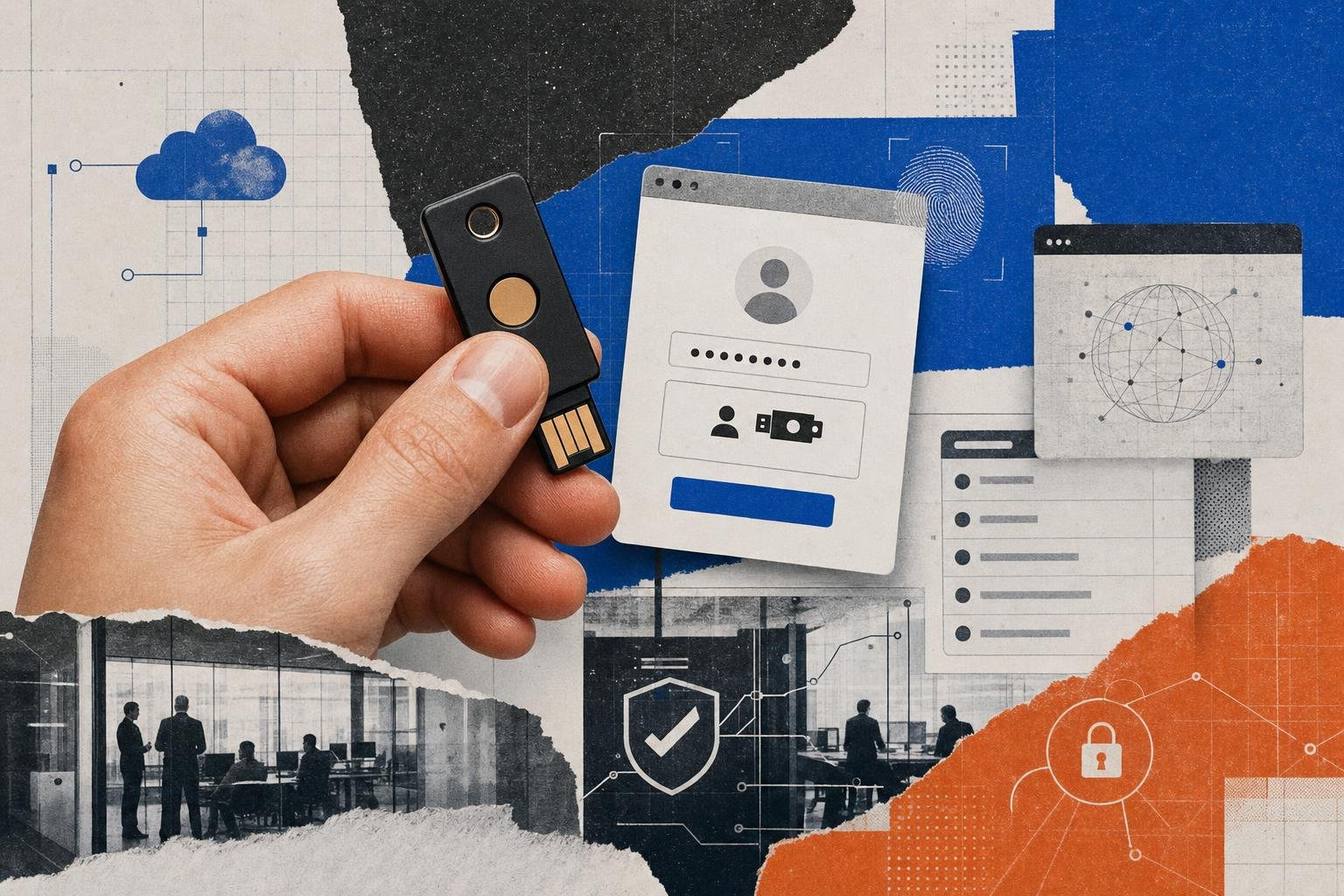
- Hardware Security Keys: USB, NFC, or Bluetooth devices (such as EveryKey) that perform local cryptographic operations.
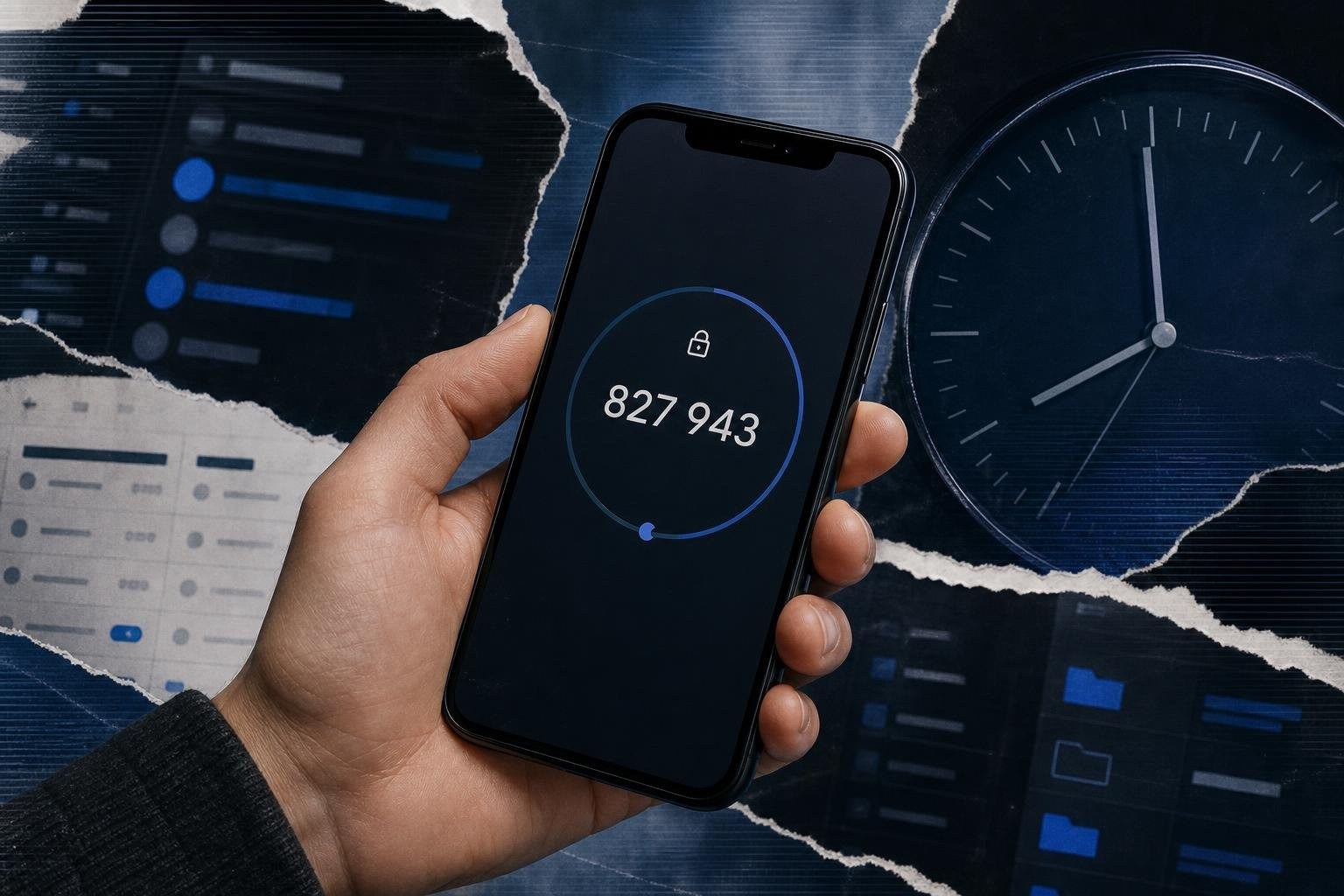
- Software-Based Authenticators: Mobile applications that generate Time-Based One-Time Passwords (TOTP) or receive push notifications. To understand why these are a critical baseline, read Why Every Online Account Needs a Multi-Factor Authentication App.
- Smart Cards: Physical badges containing embedded microchips used extensively in government and defense sectors.
3. Inherence (Something You Are)
This refers to biological characteristics unique to the individual. It includes fingerprints, facial geometry, iris scans, and voice biometrics.
Modern inherence verification does not send your raw fingerprint or face scan over the internet to a central server—a common security misconception. Instead, modern devices use local hardware enclaves (like Apple's Secure Enclave or Android's Titan M chip) to process the biometric data locally, releasing a secure cryptographic token to the requesting application only after a local match is verified.
Location and Behavior: What Modern Multi Factor Authentication Means for Contextual Security
To combat sophisticated, automated attacks, modern Identity and Access Management (IAM) platforms leverage two additional contextual factors. For a broader look at how these modern factors fit into a holistic security strategy, see our Multi-Factor Authentication: Your Complete Guide to Enhanced Security.
4. Location (Somewhere You Are)
This factor verifies the physical location of the login attempt. It uses GPS coordinates from a mobile device, cellular triangulation, or the source IP address.
A primary use case is detecting impossible travel velocity. If an employee logs in from an office in Chicago, and ten minutes later an access request for the same account originates from an IP address in Lagos, the system flags the attempt as anomalous and blocks access or demands a step-up cryptographic challenge.
5. Behavior (Something You Do)
This factor analyzes the unique ways a human interacts with technology. It measures keystroke dynamics (the rhythm and speed of typing), mouse movement patterns, and navigation habits.
If an automated bot attempts to enter credentials, its mechanical speed and linear mouse trajectories instantly fail behavioral profiling, even if the bot somehow possesses the correct password.
By ingesting these signals, modern identity providers can assign a real-time contextual risk score to every login attempt. If the risk score is low (e.g., logging in from a known corporate laptop on the office Wi-Fi during normal business hours), the user experiences a frictionless login. If the risk score spikes (e.g., logging in from a new device in a foreign country at 3:00 AM), the system dynamically enforces additional, highly secure authentication factors.
MFA vs. 2FA vs. Passwordless: Understanding the Architectural Differences
While these terms are often used interchangeably in marketing materials, they represent distinct architectural approaches to identity security.
| Security Architecture | Factors Required | Typical Use Case | Primary Vulnerability |
|---|---|---|---|
| Two-Factor (2FA) | Exactly two factors (usually password + SMS/TOTP code). See our Best 2 Factor Authenticator Guide 2026. | Basic consumer accounts, legacy enterprise portals. | Phishing (AiTM), SIM swapping, session hijacking. |
| Multi-Factor (MFA) | Two or more factors, often incorporating location or behavior. | Enterprise IAM, privileged administrative access. | MFA fatigue, legacy protocol bypass. |
| Passwordless | Zero passwords. Relies on possession (hardware key/device) + inherence (biometrics). | Modern Zero Trust organizations, FIDO2/WebAuthn. | Physical theft of device paired with PIN compromise. |
- Two-Factor Authentication (2FA): 2FA is a specific subset of MFA. It requires exactly two proofs of identity. The classic implementation is entering a password (knowledge) and typing in a 6-digit code sent via SMS or generated by an app (possession).
- Multi-Factor Authentication (MFA): MFA is the broader umbrella. It can require two, three, or more factors. For high-privilege actions (like modifying database schemas), an enterprise might require a password, a hardware key gesture, and confirmation that the user is logging in from an approved corporate IP range.
- Passwordless Authentication: This represents a major shift in identity security. Passwordless does not mean "security-less." Instead, it eliminates the most vulnerable factor—the password—entirely.
Passwordless relies heavily on the FIDO2 and WebAuthn standards. When a user logs in, their browser communicates directly with a local possession factor, such as an EveryKey device or a platform authenticator (Windows Touch ID). The user performs a local gesture (a fingerprint scan or PIN entry).
This gesture unlocks a private cryptographic key stored securely on the hardware, which signs a challenge sent by the server. Because there is no shared secret (password) stored on a remote server, there is nothing for an attacker to steal, leak, or phish.
Threat Mitigation: How MFA Defends Against Modern Attack Vectors
Implementing MFA is the single most effective control an organization can deploy to prevent unauthorized access.
To understand how these defenses map to real-world corporate environments, explore our Multi-Factor Authentication Use Cases: The Complete Guide to Modern Identity Security.
MITRE ATT&CK Mapping
By enforcing MFA, organizations directly disrupt several key techniques in the MITRE ATT&CK framework:
- Brute Force (T1110): Automated password guessing tools are rendered useless. Even if an attacker successfully guesses a complex password, they cannot proceed past the secondary authentication prompt.
- Credentials from Password Stores (T1555): If an attacker compromises a local database of passwords or extracts them from a browser's credential store via infostealer malware, those credentials cannot be used to establish a session from an untrusted device without the secondary factor.
Phishing-Resistant MFA: The Gold Standard
Not all MFA is created equal. Traditional methods, such as SMS codes, email verification links, and standard push notifications, are vulnerable to Adversary-in-the-Middle (AiTM) phishing.
In an AiTM attack, the phisher hosts a proxy server between the victim and the legitimate service. When the victim enters their password and their 6-digit TOTP code, the proxy intercepts both and immediately passes them to the real service, establishing an authorized session for the attacker.
The only definitive defense against this is phishing-resistant MFA, which is natively supported by modern FIDO2/WebAuthn standards.
During a FIDO2 login, the cryptographic exchange is bound to the specific domain name (e.g., login.microsoftonline.com) visible in the user's browser. If the user is tricked into visiting a phishing domain (e.g., login.micros0ftonline.com), the hardware security key or passkey detects the domain mismatch and refuses to release the cryptographic signature. The attack fails automatically, without requiring any security awareness from the user.
For further reading on how these mechanics integrate with enterprise platforms, refer to the Microsoft Security MFA Guide.
For small and medium-sized businesses (SMBs) with limited budgets, implementing even basic MFA across all external-facing portals is the single most cost-effective security baseline available, stopping over 99% of automated, opportunistic cyberattacks.
Vulnerabilities and Bypass Techniques: The Weak Links in MFA
While MFA is highly effective, it is not an silver bullet. Highly motivated threat actors have developed sophisticated techniques to bypass secondary authentication layers.
For a deep dive into these attack vectors and how to secure them, read our Understanding Multi-Factor Authentication Vulnerabilities: A Comprehensive Guide.
1. MFA Fatigue (Push Bombing)
This attack exploits human psychology. If an attacker has compromised an employee's password, they can trigger dozens of push notification requests to the employee's authenticator app in rapid succession—often in the middle of the night.
Eventually, out of frustration, confusion, or sheer exhaustion, the employee taps "Approve." This technique was successfully used to breach high-profile targets like Uber and Cisco.
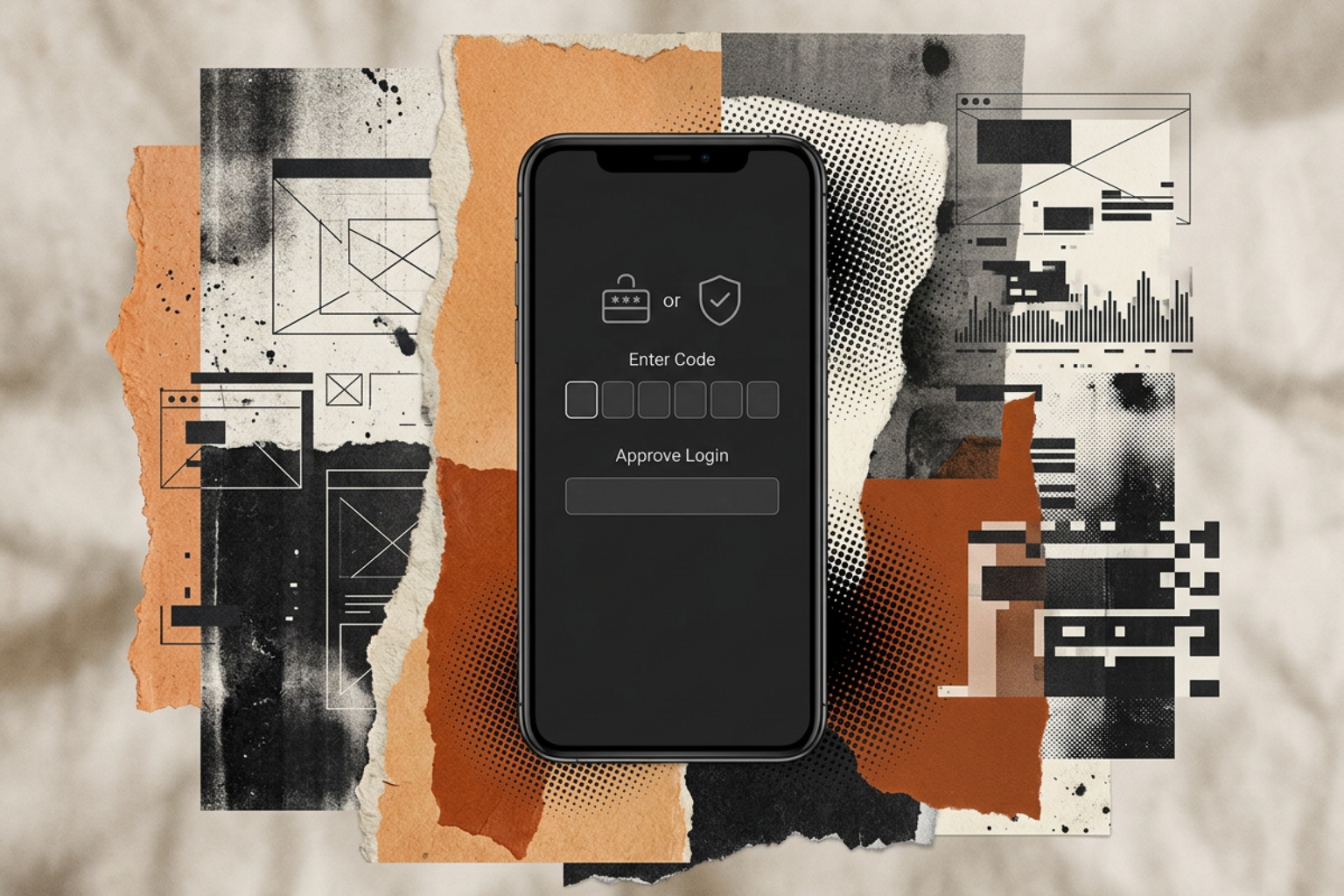
- Mitigation: Implement number matching (or context matching). Instead of a simple "Approve/Deny" prompt, the login screen displays a random two-digit number. The user must physically type that exact number into their authenticator app to complete the login, rendering blind approvals impossible.
2. Telecommunication Vulnerabilities
SMS and voice-based MFA are highly vulnerable to interception due to structural weaknesses in the global telecom infrastructure:
- SIM Swapping: An attacker uses social engineering to trick a mobile carrier's customer service representative into porting the victim's phone number to a SIM card owned by the attacker. Once successful, all SMS verification codes are delivered straight to the attacker's device.
- SS7 Interception: Exploiting flaws in the Signaling System No. 7 (SS7) routing protocol used by global telecom networks, sophisticated state-sponsored actors or advanced cybercriminals can intercept SMS traffic silently at the network level.
Because of these vulnerabilities, NIST SP 800-63B has officially classified SMS and voice-call codes as "restricted authenticators," advising organizations to migrate away from them as quickly as possible.
3. Session Hijacking (Pass-the-Cookie)
Session hijacking bypasses MFA entirely by ignoring the login process. When you log into an application using MFA, the server issues a session cookie to your browser so you do not have to re-authenticate with every click.
If an attacker infects your machine with infostealer malware (such as RedLine or Lumma), they can steal these active session cookies directly from your browser's memory. The attacker then imports these cookies into their own browser, allowing them to hijack your active session without ever needing to enter a password or trigger an MFA prompt.
- Mitigation: Implement short session lifetimes, bind session cookies to specific device identities (using hardware-bound tokens), and employ continuous behavioral monitoring to detect unexpected changes in IP address or browser fingerprinting during an active session.
Implementation Best Practices and Zero Trust Alignment
To successfully deploy MFA without causing user revolt or leaving security gaps, organizations should align their identity strategy with the core principles of a Zero Trust Architecture.
Under Zero Trust, the guiding rule is "never trust, always verify." Access is never granted permanently based on a single successful login. Instead, authentication must be continuous, contextual, and strictly limited by the principle of least privilege.
To plan your deployment, you can study the fundamental concepts on the Cloudflare MFA Learning page, or review cloud-specific architectures via the AWS MFA Explained guide.
Additionally, we have compiled a detailed breakdown of different authentication methods and their relative security baselines in our guide on the Common Mode of Two-Step Authentication Methods Security Levels and Best Practices.
When designing your rollout, use this three-step decision framework:
- Audit and Inventory: Identify every application, VPN, remote desktop portal, and cloud service used across your organization. Any system that does not support MFA must be isolated, upgraded, or replaced.
- Enforce Phishing Resistance for Privileged Roles: While software-based TOTP apps are a reasonable baseline for general employees, high-value targets (IT administrators, executives, financial staff) should be transitioned to phishing-resistant hardware keys or passkeys.
- Deploy Adaptive Policies to Balance Friction: Do not bomb users with MFA prompts for every minor action. Use risk-based policies. If an employee is working on a managed corporate laptop within the office network, allow them to log in with minimal friction. Force strict cryptographic MFA challenges only when they attempt high-risk actions or log in from unusual locations.
Frequently Asked Questions About Multi-Factor Authentication
Is SMS-based MFA still considered secure?
No, SMS-based MFA is no longer considered secure for enterprise environments or high-value personal accounts. It is highly vulnerable to SIM swapping, social engineering, and SS7 network interception.
While SMS-based MFA is still marginally better than relying on a password alone, organizations should actively migrate users toward authenticator apps, hardware security keys, or platform-based passkeys.
To learn more about securing your accounts in high-threat environments, read Two-Factor Verification: Strengthening Account Security in a High Threat World.
What is the difference between MFA and two-step verification?
The difference lies in the independence of the factors. Two-step verification simply means there are two steps in the login process, but they may use the same type of factor (e.g., entering a password and answering a security question, both of which are knowledge factors).
True multi-factor authentication requires the presentation of credentials from completely different categories (e.g., something you know paired with something you have).
For a complete breakdown of this distinction, see our guide on Factor Authentication: The Key to Modern Account Security.
How does adaptive MFA improve user experience without sacrificing security?
Adaptive MFA uses machine learning and business rules to evaluate contextual risk signals—such as the user's IP address, physical location, device health, and time of access—before prompting for authentication.
If the login attempt matches the user's typical behavioral profile, the secondary prompt is bypassed, reducing friction. If any anomalous signals are detected, the system automatically demands step-up verification.
To see how adaptive authentication works in modern enterprise setups, check out Auth 2FA: Securing Digital Access in the Modern Age.
Conclusion
As the threat landscape continues to evolve, relying on static passwords to protect enterprise networks is no longer just a security risk—it is a liability. Modern threat actors have industrialized credential theft, making robust identity verification the cornerstone of any modern security program.
Transitioning your organization to phishing-resistant, hardware-backed authentication is the most decisive action you can take to mitigate threat actor TTPs.
This is where physical proximity-based authenticators like EveryKey play a critical role. EveryKey fits naturally into a modern Identity and Access Management (IAM) framework by serving as a physical possession factor that automatically unlocks your devices and logs you into applications as you approach them, and locks them when you walk away. By combining proximity-based convenience with robust cryptographic standards, it delivers phishing-resistant security without introducing the user friction that often derails enterprise security rollouts.
If you are ready to evaluate your organization's identity security posture and choose the right ecosystem for your needs, read our comprehensive Best Identity Access Management Solution of 2026 buyer's guide.
For continuous updates on threat intelligence, IAM best practices, and practical toolkits, visit the Unlocked Homepage or Sign Up for Unlocked to join our community of security practitioners.