The Essential Guide to Your 2 Factor Authenticator
Everything you need to choose and configure a 2 factor authenticator: from how TOTP codes are generated to comparing cloud-synced apps, hardware tokens, and when to migrate to FIDO2 passkeys.

Why Every Account Needs a 2 Factor Authenticator Right Now
A 2 factor authenticator is a security tool — app, hardware token, or browser extension — that generates a second proof of identity beyond your password, typically a short-lived numeric code, to verify that the person logging in is actually you.
Quick answer:
| Topic | Simple explanation |
|---|---|
| What a 2 factor authenticator is | A tool that adds a second proof of identity when you sign in |
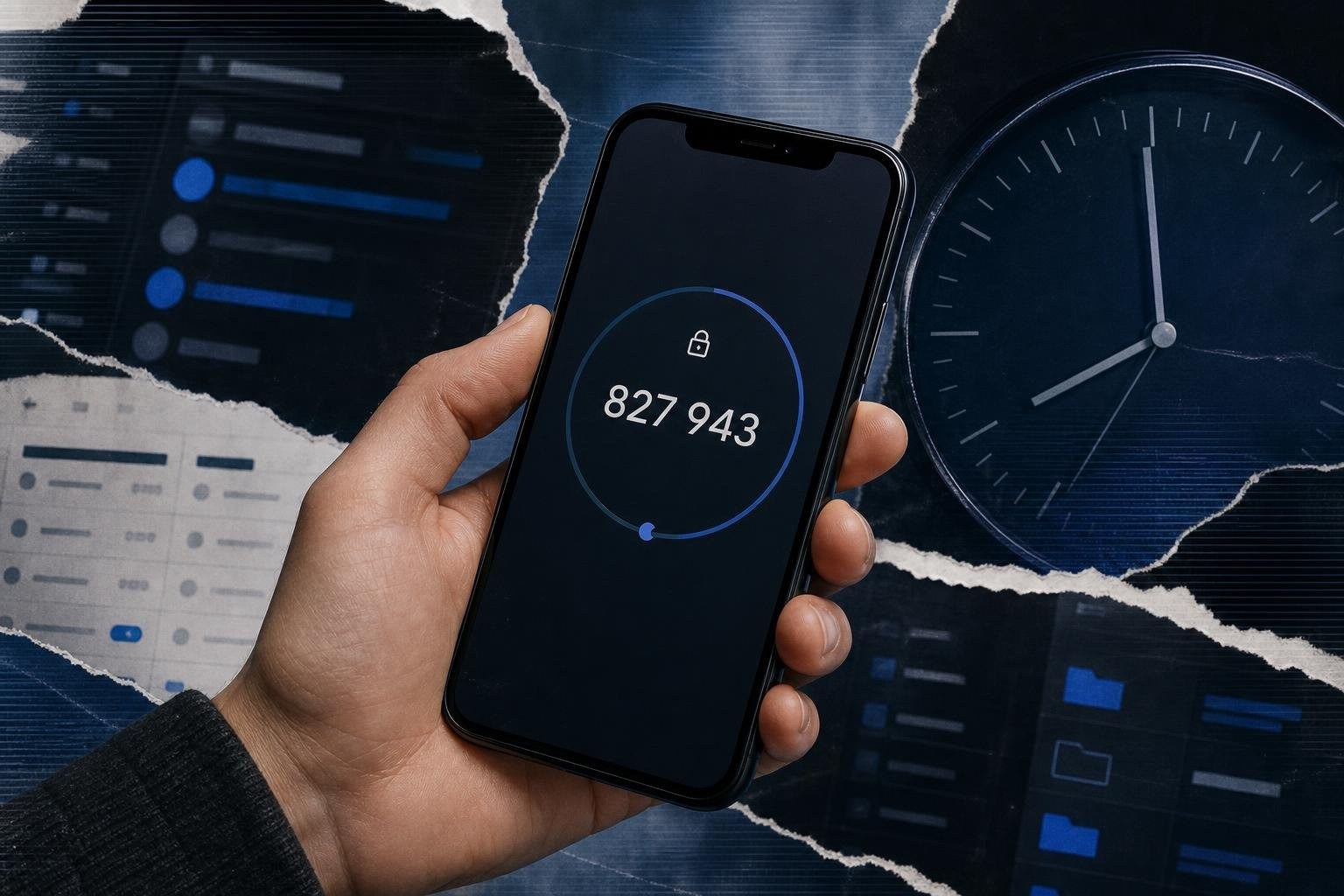
| How it works | It usually creates a short-lived 6-digit code from a shared secret, often refreshing every 30 seconds |
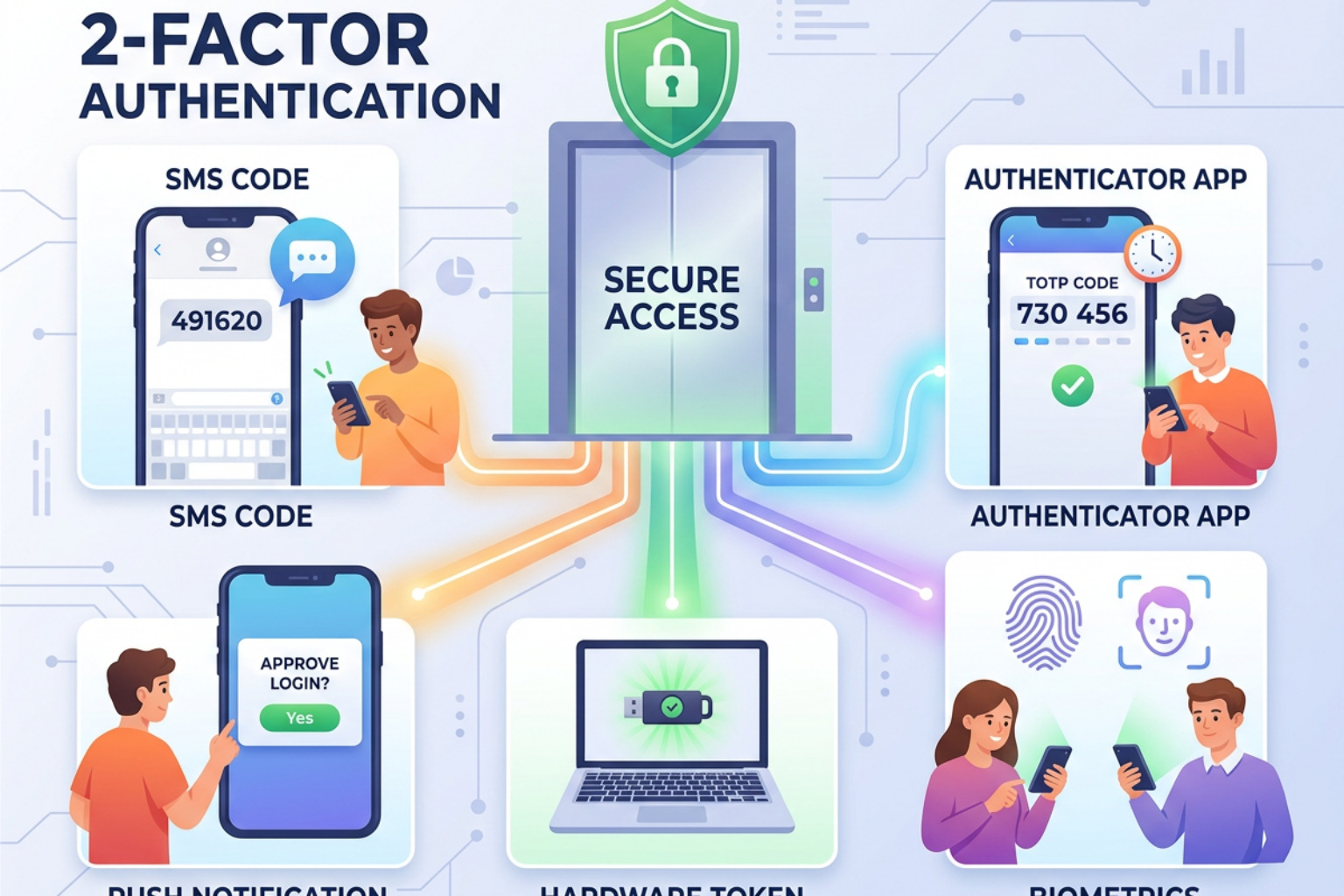
| Common 2FA methods | Authenticator apps (TOTP), SMS codes, hardware security keys, and push approvals |
| Why it matters | It helps block account takeovers when someone knows your password but does not have your second factor |
| Popular authenticator apps | Google Authenticator, Microsoft Authenticator, 2FAS, Bitwarden Authenticator, Authy, and EveryKey |
Passwords alone are no longer enough. More than 20 billion email and password pairs are circulating on criminal markets right now. Google's 2023 Threat Horizons Report found that 86% of breaches involved stolen credentials. When a password is compromised — through phishing, reuse, or a third-party breach — the only thing standing between an attacker and full account access is a second factor.
This was demonstrated clearly in the June 2024 Snowflake data breach, where attackers used harvested credentials to access customer tenants. The common thread across hundreds of impacted accounts: no multi-factor authentication was enforced. The incident became a case study in what credential stuffing looks like at scale against unprotected environments.
NIST SP 800-63B defines authenticator assurance levels precisely because not all second factors are equal. An SMS code and a hardware FIDO2 key both count as "something you have" — but their resistance to interception and phishing is orders of magnitude apart.
This guide covers the full technical and operational picture: how authenticator algorithms work, how to evaluate deployment models, where common implementations fail, and how the industry is moving toward phishing-resistant standards like passkeys and WebAuthn.
Technical Architecture of a 2 Factor Authenticator
To understand how a 2 factor authenticator operates, we must look at the mathematical handshake between the service (the "Prover") and the app (the "Verifier"). Most modern apps rely on the Time-based One-Time Password (TOTP) algorithm, standardized in RFC 6238.
Understanding the Shared Secret
When you scan a QR code during setup, you are actually transferring a "shared secret" (Key K). This key is a Base32 encoded string that stays stored on your device and on the service's server. To generate a code, the app takes this secret and combines it with the current time.
The formula looks roughly like this: OTP = HMAC-SHA1(K, T)
Where T is the number of time-steps (usually 30-second intervals) that have passed since the Unix epoch (January 1, 1970). Because both your phone and the server agree on the time and the secret key, they both arrive at the same 6-digit number simultaneously. This mechanism is explored further in our guide on Two Factor Verification Strengthening Account Security In A High Threat World/.
Understanding TOTP vs. HOTP in a 2 Factor Authenticator
While TOTP is the industry standard for apps, some legacy systems or hardware tokens use RFC 4226, known as HMAC-based One-Time Password (HOTP).
- TOTP (Time-based): Codes expire every 30 to 60 seconds. This is generally more secure because it limits the window for an intercepted code to be used. However, it requires the device and server clocks to be synchronized.
- HOTP (Counter-based): Codes change only when you press a button or attempt a login. The code remains valid until it is used or until a newer code is generated. This is useful for hardware tokens that don't have internal clocks but creates a risk if the counter on the device gets too far ahead of the server (counter drift).
Managing these methods requires a balance of security and user experience, as detailed in our analysis of Common Mode Of Two Step Authentication Methods Security Levels And Best Practices.
Cryptographic Implementation and Local Encryption
A high-quality 2 factor authenticator doesn't just store your secrets in plain text. Modern apps like Bitwarden Authenticator use AES-256 encryption to protect the local database. On mobile devices, these encryption keys are often stored in hardware-backed environments:
- iOS: The Secure Enclave.
- Android: The Android Keystore system.
By using 256-bit device-specific keys, these apps ensure that even if someone gains physical access to your phone, they cannot easily extract the underlying shared secrets without your biometric or PIN unlock.
Comparative Analysis of Authenticator Deployment Models
Choosing a 2 factor authenticator involves weighing convenience against the "blast radius" of a potential compromise.
| Model | Examples | Pros | Cons |
|---|---|---|---|
| Local-Only | Early Google Authenticator | Maximum isolation; no cloud risk | Lose the phone, lose the codes |
| Cloud-Synced | Authy, Microsoft Authenticator | Easy migration to new devices | Sync account becomes a single point of failure |
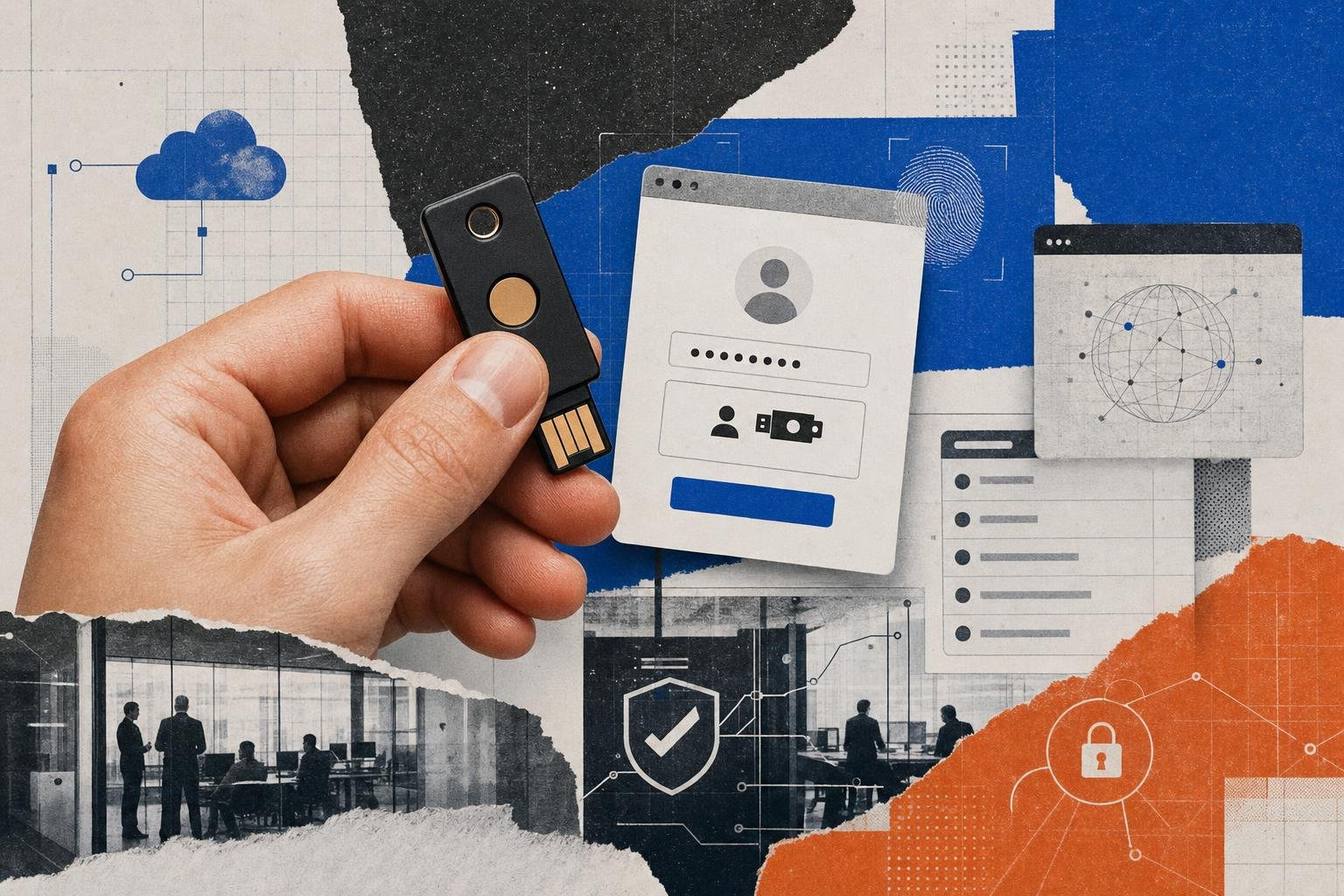
| Hardware-Bound | YubiKey, Titan Key | Phishing-resistant; physical possession | Physical port required; easy to lose |
For many, the shift toward Alternatives To Google Authenticator For Multi Factor Authentication In 2026/ is driven by the need for better backup options.
Enterprise Integration and Push-Based MFA
In corporate environments, IT teams often deploy the Microsoft Authenticator. This app goes beyond simple TOTP codes by supporting Push Notifications. Instead of typing a code, you simply tap "Approve."
To combat "MFA Fatigue" — where users blindly tap "Approve" because an attacker is spamming them with requests — modern systems use number matching. The login screen shows a two-digit number, and the user must type that specific number into the app. This ensures the user is physically present and looking at the login screen. Furthermore, Microsoft Authenticator supports certificate-based authentication (CBA) to verify that the device itself is managed by the organization.
Privacy-First and Open-Source Solutions
For privacy-conscious users, apps like 2FAS or the Bitwarden Authenticator offer a "zero-knowledge" approach. Many of these tools are open-source, meaning the code is available on GitHub for public auditing. This transparency ensures there are no hidden backdoors or data-harvesting scripts. If you are looking for the Best Authy Alternatives For Secure Two Factor Authentication/, prioritizing open-source builds is a significant step toward verifiable security.
Security Vulnerabilities and Mitigation Strategies
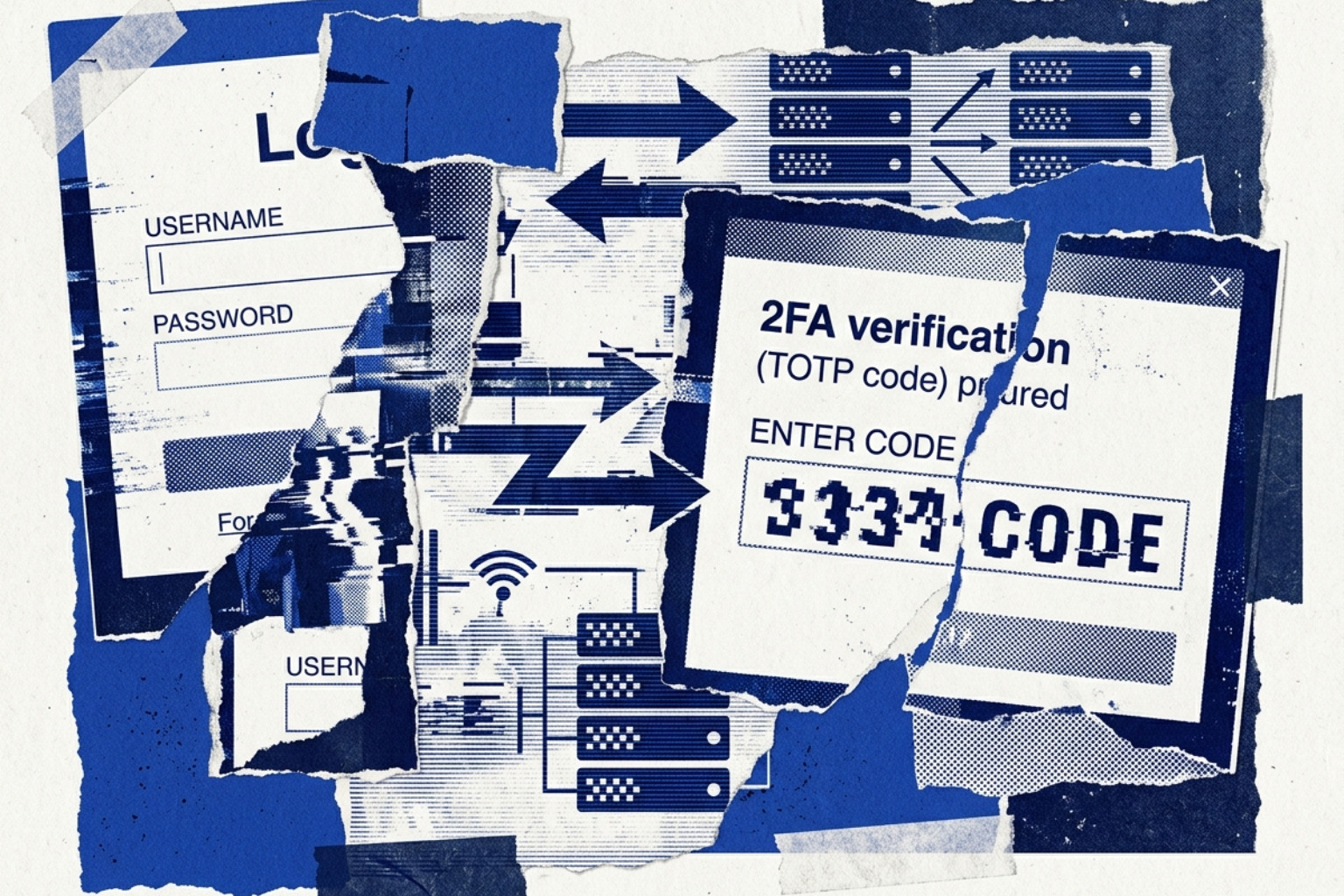
Despite the strength of a 2 factor authenticator, it is not a silver bullet. Attackers have developed sophisticated methods to bypass these layers.
- Adversary-in-the-Middle (AitM): Tools like Evilginx2 act as a proxy. When you land on a fake login page, it forwards your password and your TOTP code to the real service in real-time. Once the attacker has your session cookie, they can bypass MFA entirely.
- Session Hijacking / Pass-the-Cookie: Attackers use malware to steal the "session token" from your browser. Since you've already authenticated, the server thinks the attacker is you, and no 2FA prompt is triggered.
- SIM Swapping: While not an app vulnerability, this affects users relying on SMS. An attacker convinces your mobile carrier to move your phone number to their SIM card, allowing them to intercept SMS-based 2FA codes.
Understanding these Multi Factor Authentication Vulnerabilities is essential for any CISO or security engineer.
Why App-Based 2 Factor Authenticator Methods Outperform SMS
Security experts and NIST SP 800-63B have moved toward deprecating SMS for high-assurance environments. SMS relies on the SS7 signaling protocol, which is notoriously insecure and susceptible to interception at the carrier level.
Apps are superior because they generate codes locally. There is no signal to intercept in transit. As we argue in Why Every Online Account Needs A Multi Factor Authentication App/, moving away from telephony-based 2FA is one of the single most effective upgrades an individual or enterprise can make.
Defending Against MFA Fatigue and Social Engineering
The Verizon 2024 Data Breach Investigations Report highlighted that 68% of breaches still involve the "human element." This includes "push bombing," where an attacker triggers dozens of push notifications until a frustrated employee finally hits "Accept."
Mitigation strategies include:
- Implementing strict rate-limiting on MFA requests.
- Enforcing number-matching or biometric verification for every push.
- Educating staff that a 2 factor authenticator code should never be shared over the phone or via email.
Implementation and Lifecycle Management
Setting up a 2 factor authenticator is only the first step. The real challenge is managing the lifecycle of that credential, especially when hardware fails or is replaced.
Migration and Device Transfer Protocols
Most users fear losing their phone and being locked out of their digital life. To prevent this, apps offer several recovery paths:
- Google Authenticator: Now allows you to sync codes to your Google Account. You can also Get verification codes with Google Authenticator and use the "Transfer accounts" QR code to move them manually to a new device.
- Encrypted Backups: Apps like Authy or 2FAS allow for encrypted cloud backups. However, this creates a "circular dependency": if you need the app to log into your cloud account to get the backup, you might be stuck.
- Recovery Codes: When you enable 2FA on a site (like Google or Epic Games), they provide one-time use recovery codes. Store these in a physical safe or an offline password manager.
For a deeper dive into setup, see our guide on the Authenticator App: The Secure Modern Way To Protect Your Online Accounts/.
The Shift Toward Passkeys and FIDO2
The industry is currently transitioning from TOTP to passkeys. Based on the FIDO2 and WebAuthn standards, passkeys replace the password/2FA combo with a single cryptographic key stored on your device.

Passkeys are inherently phishing-resistant because the credential is tied to the specific domain (e.g., accounts.google.com). An AitM proxy cannot trick your device into signing a request for a fake domain. This transition from "something you have" (a code) to "something you are" (biometrics) or "something you have" (the physical device) is a major leap in How Bluetooth Mfa Devices Are Changing The Multi Factor Authentication Game/.
Frequently Asked Questions about 2FA
How do I recover access if I lose my 2FA device?
If you didn't enable cloud sync, you must use the Backup Codes provided during initial setup. If you don't have those, you will likely need to go through the service provider's manual identity verification process, which can take days and may require photo ID.
Can a 2 factor authenticator work without an internet connection?
Yes. Because TOTP is based on the shared secret and the time, your phone does not need Wi-Fi or cellular data to generate a valid 6-digit code. This is one of the primary advantages over SMS or email-based methods.
Is cloud syncing 2FA codes secure for enterprise use?
It depends on the threat model. While cloud syncing prevents lockout (availability), it increases the risk that a compromised cloud account could expose all 2FA seeds (confidentiality). For high-security roles, local-only or hardware-bound tokens are still the gold standard.
Pick Your Authenticator and Enable MFA Everywhere
In May 2026, the question is no longer if you should use a 2 factor authenticator, but which one fits your security needs. As identity becomes the new perimeter, relying on a single password is a recipe for disaster. Whether you choose the simplicity of Google Authenticator, the enterprise features of Microsoft, or the open-source transparency of 2FAS, the goal remains the same: defense-in-depth.
By implementing app-based 2FA and preparing for the shift toward phishing-resistant passkeys, you can effectively neutralize the threat of stolen credentials. Stay informed, stay backed up, and ensure your identity remains yours alone. For more, explore our Multi Factor Authentication Your Complete Guide To Enhanced Security/.