
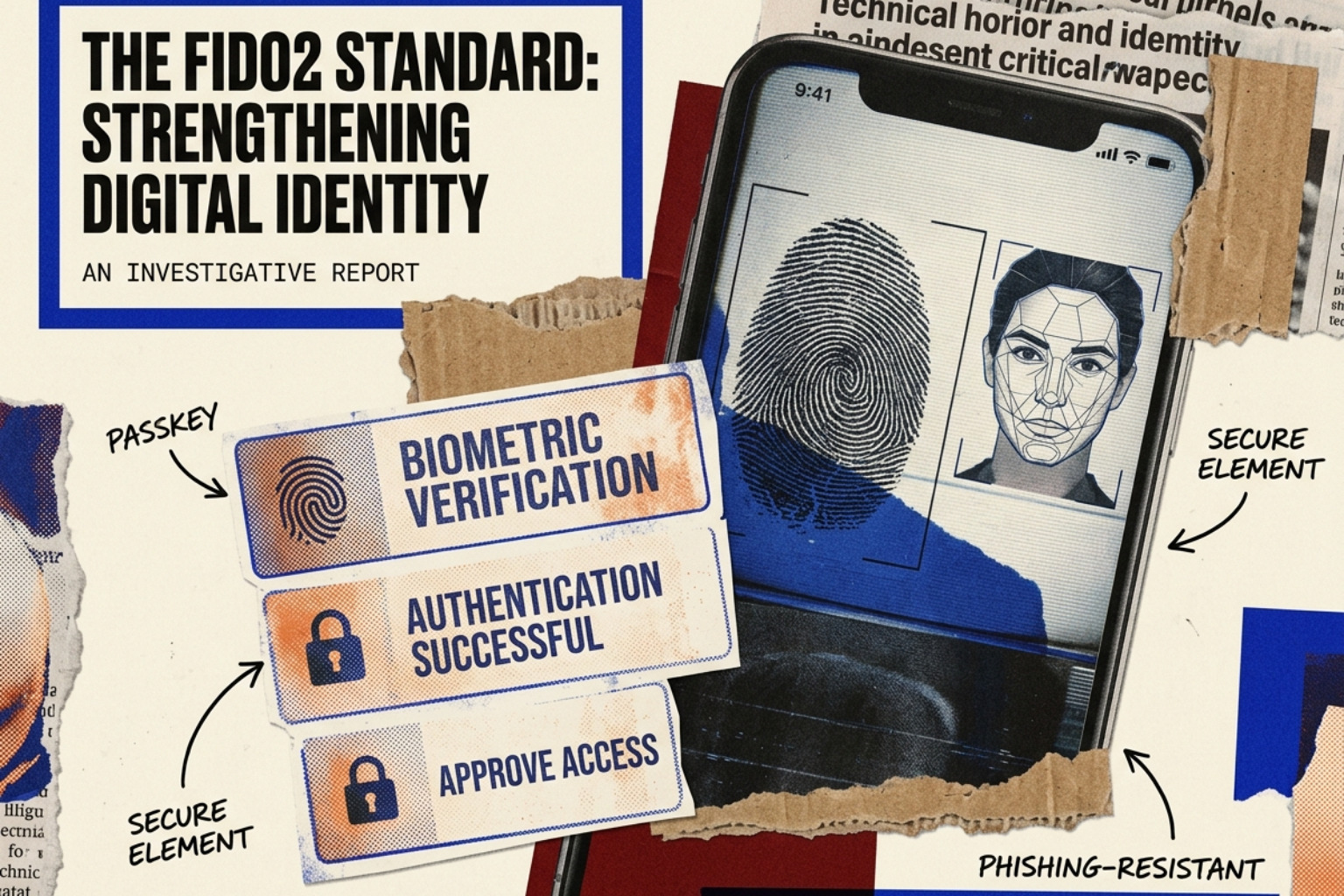
Stop Forgetting Your Password with Passwordless Sign In
Passwordless sign in replaces shared secrets with cryptographic keys — making phishing, credential stuffing, and brute force attacks obsolete. Here's how it works and how to deploy it.

Why Passwords Are Failing — and What Passwordless Sign In Fixes
Passwordless sign in is exactly what it sounds like: logging into an account without typing a password. Instead, you verify your identity using something you have (your device) or something you are (your fingerprint or face).
Quick answer — how passwordless sign in works:
| Method | How you verify | Example |
|---|---|---|
| Passkey | Device + biometric or PIN | Face ID, fingerprint, Windows Hello |
| Magic link | Click a link sent to your email | One-tap email login |
| One-time code (OTP) | Enter a short code via SMS or email | 6-digit code to your phone |
| Hardware security key | Physical key you plug in or tap | YubiKey, FIDO2 key |
The numbers behind password-based auth are alarming. Microsoft alone detects over 7,000 password attacks every second — roughly 18 billion incidents per year. And the problem isn't just attackers. It's us. More than two-thirds of users recycle passwords across accounts. Fifteen percent use their pet's name as inspiration. One in ten admit to reusing the same password across multiple sites.
The result? Passwords are simultaneously the most common security control and the most commonly exploited one.
Passwordless methods cut this attack surface almost entirely. There's no password to phish, guess, or stuff into a credential attack. Your private key never leaves your device. The server never stores a shared secret.
By May 2026, this isn't a niche concept anymore. Microsoft has made all new accounts passwordless by default. Over 99% of Microsoft Windows users already sign in via Windows Hello. The FIDO Alliance's standards now underpin sign-in flows for approximately 15 billion user accounts globally.
This guide explains how passwordless authentication works technically, what the real-world tradeoffs are, and how to deploy it — whether you're a CISO planning an enterprise rollout or a sysadmin figuring out where to start.
The Evolution of Passwordless Sign In
For decades, the "shared secret" (the password) was the gold standard. But as computing power grew, so did the ease of brute-forcing these secrets. The industry responded with Multi-Factor Authentication (MFA), but traditional MFA—like SMS codes—is still vulnerable to SIM swapping and sophisticated phishing.
The real shift began with the FIDO2 standard. FIDO2, which includes the Web Authentication (WebAuthn) API, moved the industry toward asymmetric cryptography. Instead of the user and the server both knowing the same password, the user holds a "private key" on their device, and the server holds a "public key."
Regulatory bodies have taken note. The NIST SP 800-63B guidelines now emphasize "verifier impersonation resistance," a fancy way of saying phishing resistance. Because the browser and the hardware device verify the origin of the login request, a user cannot accidentally "give" their passkey to a fake website. This is the core of why the future is passwordless.
Technical Frameworks: Passkeys and Biometrics
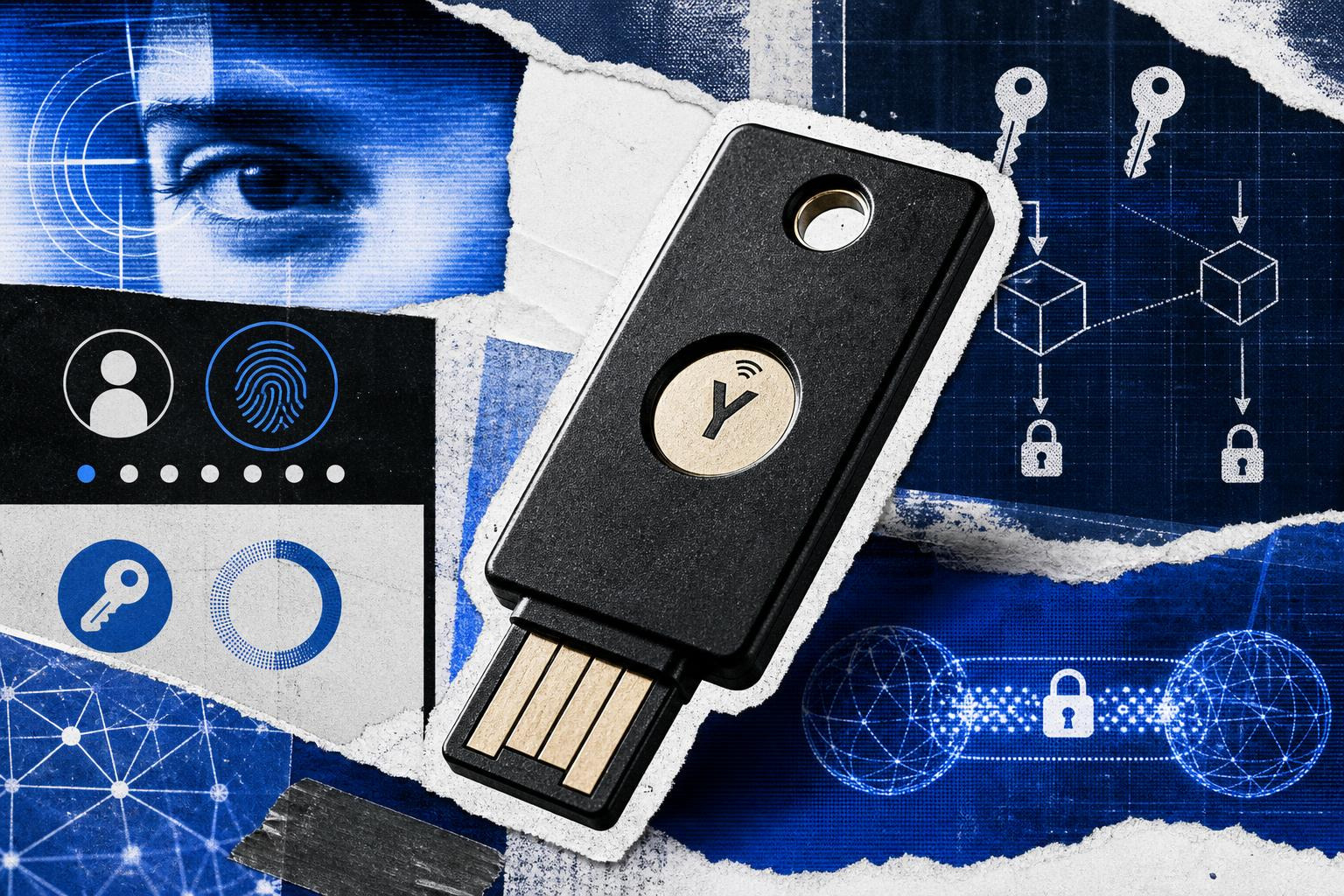
At the heart of modern passwordless sign in is public-key cryptography. When a user registers a device, a key pair is generated. The private key is secured by the device’s hardware—such as a Trusted Platform Module (TPM) or a Secure Enclave—and never leaves that environment.
The communication between the device and the server happens via the Client to Authenticator Protocol (CTAP). This protocol allows an external device (like a phone or a YubiKey) to talk to a PC or laptop to confirm the user's identity. This creates a "device-bound" credential that is virtually impossible to replicate remotely. For a deeper look at how these identities are managed in the cloud, Ory's documentation provides excellent technical blueprints for implementing WebAuthn.
Leveraging Passkeys for Passwordless Sign In
Passkeys are the consumer-friendly evolution of FIDO2 credentials. Managed by the FIDO Alliance, passkeys solve the biggest hurdle to passwordless adoption: device dependency.
In the early days of FIDO, if you lost your phone, you lost your "key." Today, passkeys can synchronize across ecosystems. If you create a passkey on an iPhone, it syncs to your iCloud Keychain. If you create one on an Android device, it lives in your Google Password Manager. This cross-platform synchronization ensures that passkeys are both safer and simpler than the passwords they replace. They are roughly 4x faster to use because there is nothing to remember or type.
Biometric Integration and Windows Hello
Biometrics serve as the "local unlock" for the cryptographic key. When you scan your face or fingerprint, you aren't sending that biometric data to the server. Instead, the biometric match tells the local hardware (like a TPM 2.0 chip) that it is okay to release the private key to sign the login challenge.
This approach has seen massive enterprise success. Within the Microsoft Entra ID (formerly Azure AD) ecosystem, over 150 million users were already utilizing these methods as far back as 2020. Today, passwordless authenticators represent the most secure tier of Identity and Access Management (IAM), leveraging built-in OS features to provide a frictionless experience.
Strategic Benefits for Modern Enterprises

For organizations, the move to passwordless sign in isn't just about security—it's about the bottom line. Password-related helpdesk tickets (resets, lockouts) can account for nearly 30% to 50% of IT support costs. By removing the password, organizations see a significant reduction in Total Cost of Ownership (TCO).
Beyond costs, the benefits for businesses include:
- Reduced Friction: Users log in up to 4x faster, increasing productivity and reducing "login fatigue."
- Phishing Immunity: Since there is no password to enter into a fake form, the primary vector for 90% of data breaches is neutralized.
- Compliance: Meeting modern cyber insurance requirements and zero-trust mandates often requires phishing-resistant MFA, which passwordless provides natively.
Implementation Challenges and Legacy Support
Transitioning to passwordless sign in isn't without its hurdles. Not every piece of software was built for the 2026 landscape. Many legacy protocols and applications still rely on the "username/password" flow.
Common sticking points include:
- Legacy Mail Protocols: IMAP and POP3 do not natively support WebAuthn. Users often still need "app passwords" for older mail clients or security cameras.
- On-Prem Infrastructure: Traditional RADIUS and LDAP setups often struggle with passwordless users.
- Developer Integration: While tools like Auth0 offer extensive APIs for magic links and SMS OTPs, integrating these into custom-built legacy apps can require significant refactoring.
Managing Fallbacks and Account Recovery
What happens if a user drops their phone in the ocean? In a passwordless world, account recovery is the "Achilles' heel" if not handled correctly.
The best practice is to move away from "secret questions" (which are easily researched) toward identity proofing. Organizations often use a Temporary Access Pass (TAP)—a time-limited, one-time-use code that allows a user to register a new device. Additionally, combining password managers with passkeys provides a robust secondary layer, where the password manager acts as a cross-platform vault for the digital keys.
Securing the Passwordless Sign In Workflow
Security professionals must guard against "MFA fatigue" or session hijacking. Even in a passwordless environment, an attacker might try to intercept a session cookie after the user has authenticated.
To mitigate this, many top login solutions now use progressive enrollment. This prompts users to enroll their biometrics only when they are on a trusted device, reducing friction while ensuring that the most secure method is always the default.
Security Comparison: Passwords vs. Passwordless
The sheer volume of attacks makes the case for passwordless better than any marketing pitch. Microsoft tracks 579 password attacks every second—that’s 18 billion incidents annually.
| Attack Vector | Traditional Password | Passwordless (Passkeys/FIDO2) |
|---|---|---|
| Phishing | Highly Vulnerable | Immune (Origin Bound) |
| Credential Stuffing | Highly Vulnerable | Not Applicable (No Shared Secret) |
| Brute Force | Vulnerable | Immune (Cryptographic Challenge) |
| Man-in-the-Middle | Vulnerable | Resistant (Channel Binding) |
| Keylogging | Highly Vulnerable | Immune (No Keyboard Entry) |
Frequently Asked Questions about Passwordless Authentication
Is passwordless authentication more secure than MFA?
Yes, specifically when using FIDO2/WebAuthn. While traditional MFA adds a second layer, it often relies on phishable factors (like SMS codes). Passwordless based on passkeys is "phishing-resistant" because the credential only works on the specific website it was created for.
What happens if I lose my passkey-enabled device?
Recovery is handled through secondary methods. For consumers, this is often a recovery email or a code stored in a cloud provider's vault (like Apple or Google). For enterprises, IT admins typically issue a Temporary Access Pass (TAP) after verifying the user's identity through other means.
Can legacy applications support passwordless workflows?
Often, they require a "bridge." This might involve using a modern Identity Provider (IdP) that supports passwordless on the front end but "speaks" a compatible protocol (like SAML or OIDC) to the legacy application on the back end.
Make the Switch to Passwordless
The transition to passwordless sign in is no longer a "future" project—it is a current requirement for any robust Zero Trust Architecture. By aligning with NIST standards and leveraging the hardware security already present in modern devices, organizations can finally solve the "password problem" once and for all.
For IT professionals and CISOs looking to stay ahead of the next wave of IAM shifts, joining the Unlocked community provides access to the latest news, deep-dives, and technical toolkits to secure your enterprise.


