The Complete Guide to Modern Authentication Protocols
OAuth, OIDC, SAML, FIDO2, passkeys, and Zero Trust — modern authentication protocols are no longer optional. Here's how each one works and how to choose the right stack for your environment.

Why Modern Authentication Protocols Are Now a Security Baseline, Not a Nice-to-Have
Modern authentication protocols are the frameworks and standards that verify who you are and what you're allowed to access — across cloud apps, hybrid networks, and mobile devices — without relying solely on a username and password.
Here's a quick-reference overview of the most important protocols in use today:
| Protocol | Primary Use | Key Strength |
|---|---|---|
| SAML 2.0 | Enterprise SSO, federated identity | Mature, widely supported in enterprise apps |
| OpenID Connect (OIDC) | Modern app authentication, SSO | Lightweight, built on OAuth 2.0 |
| OAuth 2.0 / 2.1 | Delegated API access | Fine-grained scopes, token-based |
| FIDO2 / WebAuthn | Passwordless, phishing-resistant login | Origin-bound credentials, no shared secrets |
| WS-Federation | Legacy Microsoft/enterprise environments | Compatible with AD FS |
| OPAQUE | Secure password auth without server exposure | Hides passwords even from the server |
The numbers make a compelling case for urgency. More than 80% of data breaches involve stolen or weak credentials. The average employee switches between critical applications over 1,000 times per day — each switch a potential exposure point under legacy systems that were never designed for this kind of distributed, cloud-first reality.
Legacy approaches like basic authentication, PAP, and static Kerberos tickets authenticate a user once and then largely trust them. That model doesn't hold up when your workforce is remote, your apps are SaaS, and attackers are running automated credential stuffing at scale.
Modern authentication isn't a single product or setting. It's an umbrella term covering a layered set of protocols, methods, and policies — MFA, federated identity, token-based access, adaptive risk engines, and passwordless flows — that together shift security from "verify once at the perimeter" to continuous, context-aware identity assurance.
This guide breaks down how each major protocol works, where they fit together, how to implement them in hybrid Microsoft environments, and what security practitioners get wrong during rollout.
What Modern Authentication Means and Why Legacy Authentication Falls Short
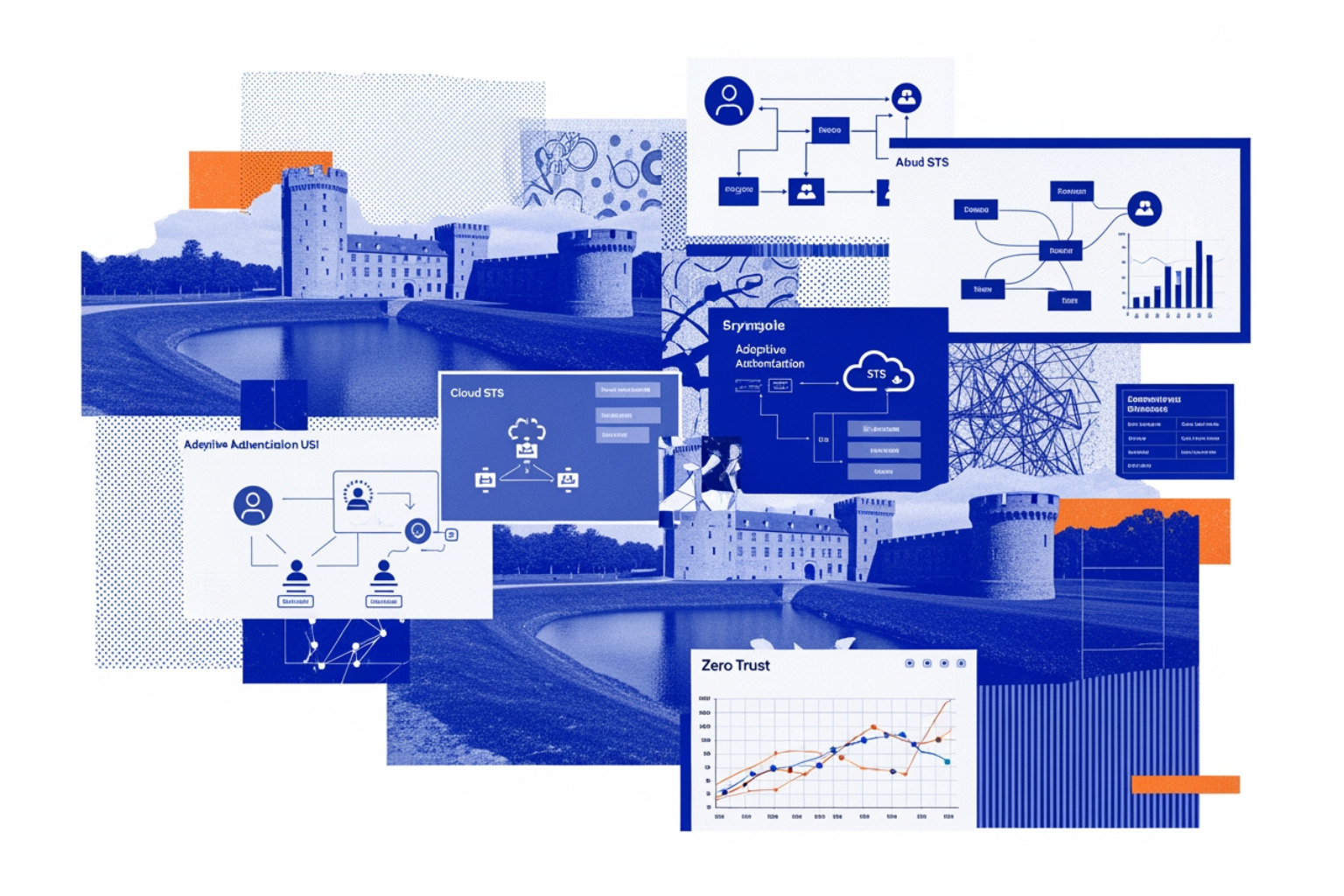
In the early days of corporate networking, security was defined by the "castle and moat" model. If you were physically in the office or connected via a VPN, you were trusted. Legacy authentication protocols like Kerberos or RADIUS were built for this static environment. They were designed to protect the internal perimeter, but they struggle in a world where the "perimeter" is wherever an employee opens their laptop.
The fundamental flaw of legacy authentication is its static nature. Once a user provides a password, the system grants broad access for the duration of the session. This creates a massive window of opportunity for attackers. If a credential is stolen via phishing or a keylogger, the attacker effectively becomes the user. With 80% of breaches involving compromised identities, the industry has reached a breaking point with "basic" security.
What modern authentication is in 2026
By May 2026, the definition of modern authentication has evolved into a dynamic, identity-first architecture. It is no longer just about the login screen; it is about the authorization story. Modern systems move the authority from local, siloed servers to centralized, cloud-based Security Token Services (STS).
Key characteristics include:
- Token-Based Access: Instead of sending passwords over the wire, systems exchange cryptographic tokens.
- Multi-Platform Support: Seamless transitions between desktops, mobile devices, and IoT.
- Adaptive Context: The system evaluates location, device health, and behavior before granting access.
- Federation: One identity provider (IdP) can vouch for a user across hundreds of different applications.
Modern Authentication Explained Why Secure Identity Is The Backbone Of Zero Trust
How modern authentication differs from passwords, PAP, CHAP, and basic authentication
To understand where we are, we have to look at where we started. Early protocols like Password Authentication Protocol (PAP) were disastrously insecure, transmitting credentials in plain text. The Challenge Handshake Authentication Protocol (CHAP) improved this by using a three-way handshake, but it still relied on shared secrets that were vulnerable to modern compute power.
Basic authentication (sending a base64-encoded username and password in the HTTP header) is now considered a legacy liability. Unlike modern authentication protocols, basic auth cannot support Multi-Factor Authentication (MFA) natively. If an app uses basic auth, it can't prompt you for a fingerprint or a hardware key code—it just asks for that one "tired-and-truly insecure" password.
Understanding Password Authentication Protocols From Pap To Modern Security
The core problems modern authentication solves
Modern authentication is the antidote to "authentication fatigue." When an employee has to log in to 15 different SaaS tools, they inevitably choose weak, recycled passwords. Modern protocols solve this through Single Sign-On (SSO).
Furthermore, they mitigate:
- Credential Stuffing: Automated attacks using lists of leaked passwords fail when the protocol requires a second, dynamic factor.
- Phishing: Protocols like FIDO2 bind the credential to the specific website URL, making it impossible for a user to accidentally "give away" their login to a fake site.
- API Security: Modern protocols allow users to grant limited access to their data (delegated access) without sharing their actual credentials with the third-party app.
Modern authentication protocols: the building blocks and how they work
The "engine room" of modern identity consists of a few heavy-hitting protocols. While they often work together, they serve distinct roles in the authentication and authorization lifecycle.
Modern authentication protocols for federation and SSO
SAML 2.0 (Security Assertion Markup Language) is the veteran of the group. It uses XML-based "assertions" to pass identity information between an Identity Provider (like Microsoft Entra ID or Okta) and a Service Provider (like Salesforce). The beauty of SAML is that the Service Provider never sees the user's password; it only receives a signed statement saying, "Yes, this is Bob, and he is an administrator."
OpenID Connect (OIDC) is the modern successor. It sits on top of OAuth 2.0 and uses JSON Web Tokens (JWT) instead of bulky XML. It is the preferred choice for mobile apps and modern web development because it is lightweight and easier for developers to implement.
Essential Guide To Auth Protocols Types And Security Best Practices
| Feature | SAML 2.0 | OpenID Connect (OIDC) |
|---|---|---|
| Data Format | XML | JSON (JWT) |
| Transport | Primarily Browser Redirects | API-friendly, Mobile-ready |
| Complexity | High (Enterprise-grade) | Moderate (Developer-friendly) |
| Primary Use | Enterprise Web SSO | Modern Apps, Consumer Identity |
Modern authentication protocols for delegated access and secure APIs
OAuth 2.0 is not technically an authentication protocol—it is an authorization framework. It’s what allows you to give a third-party app permission to "view your calendar" without giving that app your email password.
In 2026, OAuth 2.1 has consolidated best practices, mandating the use of PKCE (Proof Key for Code Exchange) to prevent interception attacks. It uses access tokens (short-lived) and refresh tokens (long-lived) to maintain secure sessions without repeated logins.
Essential Guide To Rest Assured Authentication Methods And Techniques
Where WebAuthn, FIDO2, passkeys, and OPAQUE fit
The frontier of security is phishing-resistant authentication. WebAuthn is a browser-based API that allows websites to use built-in biometrics or external hardware keys (FIDO2) for login. This has led to the rise of Passkeys, which are essentially WebAuthn credentials that can sync across a user's devices.
For scenarios where passwords must still exist, RFC 9807: The OPAQUE Protocol provides a breakthrough. OPAQUE is an Augmented Password-Authenticated Key Exchange (aPAKE). It allows a user to authenticate with a password without the server ever knowing or storing that password. Even if the server is fully compromised, the attacker finds no password hashes to crack.
Key methods behind modern authentication: MFA, biometrics, SSO, and passwordless
Protocols provide the "how," but the "what" involves the actual methods users interact with daily.
MFA done right: from TOTP to phishing-resistant hardware keys
Multi-factor authentication (MFA) is the single most effective defense we have, capable of stopping 99.9% of account compromises. However, not all MFA is created equal. SMS-based codes are vulnerable to SIM swapping. TOTP (Time-based One-Time Passwords) is better but still susceptible to sophisticated "adversary-in-the-middle" phishing.
The gold standard in 2026 is phishing-resistant MFA, which includes FIDO2 hardware keys and Certificate Based Authentication. These methods require physical possession and cryptographic proof that cannot be intercepted or spoofed.
Biometrics and device-bound credentials
Modern OS features like Windows Hello and Apple’s Face ID utilize the Secure Enclave or TPM on a device. When you scan your face, the biometric data never leaves the hardware. Instead, the device performs a local match and then releases a cryptographic signature to the server. This provides a high-security, low-friction experience that respects user privacy.
SSO and passwordless authentication in real enterprise environments
The goal for most enterprises is a "passwordless" journey. By integrating an identity hub, organizations can reduce the attack surface. Instead of 50 passwords, a user has one strong, device-bound credential. This doesn't just improve security; it dramatically reduces help desk costs associated with password resets.
The Best Practices For Effective Application Authentication In 2026 Best Application Authentication Methods Of 2026 For Secure Access
Zero trust, conditional access, and continuous verification
Modern authentication is a core pillar of Zero Trust. The mantra is "never trust, always verify."
Adaptive and risk-based authentication in practice
Adaptive authentication uses AI/ML risk engines to evaluate every login attempt. If an employee who is usually in Denver suddenly tries to log in from a known malicious IP in a different country ("impossible travel"), the system can trigger a "step-up" authentication prompt or block the attempt entirely. This moves security from a static gate to a dynamic filter.
Continuous authentication and attribute-based access control (ABAC)
Standard authentication happens at the "front door." Continuous authentication monitors the session after the login. It might look at behavioral biometrics, such as keyboard cadence or mouse movement patterns. If the behavior suddenly changes, the session is terminated.
Attribute-Based Access Control (ABAC) adds further granularity. Instead of just checking a user's role (RBAC), ABAC checks attributes: "Is this user on a corporate-managed device? Is the device's antivirus up to date? Is it between 9:00 AM and 5:00 PM?" Only if all attributes align is access granted.
Secure API access and service-to-service trust
In microservices, machines need to talk to machines. Modern authentication uses mTLS (mutual TLS) and workload identities to ensure that Service A can trust Service B. This prevents "lateral movement" by attackers who might have compromised one part of the network.
Understanding Cryptographic Authentication Methods And Best Practices
Hybrid modern authentication for Microsoft 365, Exchange, and Skype for Business
For many enterprises, the transition to the cloud isn't overnight. They exist in a hybrid state, with some data in Microsoft 365 and some on-premises in Exchange or Skype for Business.
How Hybrid Modern Authentication (HMA) changes the authorization model
HMA brings the security of the cloud to on-premises servers. It changes the "Auth Server" from the local Active Directory to evoSTS (the Security Token Service used by Microsoft Entra ID). Even if the user is accessing a local Exchange server, the authorization to do so comes from the cloud, enabling features like MFA and Conditional Access for local resources.
Prerequisites for enabling modern authentication in hybrid environments
Enabling HMA requires specific server versions to support the Microsoft Authentication Library (MSAL):
- Exchange Server: 2013 (CU19+), 2016 (CU8+), or 2019 (CU1+).
- Skype for Business: 2015 (May 2017 CU5+) or 2019.
- Identity: All users must be synchronized to Microsoft Entra ID via Entra Connect.
Enablement steps, validation checks, and compatibility limits
To check your current status, administrators use PowerShell commands like Get-OrganizationConfig | ft OAuth*. It is critical to note that legacy protocols like POP3 and IMAP do not support modern authentication and will continue to use basic auth unless explicitly disabled.
Implementation best practices, attack resistance, and common mistakes
Building a secure authentication system requires more than just picking a protocol; it requires a "Defense in Depth" mindset aligned with frameworks like NIST and OWASP.
Password policy, recovery, and fallback controls that still matter
Even in 2026, passwords haven't vanished. NIST guidelines now suggest a minimum of 8 characters if MFA is enabled, but 15 characters if it is not. Organizations should move away from arbitrary "complexity" rules (like requiring a symbol) and focus on length and resistance to common wordlists.
Password Authentication Protocol A Foundation For Understanding Modern Authentication
Protecting against automated attacks and token abuse
Attackers have shifted from cracking passwords to token theft. Implementing token binding ensures that a stolen cookie or token cannot be used on a different device. Furthermore, developers must use constant-time comparison functions when verifying hashes to prevent timing attacks that could leak user information.
Common deployment mistakes with modern authentication protocols
One of the most frequent errors is failing to validate the "audience" (aud) and "issuer" (iss) claims in an OIDC token. If an app accepts a token meant for a different service, an attacker can perform a "confused deputy" attack. Additionally, relying on Forms Based Authentication without proper brute-force protection remains a common vulnerability.
Forms Based Authentication Explained How Web Login Forms Work And How To Secure Them
Frequently Asked Questions About Modern Authentication Protocols
Which protocol should you choose: SAML, OIDC, or OAuth?
- SAML 2.0: Best for traditional enterprise "Internal SSO" where apps are XML-heavy.
- OIDC: The standard for new web and mobile apps.
- OAuth 2.0/2.1: Use this when you need to authorize one app to access another app's data (API delegation).
Does modern authentication eliminate passwords completely?
Not yet, but it’s the goal. We are in a "password-less" transition. Passkeys and FIDO2 keys are replacing passwords for daily logins, but many systems still keep a password as a secondary recovery fallback.
What should be migrated first in a legacy environment?
Start by disabling basic authentication on your most exposed endpoints (like email). Next, enforce MFA for all administrative accounts and any applications that handle PII or financial data.
Conclusion
The transition to modern authentication protocols is the most significant step an organization can take toward a Zero Trust architecture. By moving away from the static, easily compromised world of passwords and basic auth, security teams can finally gain the upper hand against credential-based attacks.
The roadmap is clear: centralize your identity, implement phishing-resistant MFA, and begin the phased rollout of passwordless flows. Identity is no longer just a peripheral concern—in 2026, it is the very backbone of the enterprise security stack.
Beyond Passwords The Complete Guide To Security Keys Dongles And Next Generation Authentication