Mastering the Art of Enterprise Antivirus Ring Deployment
Deploying antivirus across an enterprise takes more than clicking install. This guide covers ring deployment, EPP vs EDR selection, and phased rollout.

Why Structured Antivirus Deployment Matters in 2026
An enterprise antivirus deployment guide gives IT and security teams a repeatable, structured process for rolling out endpoint protection across hundreds or thousands of devices — without breaking business operations or leaving gaps in coverage.
Here's what a complete enterprise antivirus deployment covers:
- Prerequisites — supported OS inventory, licensing, and role assignments
- Tool selection — Intune, Group Policy, SCCM, or PowerShell
- Phased rollout — pilot rings before full production deployment
- Policy configuration — real-time protection, exclusions, ASR rules, Tamper Protection
- Hybrid and remote coverage — BYOD, MDM, and non-Windows endpoints
- Monitoring and reporting — detection rates, agent health, SIEM integration
The stakes have never been higher. Ransomware damages are projected to exceed $275 billion annually by the end of this decade. The global average cost of a single data breach now sits above $4.8 million when indirect costs are included. A mid-sized company hit by ransomware stays offline for an average of 21 days — long enough to cause serious, sometimes irreversible, business damage.
What makes this harder is that deploying antivirus and effectively deploying antivirus are two very different things. A poorly planned rollout can create kernel conflicts with existing security tools, flood analysts with false positives, break line-of-business applications, or leave entire device classes — Linux servers, macOS workstations, mobile endpoints — completely unprotected.
This guide walks through the full deployment lifecycle: from architecture decisions and tool selection, through phased ring rollout, to hardening, hybrid workforce coverage, and operationalizing your security data. Whether you're a CISO evaluating platforms, a security engineer building the deployment pipeline, or an IT admin handling this alongside a dozen other responsibilities — this is the practical, no-fluff reference you need.
Architecture of a Modern Deployment Strategy
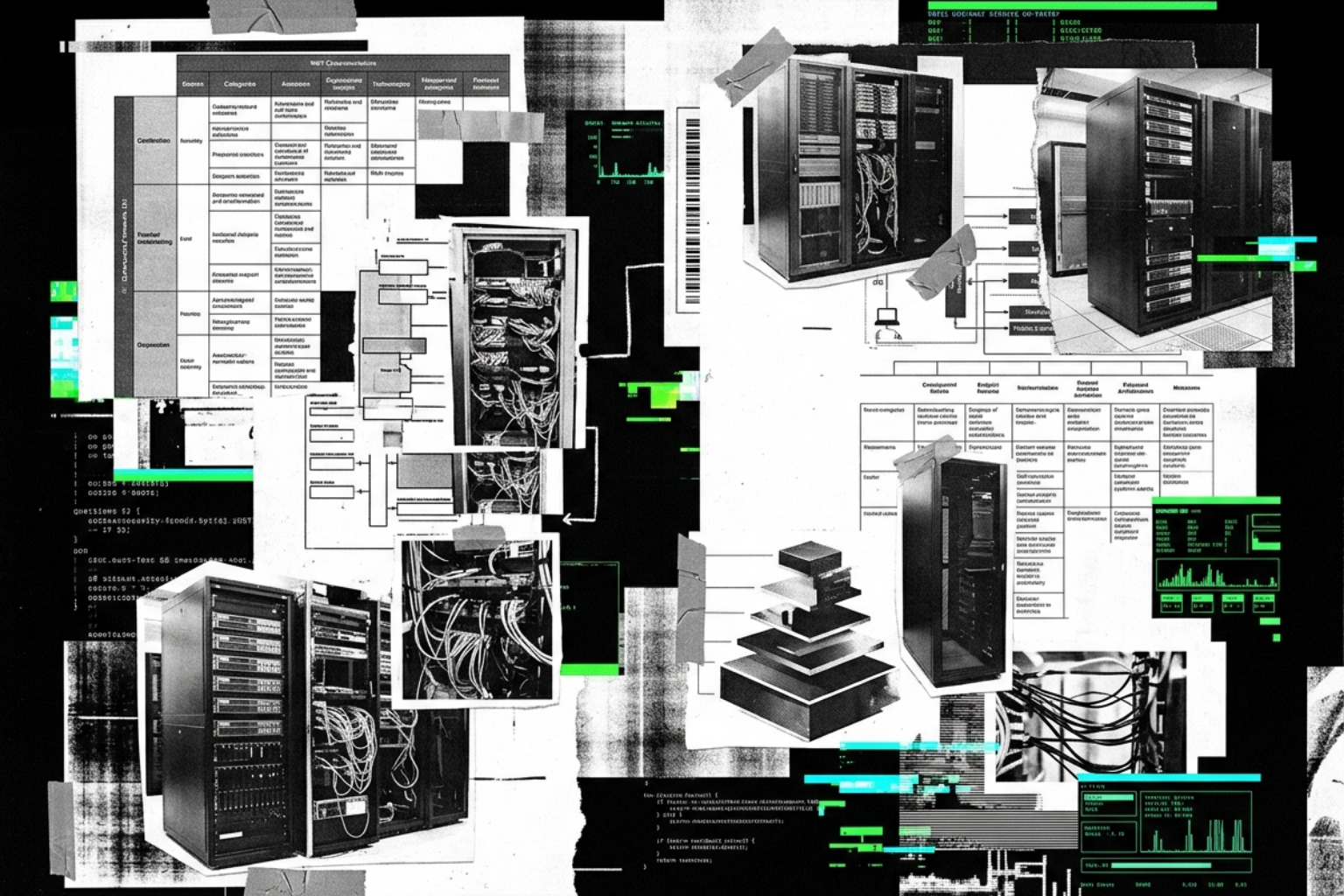
Modern endpoint security has moved far beyond simple signature matching. In 2026, a robust deployment must align with frameworks like the NIST Cybersecurity Framework (CSF) 2.0 and map directly to the MITRE ATT&CK matrix. This ensures that your defenses aren't just looking for "bad files," but are actively monitoring for the behaviors associated with credential dumping, lateral movement, and data exfiltration.
The foundation of your strategy should be "defense-in-depth." This military-inspired approach assumes that any single layer can fail. By stacking Next-Generation Antivirus (NGAV) with Endpoint Detection and Response (EDR), you create multiple opportunities to intercept an attacker.
EPP vs. EDR: Understanding the Capabilities
Before clicking "deploy," it is vital to understand the difference between Endpoint Protection Platforms (EPP) and Endpoint Detection and Response (EDR).
| Feature | Endpoint Protection Platform (EPP) | Endpoint Detection and Response (EDR) |
|---|---|---|
| Primary Goal | Prevention of known threats | Detection and response to bypassed threats |
| Method | Signatures, heuristics, and sandboxing | Behavioral analysis and telemetry logging |
| Response | Block or quarantine | Investigation, isolation, and remediation |
| Visibility | High-level alerts | Deep forensic data and process trees |
For a deeper dive into the specific tools available this year, check out our guide on the best cybersecurity software of 2026 for endpoint network identity protection.
Prerequisites and Supported Ecosystems
A common pitfall in an enterprise antivirus deployment guide is failing to account for the diversity of the modern environment. By May 2026, your fleet likely includes:
- Windows 11 and Windows Server 2025: These require native integration with features like Credential Guard and Hypervisor-protected Code Integrity (HVCI).
- macOS Sequoia: Deployment requires MDM profiles to handle System Extensions and Full Disk Access permissions.
- Linux Kernel 6.x: Modern EDR agents often use eBPF (Extended Berkeley Packet Filter) for high-performance monitoring without crashing the kernel.
- Hardware-Assisted Security: Solutions now leverage technologies like Intel TDT (Threat Detection Technology) to use the GPU for scanning, reducing the CPU impact on end-users.
Selecting the Right Management Tools
The "how" of deployment is just as important as the "what." Depending on your infrastructure, you will likely use a combination of these tools:
- Microsoft Intune: Ideal for cloud-native and remote-first organizations. It allows for seamless policy pushes to Windows, macOS, and mobile devices.
- Configuration Manager (MECM/SCCM): Still the heavyweight champion for large, on-premises Windows environments, offering granular control over update cycles and bandwidth.
- Group Policy (GPO): A reliable fallback for legacy domains, though it lacks the real-time reporting capabilities of modern cloud consoles.
- PowerShell and WMI: Essential for automation and "break-glass" scenarios where you need to manually query the health state of an agent.
For those focusing on the Microsoft ecosystem, the Microsoft Defender Antivirus ring deployment guide overview provides a technical deep dive into native tool integration.
Implementing a Phased Ring Deployment Strategy
Never deploy a security agent to 5,000 users at once. This is the fastest way to end up with a flooded helpdesk and a "Security vs. Productivity" war. Instead, adopt a "Crawl, Walk, Run" approach. This phased ring strategy allows you to catch compatibility issues—like an antivirus agent flagging your proprietary accounting software as ransomware—before they impact the whole company.
Designing the Pilot Phase
The pilot phase is your laboratory. You should select a diverse group of 50–100 devices that represent every major department and hardware profile in the company.
- UAT Testing: Have users in the pilot group perform their normal daily tasks.
- 30-Day Audit Period: Run your new security tool in "Audit Mode" or "Passive Mode" first. This logs what the tool would have blocked without actually stopping the processes.
- Compatibility Check: Look for Event ID 1122 (for Windows ASR rules) to see if legitimate line-of-business apps are being flagged.
For more on managing these complex environments, see our guide on unified cloud native protection.
Scaling to Global Production
Once the pilot is successful, move to production rings. Start with a small percentage (e.g., 10%) of the general population, then scale to 50%, and finally 100%.
- Geographic Distribution: Deploy by region to minimize the impact on specific office branches.
- Bandwidth Throttling: Use differential updates to ensure that 1,000 computers downloading a 500MB signature update doesn't take down your WAN.
- Rollback Plans: Always have a documented "kill switch" policy to disable specific blocking rules if a critical bug is discovered post-rollout.
If you are using ESET or similar third-party tools, refer to the ESET GPO and SCCM deployment guide for specific MSI transform instructions.
Advanced Configuration and Hardening Best Practices
A default installation is rarely enough. Attackers actively look for ways to disable antivirus software the moment they gain a foothold. Hardening your configuration is what separates a "checkbox" security program from a resilient one.
Optimizing Policies for Your Environment
- Real-Time Protection: This should always be enabled, but it must be balanced with exclusion audits. Periodically review your exclusions to ensure they aren't so broad (e.g., excluding the entire
C:\Users\folder) that they create massive blind spots. - Tamper Protection: This is a non-negotiable feature. It prevents local administrators (or malware with admin rights) from turning off the antivirus or changing security settings through the registry.
- Cloud-Delivered Protection: Enable this to benefit from real-time threat intelligence. If a new file is seen in London, your endpoints in New York should be protected against it within seconds.
For an overview of the latest tech, see Your Guide to the Best Security Tech Solutions of 2026.
Mitigating Evasion and Cloud-Based Attacks
Attackers are increasingly using trusted platforms like OneDrive, SharePoint, and GitHub to host malware, as these links often bypass basic web filters.
- Local Admin Merge: Disable the ability for local admins to add their own antivirus exclusions. This should be managed centrally via GPO or Intune only.
- Attack Surface Reduction (ASR): These rules are incredibly powerful. One of the most effective rules is "Block all Office applications from creating child processes." This single setting can stop an estimated 99% of macro-based malware droppers.
- LSASS Protection: Enable features like Credential Guard to prevent attackers from scraping passwords out of the Windows Local Security Authority Subsystem Service.
Managing Hybrid Environments and Remote Workforces
In 2026, the "corporate perimeter" is a myth. Your users are working from home, coffee shops, and airports. Your enterprise antivirus deployment guide must account for devices that may not see a corporate domain controller for months.
- Zero Trust Network Access (ZTNA): Instead of a traditional VPN, use ZTNA to verify the health of the antivirus agent before allowing the device to connect to internal resources.
- Split-Tunneling: Ensure that security updates are downloaded directly from the vendor's cloud rather than being hairpinned through your corporate data center.
- BYOD Security: For personal devices, use Mobile Application Management (MAM) to protect corporate data within specific apps (like Outlook or Teams) without requiring full control over the user's personal phone.
For a strategic roadmap on these tools, read The Ultimate Guide to Cybersecurity Tools for Modern Organizations. You can also start your planning with the official Microsoft Defender for Endpoint planning guide.
Securing Non-Windows Assets
Don't let macOS and Linux become the "forgotten" endpoints.
- macOS: Use JAMF or Intune to push configuration profiles that pre-approve the antivirus agent's kernel extensions.
- Linux: Use standard package managers (yum, apt) and ensure your security team is comfortable with CLI-based management.
- Mobile: Modern mobile threat defense (MTD) focuses on phishing protection and blocking malicious Wi-Fi profiles rather than just "scanning for viruses."
Measuring Effectiveness and Operationalizing Security
If you can't measure it, you can't manage it. Deployment is only the beginning; you must then "operationalize" the data flowing from your endpoints.
Reporting and Key Performance Metrics
Connect your antivirus console to a SIEM (Security Information and Event Management) or SOAR (Security Orchestration, Automation, and Response) platform. This allows you to correlate an antivirus alert on a laptop with a suspicious login on your firewall.
Key metrics to track include:
- Agent Health: What percentage of your fleet has an active, up-to-date agent?
- Mean Time to Remediate (MTTR): How long does it take from a detection to the threat being fully scrubbed?
- False Positive Rate: If your team is spending 90% of their time chasing "benign" alerts, your policies need tuning.
- Ransomware Rollback Success: If your tool offers "rollback" features (using shadow copies to revert encrypted files), test this regularly to ensure it actually works.
Learn more about these strategies in our guide to cybersecurity platforms and strategies for modern enterprises.
Frequently Asked Questions
What is the difference between NGAV and traditional antivirus in 2026?
Traditional antivirus relied almost entirely on "signatures"—a digital fingerprint of a known bad file. NGAV uses machine learning, behavioral analytics, and artificial intelligence to identify threats based on what they do (e.g., trying to encrypt a large number of files or injecting code into a system process), allowing it to stop zero-day attacks that have no known signature.
How should organizations handle antivirus for legacy OT devices?
Operational Technology (OT) and IoT devices often cannot run modern security agents. In these cases, use network-level protection, such as an IPS (Intrusion Prevention System) at the network edge, to "virtually patch" these devices and monitor for malicious traffic patterns.
How often should antivirus exclusion lists be reviewed for security?
Exclusion lists should be reviewed at least quarterly. Environments change, applications are updated, and old exclusions (like those for a decommissioned database) can become a "backdoor" for attackers to hide malicious files where the antivirus isn't allowed to look.
Plan Your Ring Deployment Rollout
Mastering an enterprise antivirus deployment guide is about more than just software installation; it’s about building a resilient, layered defense that adapts to a shifting threat landscape. By utilizing a phased ring deployment, hardening your policies with ASR and Tamper Protection, and ensuring your remote and non-Windows assets are brought into the fold, you significantly reduce your organization's attack surface.
In 2026, security is a continuous cycle of monitoring, tuning, and responding. Stay ahead of the curve by exploring the Best Cybersecurity Software For 2026: Top Tools For Network Security, Endpoint Protection, and AI Power.