Is SMS Based Authentication Actually Secure?
Still relying on text-message codes to secure logins? SMS-based two-factor authentication carries real weaknesses, from SIM-swap fraud to interception. Here's how the attacks work and the stronger options worth adopting.

Is SMS 2FA Actually Secure? Here's the Short Answer
SMS 2 factor authentication is a method of verifying your identity by sending a one-time code to your mobile phone via text message — and as of 2026, it's still the most widely deployed form of MFA on the planet, used by an estimated 70–80% of organizations worldwide.
Quick answer for people in a hurry:
| Question | Answer |
|---|---|
| What is SMS 2FA? | A second login step where a one-time code is sent to your phone via text |
| Is it better than no 2FA? | Yes — significantly |
| Is it secure enough for organizations today? | No — it has serious, well-documented vulnerabilities |
| What do regulators say? | NIST flagged it as a restricted authenticator in SP 800-63B; FBI and CISA advised against it in December 2024 |
| What should you use instead? | FIDO2 security keys, passkeys, or TOTP authenticator apps |
Here's the uncomfortable truth: SMS-based MFA creates a feeling of security without delivering it consistently.
The core problem isn't the second factor itself — it's the delivery channel. Text messages travel over cellular infrastructure that was never designed with authentication security in mind. They're unencrypted in transit, tied to a phone number that can be hijacked, and vulnerable to interception at the network level through decades-old protocol flaws.
A Google study found SMS 2FA can block up to 100% of automated bots and 99% of bulk phishing attacks. Those numbers sound strong. But they collapse against targeted attacks — where SMS 2FA stops only 66% of attempts. For high-value accounts and enterprise environments, that gap is where breaches happen.
This matters at the protocol level (SS7 exploits, SIM swapping), at the human level (smishing, social engineering), and increasingly at scale — through automated attack tooling that can strip SMS codes in real time. MITRE ATT&CK catalogs this under T1621: Multi-Factor Authentication Request Generation, a technique threat actors now deploy routinely.
This guide breaks down exactly how SMS 2FA works, why it's failing, what the real-world attacks look like, and what to use instead.
Introduction
SMS authentication sits in an awkward place in modern identity security.
It is clearly better than password-only login. Passwords remain one of the biggest causes of account compromise: 81% of breaches involve weak or stolen passwords, and 61% of people reuse passwords across multiple accounts. Even when the exact numbers vary by study, the direction is obvious. Passwords leak, repeat, get guessed, and get phished.
So SMS 2FA became popular because it solved an immediate problem: it added a second step using something almost everyone already had - a phone number.
The issue is that SMS was built for message delivery, not high-assurance identity verification. It is useful for convenience, fallback, onboarding, and lower-risk consumer flows. It is not a strong control for privileged access, financial transactions, administrative accounts, healthcare portals, cloud consoles, or corporate VPNs.
The illusion is "out-of-band" security. A user enters a password in one channel, then receives a code through another channel. That sounds separated. In practice, attackers do not need to break both channels equally. They can hijack the phone number, intercept the message, trick the user into forwarding the code, or proxy the login flow in real time.
For broader context on how two-factor systems are supposed to work, Unlocked covers the basics in What is a 2FA and Why It’s Essential for Your Online Security? and the evolution of these methods in History of Multi-Factor Authentication.
Why SMS 2 Factor Authentication is Still Widely Used
SMS 2FA remains common because it is easy to deploy, easy to understand, and works on almost every mobile phone. It does not require a smartphone, mobile data, push notification support, or an authenticator app. For a small business with limited IT staff, that simplicity is tempting. For a large enterprise with global users and legacy systems, it is often the lowest-friction fallback.
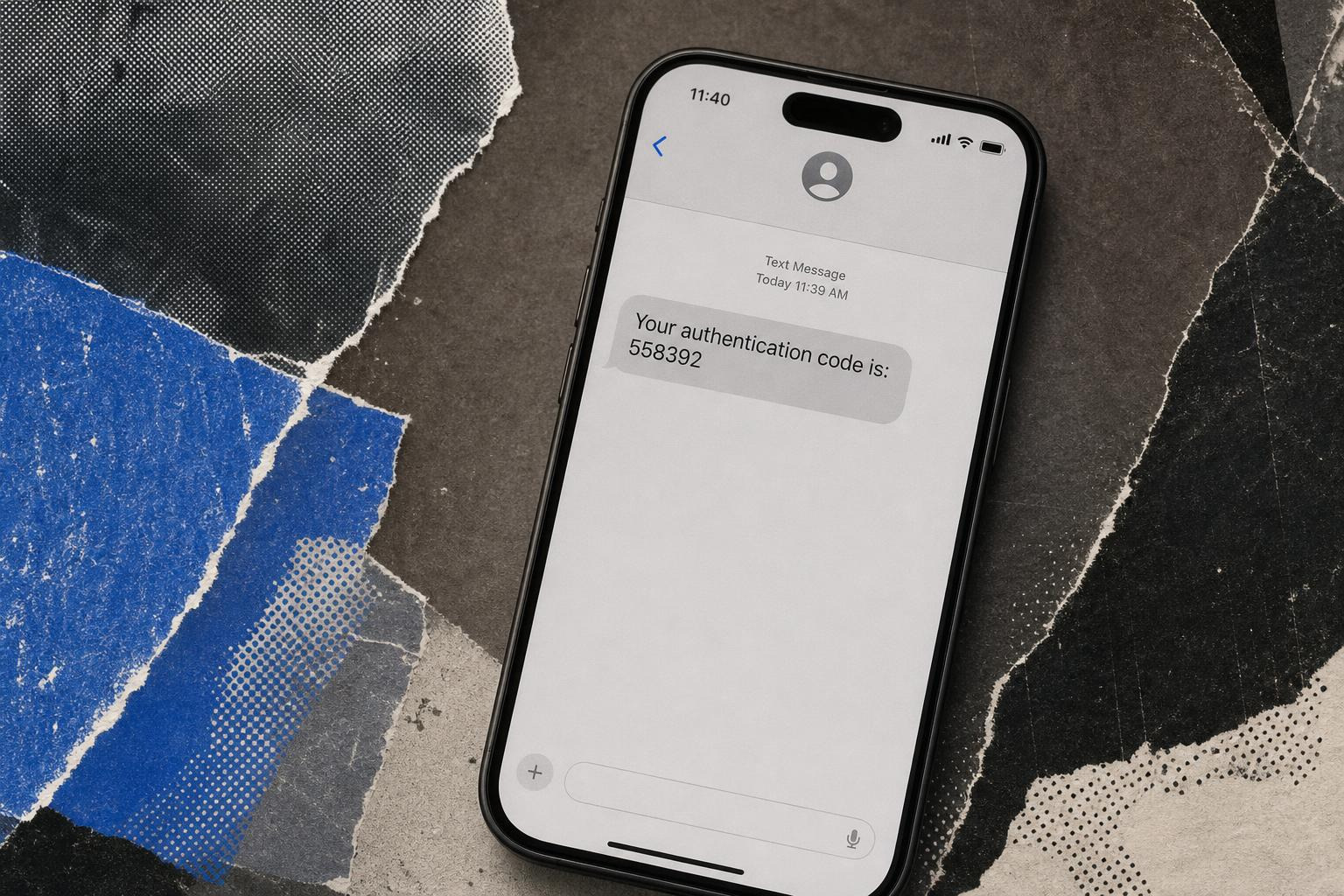
SMS is usually treated as a possession factor: the user proves access to a phone number by entering a one-time password, or OTP, sent by text. In a classic login flow:
- The user enters a username and password.
- The identity system generates a short-lived code.
- The code is sent by SMS to the registered number.
- The user enters the code.
- The application grants access if the code is valid and unexpired.
Developer platforms and identity tools still support this pattern. For example, SMS verification services such as Infobip's SMS 2FA service, identity documentation such as SecureAuth SMS OTP, and implementation guides such as Two-factor authentication with SMS show how common SMS OTP remains in production systems.
That does not make it ideal. It means it is operationally convenient.
NIST SP 800-63B: Digital Identity Guidelines treats SMS and voice out-of-band authentication as restricted, which means organizations can use it only with explicit risk understanding and should plan for better methods.
| Method | Security level | Main strengths | Main weaknesses | Best use |
|---|---|---|---|---|
| SMS OTP | Low to medium | Universal, simple, no app required | SIM swap, SS7 interception, phishing, number recycling | Temporary fallback or low-risk accounts |
| Software TOTP | Medium | Offline codes, no telecom dependency, widely supported | Phishable, device backup issues | General workforce MFA |
| FIDO2 hardware keys | High | Phishing-resistant, origin-bound, strong cryptography | Hardware rollout and recovery planning | Admins, executives, regulated environments |
| Passkeys | High | Phishing-resistant, user-friendly, passwordless-ready | Ecosystem and recovery complexity | Workforce and consumer authentication |
A practical rule: SMS is acceptable only when the alternative is no MFA at all. It should not be the destination.
For a wider comparison of methods, see Common Mode of Two-Step Authentication Methods: Security Levels and Best Practices and Multi-Factor Authentication: Your Complete Guide to Enhanced Security.
The Technical Vulnerabilities of SMS-Based MFA
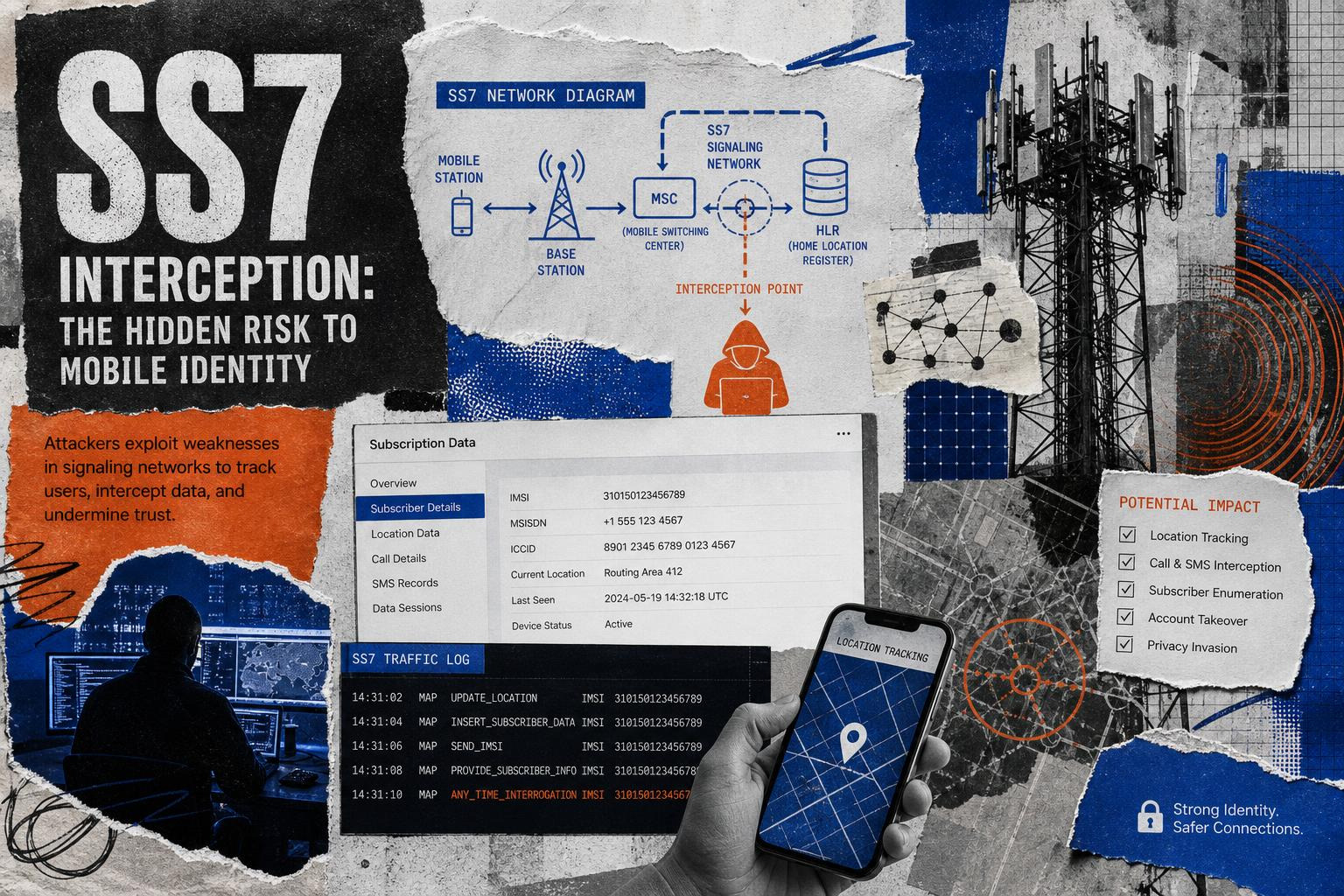
SMS authentication fails because the phone number is not a secure authenticator. It is an identifier managed by telecom systems, carriers, roaming agreements, customer support processes, and sometimes third-party resellers. That creates multiple failure points.
The major technical weaknesses include:
- SS7 protocol exposure: Signaling System No. 7 was designed for telecom routing and roaming, not modern authentication. Attackers with access to telecom signaling pathways can redirect, monitor, or intercept messages in certain scenarios.
- No end-to-end encryption: SMS messages are not protected like modern encrypted messaging apps. They can be exposed at the carrier, device, or malware layer.
- SIM swapping: Attackers convince or bribe a carrier to move a victim's number to an attacker-controlled SIM.
- Phone number recycling: A number reassigned to a new user may still be tied to the previous owner's accounts.
- Malware and notification leakage: Mobile malware, spyware, compromised backups, or lock-screen previews can expose OTPs.
- VoIP and virtual number abuse: Some services allow SMS to non-mobile numbers, which can weaken carrier validation and account recovery controls.
- Real-time phishing: Attackers can proxy login flows and request the SMS code while the victim is still on the fake page.
The most important point: SMS 2FA is not usually broken by brute force. It is bypassed by attacking the ecosystem around the code.
Unlocked explains these broader failure modes in Understanding Multi-Factor Authentication Vulnerabilities: A Comprehensive Guide.
The Inherent Flaws of SMS 2 Factor Authentication
NIST's position is often summarized as "SMS was deprecated in 2016." The more precise version is this: earlier NIST drafts strongly discouraged SMS, and the final SP 800-63B placed PSTN-based out-of-band authentication, including SMS and voice, in a restricted category.
Restricted does not mean "illegal." It means the authenticator has known risks, agencies and organizations should assess those risks, and systems should be designed to migrate away from it.
The warning became more urgent after telecom-focused intrusions such as the Salt Typhoon activity publicly associated with Chinese state-sponsored targeting of telecommunications infrastructure. In December 2024, FBI and CISA guidance advised Americans to use encrypted communications and avoid SMS-based MFA where stronger options are available. As of May 2026, that advice remains highly relevant for enterprises that depend on phone numbers as identity anchors.
Developer documentation increasingly reflects the same hierarchy. Microsoft's ASP.NET guidance notes that authenticator apps using TOTP are preferred over SMS, even while showing how to implement SMS for applications that still need it. The older ASP.NET SMS 2FA tutorial also includes practical controls such as account lockout after failed 2FA attempts.
If SMS must remain in place temporarily, organizations should at least:
- Use short code lifetimes.
- Rate limit OTP requests.
- Lock accounts after repeated failures.
- Prevent phone number changes without strong reauthentication.
- Block VoIP numbers for high-risk accounts.
- Monitor for unusual OTP request bursts.
- Treat SMS as fallback, not primary MFA.
For developers implementing SMS OTP, technical references such as SMS OTP provider configuration, LinOTP SMSProvider documentation, and ASP.NET Core 2FA documentation are useful - but implementation quality does not remove the underlying telecom risk.
Real-World Attack Vectors and Threat Actor Playbooks
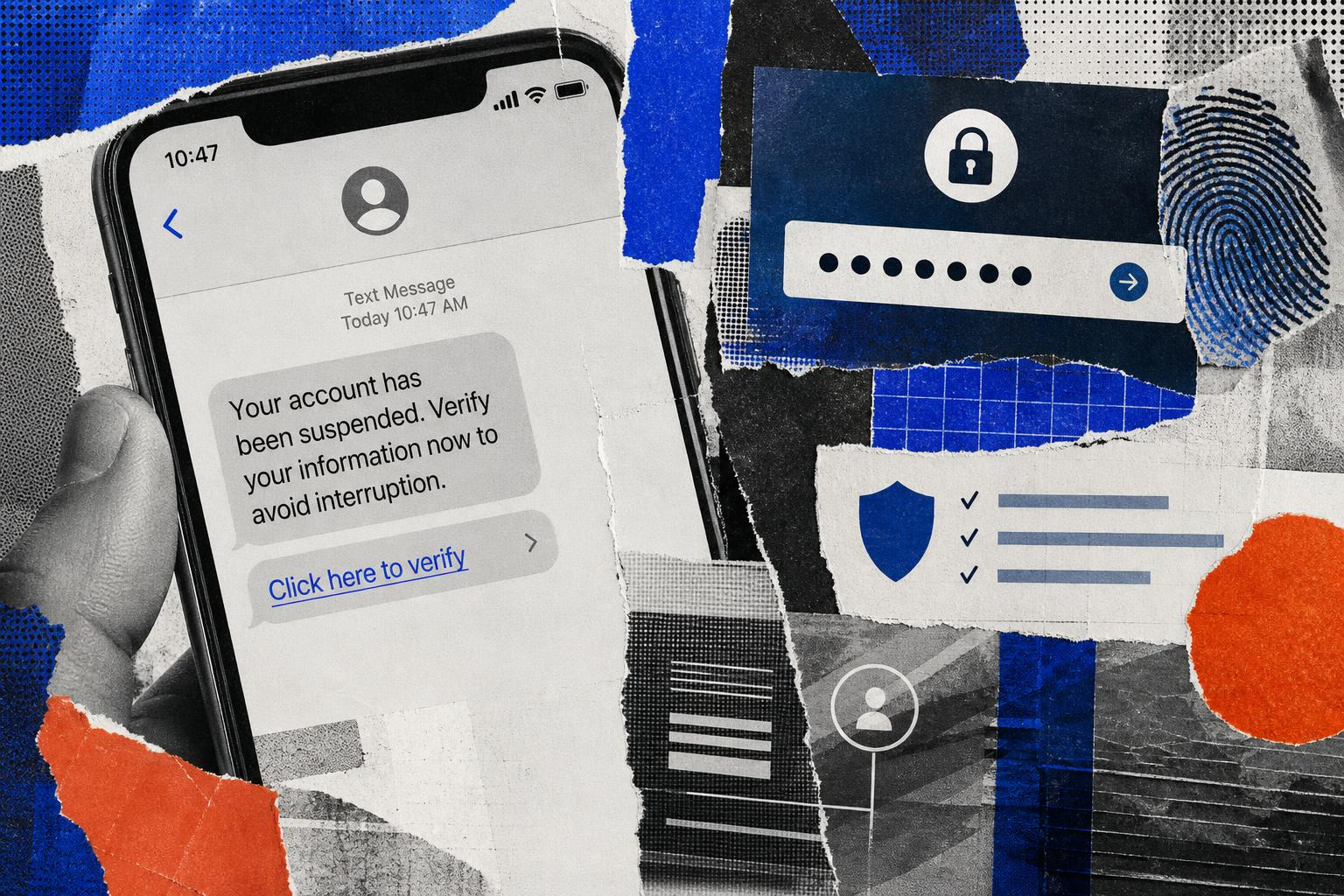
Attackers do not treat SMS 2FA as a wall. They treat it as a workflow to manipulate.
Common playbooks include:
- Credential stuffing plus SMS prompt
- The attacker uses reused credentials from prior breaches.
- If the password works, the site sends an SMS code.
- The attacker phishes or socially engineers the user for the code.
- Smishing
- The victim receives a text message that appears to come from a bank, cloud provider, payroll system, or IT department.
- The link opens a fake login page.
- The user enters the password and SMS code.
- The attacker uses both immediately.
- SIM swap
- The attacker gathers personal data from breaches, social media, or dark web sources.
- They persuade a carrier or support agent to transfer the victim's number.
- SMS codes then arrive at the attacker's device.
- Help desk reset abuse
- The attacker impersonates an employee.
- They request MFA reset or phone number replacement.
- Once the factor is reset, they authenticate normally.
- OTP bot automation
- A bot calls or texts the victim, pretending to be fraud prevention.
- It asks the victim to enter or read back the code.
- Automation forwards the code to the attacker in real time.
- Adversary-in-the-middle phishing
- A reverse proxy captures the session.
- The victim authenticates to the real site through the proxy.
- The attacker steals session cookies after the SMS code is accepted.
This is why SMS, TOTP, and push MFA can all fail under phishing pressure. They verify that a user supplied a code. They do not always verify that the user is on the legitimate domain.
For related identity hardening guidance, see Two-Factor Verification: Strengthening Account Security in a High-Threat World and Factor Authentication: The Key to Modern Account Security.
Case Studies: Bypassing SMS 2 Factor Authentication
Several public incidents show how SMS-based authentication fails in practice.
Oktapus phishing campaign
The 2022 Oktapus campaign targeted employees at major technology and service companies using text-message phishing. Attackers used fake identity provider pages to capture credentials and OTPs. Reporting on the campaign described real-time automation, including Telegram-based tooling used to relay stolen login data quickly enough to beat OTP expiration.
Cloudflare disclosed that employees received phishing texts, but its use of FIDO2 security keys prevented compromise because the attackers could not complete authentication from the wrong origin. Twilio, by contrast, disclosed unauthorized access after employees were tricked by SMS phishing. That incident later affected downstream services, including attempts to access Signal accounts tied to phone-number registration.
The lesson is not "Twilio bad, Cloudflare good." The lesson is that phishing-resistant MFA changes the outcome even when employees make normal human mistakes. Humans click links. Security architecture should assume that.
Scattered Spider and UNC3944
Scattered Spider, tracked by some vendors as UNC3944, became known for identity-heavy intrusions involving social engineering, help desk manipulation, SIM swapping, and MFA reset abuse. The group has targeted telecoms, outsourcing providers, casinos, and cloud-heavy enterprises.
Their playbook often starts with identity rather than malware: compromise credentials, manipulate support, reset MFA, escalate privileges, then move into SaaS, cloud, VPN, and endpoint management systems.
Recycled phone numbers
Phone numbers are not permanent identity objects. When a user changes carriers or abandons a number, the number can eventually be reassigned. If old accounts still trust that number for SMS login or password reset, the new owner may receive verification codes intended for the previous owner.
For consumers, that creates account takeover risk. For businesses, it creates stale identity risk across departed employees, contractors, and unmanaged SaaS accounts.
Recommended Alternatives to SMS Authentication
SMS should be replaced with stronger methods based on account risk, user population, device support, and operational capacity.
1. FIDO2/WebAuthn security keys
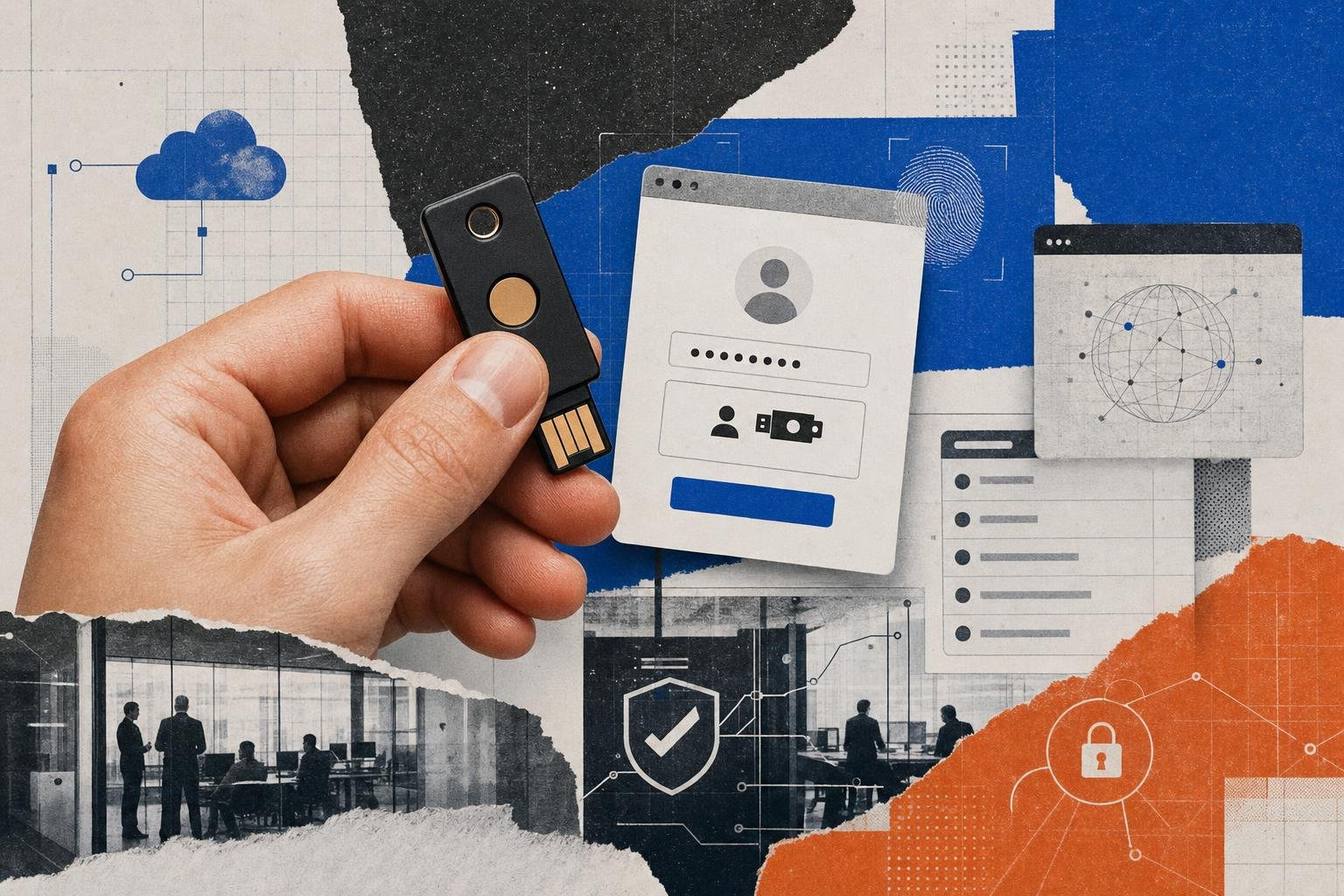
FIDO2 and WebAuthn are the strongest widely available alternatives. They use public-key cryptography and bind authentication to the legitimate website origin. A fake domain cannot reuse the authentication response.
Pros:
- Phishing-resistant.
- Strong for privileged users.
- Works well for Zero Trust access.
- Reduces password and OTP exposure.
Cons:
- Requires rollout planning.
- Users need backup keys or recovery flows.
- Some legacy apps may not support it.
Hardware authenticators, including Bluetooth-enabled zero-trust security keys such as EveryKey, can fit here when organizations need strong authentication without relying on SMS codes. EveryKey is not the only option in the market, but this category is appropriate for admins, executives, finance teams, developers, and anyone with access to sensitive systems.
2. Passkeys
Passkeys are based on FIDO standards and can use platform authenticators such as Windows Apple Face ID or Touch ID, Android biometrics, or synced credential providers.
Pros:
- Strong phishing resistance.
- Better user experience than OTPs.
- Good path toward passwordless login.
Cons:
- Recovery and device migration need governance.
- Shared workstations can complicate deployment.
- Enterprise policy control varies by platform.
3. TOTP authenticator apps
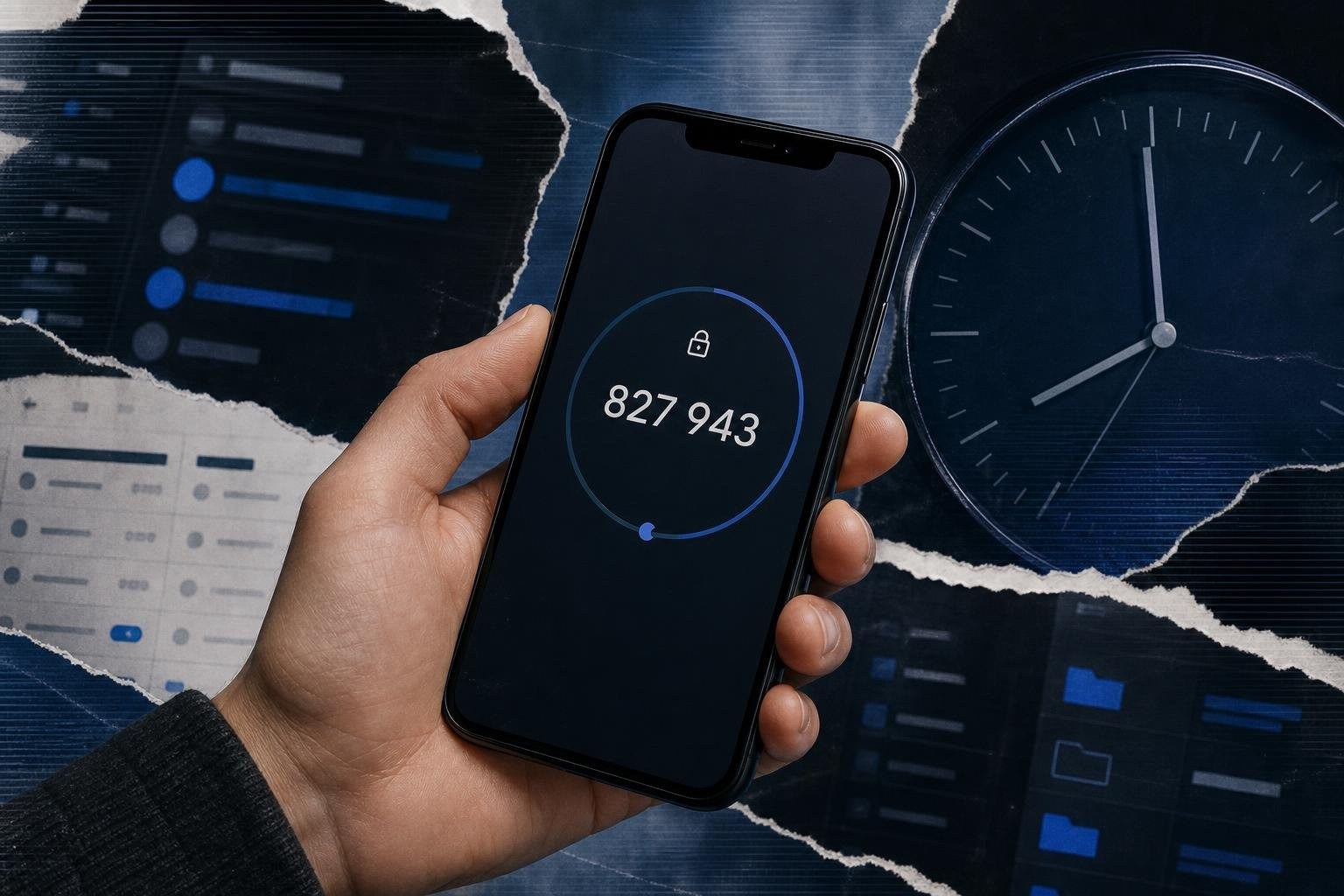
TOTP apps generate rotating codes locally, often every 30 seconds. They remove the telecom network from the equation.
Pros:
- Better than SMS.
- Low cost.
- Broadly supported.
- Works offline.
Cons:
- Still phishable.
- Users can lose access if backups are poor.
- QR seed provisioning must be protected.
GitHub's documentation recommends TOTP over SMS and shows how users can configure multiple 2FA methods in GitHub's 2FA setup guide.
4. Push authentication
Push prompts can be convenient, but they are not automatically safe. MFA fatigue attacks have shown that users may approve repeated prompts just to make them stop. Push should include number matching, device binding, risk signals, and rate limiting.
5. Biometrics
Biometrics are useful when implemented locally as part of a passkey or device unlock flow. They should not be treated as secret passwords. A face or fingerprint cannot be rotated after compromise. The best use is local user verification protecting a cryptographic key.
For a practical 2026 comparison, see Best 2-Factor Authenticator Guide 2026.
How Organizations Can Transition Away from SMS
Moving away from SMS is not a weekend project, especially for organizations with legacy applications, contractors, call centers, shared devices, or international workforces. It should be treated as an identity modernization program.
A practical migration plan looks like this:
Phase 1: Inventory and risk ranking
Identify where SMS is used:
- Workforce SSO.
- VPN and ZTNA.
- Cloud admin consoles.
- SaaS applications.
- Password reset flows.
- Customer authentication.
- Help desk verification.
- Break-glass accounts.
- Developer and CI/CD platforms.
Rank accounts by impact. Domain admins, IdP admins, cloud admins, finance users, executives, developers, and help desk staff should move first.
Phase 2: Stop expanding SMS
Do not enroll new users into SMS unless required for fallback. Update policies so TOTP, passkeys, or FIDO2 are the default.
Phase 3: Deploy stronger MFA by risk tier
A simple model:
| User group | Recommended method |
|---|---|
| Privileged admins | FIDO2 hardware keys, backup key required |
| Executives and finance | FIDO2 or passkeys with managed recovery |
| General workforce | Passkeys or TOTP, depending on platform readiness |
| Contractors | TOTP or hardware keys for high-risk access |
| Customers | Passkeys where supported, TOTP fallback, SMS only for low risk |
Phase 4: Harden recovery
Many MFA breaches occur through recovery, not login. Require strong verification for:
- Phone number changes.
- MFA resets.
- Device enrollment.
- Help desk identity proofing.
- Password reset after MFA failure.
Phase 5: Add monitoring
Log and alert on:
- Multiple OTP failures.
- MFA reset spikes.
- New device enrollment.
- Impossible travel.
- New country login.
- SIM change signals where available.
- Help desk resets followed by privileged access.
Map this to CIS Controls Control 6: Access Control Management, which emphasizes managing accounts, authentication, and authorization throughout their lifecycle. Organizations using ISO 27001 can also align this work with access control, identity management, and secure authentication requirements.
Phase 6: Keep SMS only as a controlled fallback
If SMS cannot be removed immediately, contain it:
- Disable SMS for privileged roles.
- Require stronger MFA before changing phone numbers.
- Use step-up authentication for sensitive actions.
- Apply rate limits and fraud detection.
- Communicate clearly with users about smishing.
Developer teams should follow implementation guidance from their platform vendors, including ASP.NET Core 2FA guidance, while prioritizing TOTP or FIDO2 where the application stack supports it.
For broader planning, see Multi-Factor Authentication Use Cases: The Complete Guide to Modern Identity Security.
Frequently Asked Questions about SMS Authentication
Why did NIST deprecate SMS 2FA?
NIST did not simply ban SMS everywhere. The precise position in SP 800-63B is that SMS and voice-based out-of-band authentication over the public switched telephone network are restricted authenticators.
That means NIST recognizes real risks, including interception, number reassignment, VoIP abuse, and compromise of the telephone network. Organizations using SMS should understand those risks and plan migration to stronger methods.
In plain English: NIST is saying, "This is not good enough for high assurance, and organizations should not build their long-term authentication strategy around it."
How do attackers bypass SMS-based authentication?
Attackers bypass SMS-based authentication by targeting the phone number, user, or session rather than guessing the code.
The common methods are:
- SIM swapping the victim's number.
- Phishing the OTP through a fake login page.
- Using adversary-in-the-middle proxies to capture sessions.
- Social engineering help desks into resetting MFA.
- Intercepting SMS through telecom weaknesses.
- Abusing recycled phone numbers.
- Installing malware that reads messages or notifications.
This is why SMS 2FA can stop basic bots but still fail against targeted attacks.
What is the most secure alternative to SMS OTP?
For most high-risk enterprise use cases, the strongest practical alternative is FIDO2/WebAuthn using hardware security keys or well-managed passkeys.
TOTP authenticator apps are a meaningful improvement over SMS because they remove telecom dependency, but they are still vulnerable to phishing. Passkeys and FIDO2 keys are stronger because authentication is cryptographically tied to the legitimate website or service.
A sensible hierarchy is:
- FIDO2 hardware keys for privileged access.
- Passkeys for broad workforce and consumer authentication.
- TOTP apps where FIDO2/passkeys are not yet supported.
- SMS only as temporary fallback.
Conclusion
SMS-based authentication is not useless. It still blocks many automated attacks, reduces harm from password reuse, and can help organizations that would otherwise have no second factor at all.
But in 2026, it should no longer be considered strong authentication.
The security industry has moved on because attackers moved first. SIM swapping, smishing, SS7 weaknesses, telecom intrusion, OTP bots, and help desk social engineering have turned SMS from a convenient second factor into a fragile dependency.
The right path is not panic. It is migration.
Organizations should identify where SMS is used, remove it first from privileged and high-value accounts, deploy phishing-resistant MFA, and harden recovery workflows. For many teams, that means FIDO2 hardware keys, passkeys, and TOTP apps in a layered model. Hardware-based authenticators, including options such as EveryKey, can help bridge the gap between strong security and daily usability when deployed as part of a broader identity strategy.
Unlocked exists to make these decisions easier for security teams, IT leaders, and business owners who need practical guidance without vendor fog. For a broader look at where authentication is heading next, read Explore the Best Authentication Methods of 2026.