The Ultimate FIDO2 Security Key Comparison for 2026
Not all hardware keys are equal. This FIDO2 security key comparison breaks down proprietary vs. open-source tokens, USB-A/C and NFC form factors, FIDO certification levels, biometrics, and enterprise deployment at scale.

Why Every Organization Needs a Rigorous FIDO2 Security Key Comparison Right Now
A thorough FIDO2 security key comparison is no longer a nice-to-have exercise — it's a procurement decision with direct security consequences. According to Microsoft telemetry, 99% of identity-based attacks still rely on passwords, and credential abuse accounts for roughly 22% of all breaches. Hardware security keys are the only authentication method that blocks phishing at the protocol level — not just in policy.
Quick comparison: leading FIDO2 security keys at a glance
| Key | Price | Protocols | FIDO Cert | Biometric | NFC | Best For |
|---|---|---|---|---|---|---|
| YubiKey 5C NFC | ~$55 | FIDO2, PIV, OpenPGP, TOTP | L2 | No | Yes | Enterprise, power users |
| YubiKey Bio C NFC | ~$90–95 | FIDO2 | L2 | Yes | Yes | Biometric-first workflows |
| Yubico Security Key C NFC | ~$29–30 | FIDO2, U2F | L2 | No | Yes | Budget enterprise rollout |
| Google Titan USB-C NFC | ~$30–35 | FIDO2, U2F | L1 | No | Yes | Google Workspace users |
| Nitrokey 3 NFC | ~$57 | FIDO2, OpenPGP, TOTP | L1 | No | Yes | Privacy-focused, open-source |
| Token2 T2F2 NFC | ~$22–25 | FIDO2, U2F | L1 | No | Yes | Budget deployments |
| SoloKeys Solo V2 | ~$32 | FIDO2, U2F | L1 | No | No | Developers, open-source advocates |
The stakes are concrete. T-Mobile deployed 200,000 hardware security keys across its workforce after a string of credential-related incidents. The USDA now has roughly 40,000 employees authenticating daily with FIDO2 keys. When MGM Resorts suffered a social engineering attack in 2023 that cost an estimated $100 million, the root cause traced back to identity verification failures — exactly what hardware-backed authentication is designed to prevent.
Not all FIDO2 keys are equal. Certification level, supported protocols, form factor, biometric capability, passkey storage capacity, and enterprise attestation support all vary significantly between models — and the wrong choice can create operational headaches or leave compliance gaps.
This guide breaks down what actually matters when selecting a hardware security key, so you can match the right device to your environment rather than defaulting to the most-marketed option.
Simple FIDO2 security key comparison word guide:
Understanding FIDO2: How Hardware Keys Block Phishing at the Protocol Level
To understand how hardware keys eliminate credential theft, we have to look under the hood at the FIDO2 standard. FIDO2 is comprised of two foundational pillars: WebAuthn (the browser-based API) and CTAP2 (Client-to-Authenticator Protocol).
Unlike legacy multi-factor authentication (MFA) methods like SMS codes or push notifications, which are vulnerable to adversary-in-the-middle (AiTM) proxy attacks, FIDO2 relies on asymmetric public-key cryptography. When a user registers a FIDO2 key with a service, a unique, device-bound public-private key pair is generated. The private key never leaves the secure hardware element of the physical key, while the public key is registered with the service provider.
The core defense against phishing is origin binding. During authentication, the browser cryptographically signs the origin (the exact domain name, such as https://login.microsoftonline.com) and passes this context to the security key. If a user is tricked into visiting a near-identical phishing page (e.g., https://login.micros0ftonline.com), the browser detects the discrepancy. The hardware key will refuse to sign the authentication challenge because the origin does not match the registered key pair. Even if a user willingly taps their key on a fraudulent page, the cryptographic handshake fails, rendering the attack useless. For a deep dive into how these technologies are changing modern authentication, see our guide on Passkeys Explained A Practical Guide To Safer Simpler Logins.
Synced Passkeys vs. Hardware Keys: NIST Assurance Levels
With over 95% of iOS and Android devices now passkey-ready, many organizations are evaluating the difference between software-based "synced" passkeys and physical hardware security keys. While both utilize FIDO2 principles, they target completely different risk profiles and security standards:
- Synced Passkeys (AAL2): These credentials are created on a consumer device and synchronized across a user's cloud ecosystem (such as Apple iCloud Keychain, Google Password Manager, or Microsoft Credential Manager). While highly convenient, they do not satisfy the strict requirements for NIST Authenticator Assurance Level 3 (AAL3) because the private key is exportable and synchronized over the internet. This introduces risks of cloud account compromise or unauthorized device enrollment. Learn more about their enterprise implications in The Future Of Authentication Embracing Passkeys.
- Hardware Security Keys (AAL3): These keys utilize non-exportable, device-bound credentials stored within a physical Hardware Security Module (HSM) or secure element chip. The private key cannot be extracted, backed up to the cloud, or cloned. Under NIST SP 800-63B-4, only non-exportable, hardware-backed authenticators qualify for AAL3, making physical keys mandatory for regulated environments, privileged administrators, and high-risk targets.
The Core Contenders: A Comprehensive FIDO2 Security Key Comparison
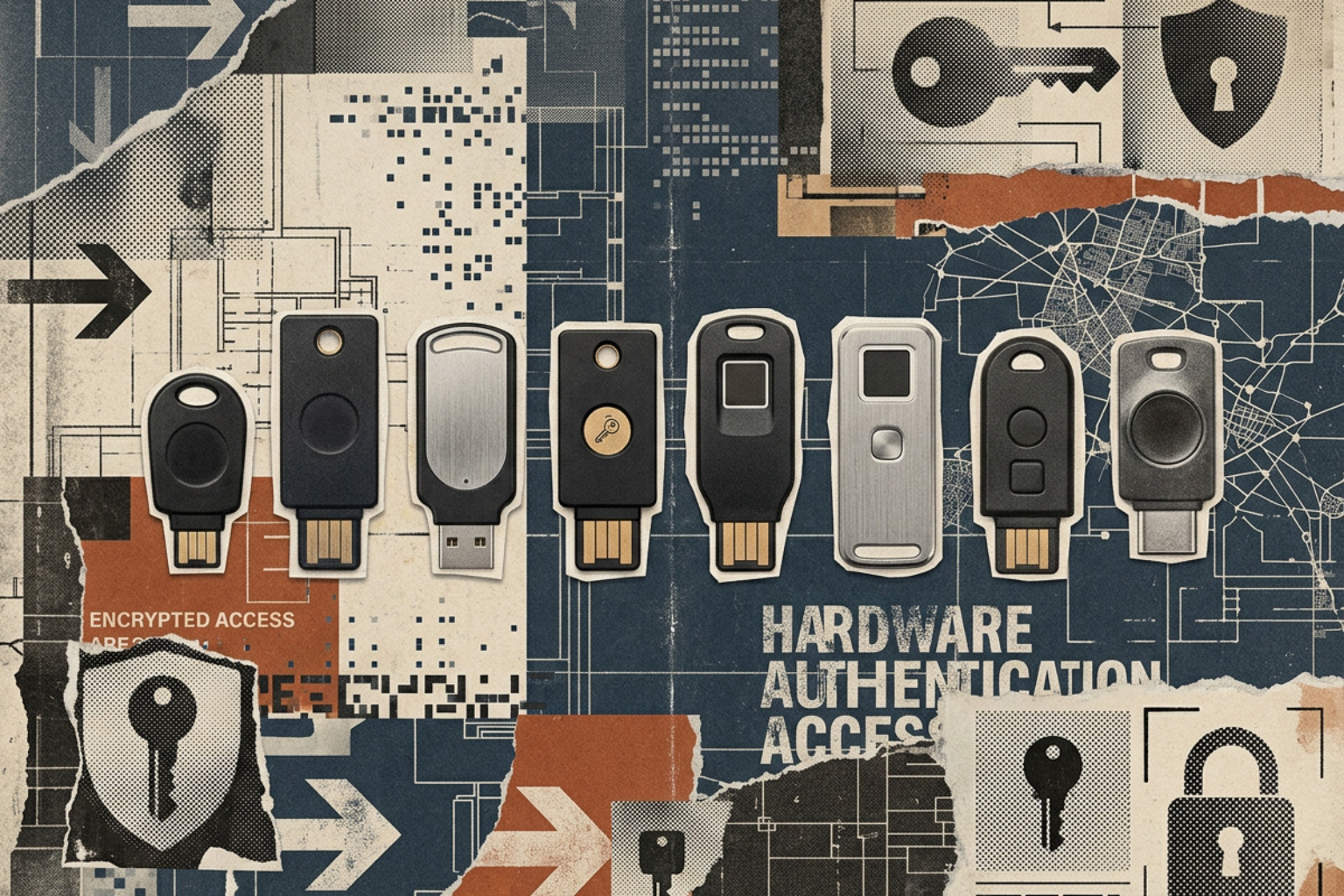
When conducting a FIDO2 security key comparison, we must evaluate options across several distinct categories: industry-standard proprietary keys, open-source hardware, and specialized proximity-based enterprise solutions.
Comprehensive technical overviews such as the Top 5 Hardware Security Keys 2026: YubiKey vs Google Titan vs the Rest | Deepak Gupta and the hands-on testing in The 2025 Security Key Shootout! - by Champ Clark III highlight that while basic authentication works similarly across certified devices, the real differentiators are firmware auditability, protocol versatility, and physical construction.
Proprietary vs. Open-Source Tokens: A FIDO2 Security Key Comparison
The debate between proprietary and open-source hardware security keys centers on the balance of supply chain trust versus independent auditability.
- Proprietary Keys (e.g., YubiKey, Google Titan): Brands like Yubico utilize proprietary, closed-source, signed firmware. The primary benefit is stability, rigorous commercial testing, and guaranteed compliance with strict standards like FIPS 140-2. However, users must fully trust the manufacturer's internal security controls, as the firmware cannot be independently compiled or audited.
- Open-Source Tokens (e.g., Nitrokey 3, SoloKeys Solo V2): For organizations with paranoid threat models, open-source keys offer fully auditable firmware and hardware design files publicly hosted on GitHub. This transparency allows security researchers to verify that no backdoors exist. However, open-source keys often lag behind in formal enterprise certifications and may require more frequent manual firmware updates. You can explore these architectural differences in our guide on Yubikeys And Alternatives Exploring Hardware Based Authentication.
Budget vs. Premium: Cost Factors in a FIDO2 Security Key Comparison
Pricing for FIDO2 security keys ranges from approximately $14 for basic entry-level keys to over $100 for biometric, FIPS-validated models. Understanding what justifies this price gap is essential for calculating the Total Cost of Ownership (TCO) in enterprise rollouts:
- Protocol Breadth: Budget keys like the Yubico Security Key C NFC (~$30) or Token2 T2F2 (~$22) are "simple" tokens. They support FIDO2/WebAuthn and legacy FIDO U2F, which is perfectly sufficient for 95% of standard business users. Premium keys like the YubiKey 5 Series (~$55–$80) are "extended" tokens that support a massive array of legacy and advanced protocols, including PIV smart card (CCID) capabilities, OpenPGP, Challenge-Response, and OATH-TOTP/HOTP.
- Storage Capacity: Storage limits for "discoverable credentials" (resident keys stored directly on the device) vary wildly. Older or budget keys may store as few as 8 to 25 credentials. In contrast, newer YubiKey models with firmware 5.7+ store up to 100 passkeys, while specialized Token2 and Authenton keys can store up to 300 unique credentials.
- Cryptographic Coprocessors: Premium keys feature dedicated cryptographic chips capable of handling complex algorithms (such as RSA 4096, ECC P384, and Ed25519) directly on the hardware, which is required for secure SSH and code-signing workflows.
Form Factors and Durability: USB-A, USB-C, NFC, and Nano Designs
Selecting the right physical design depends entirely on user workflows and device environments:
- Classic Keychain Keys: These are standard-sized keys designed to hang on a keyring. Models like the YubiKey 5 NFC are highly durable, often boasting IP68 water-resistance (submersion up to 1.5 meters for 30 minutes) and crush-proof injection-molded plastic shells. They are ideal for remote workers who alternate between laptops and mobile devices.
- Nano Form Factors: Micro keys like the YubiKey 5 Nano or Token2 T2F2-mini are designed to sit semi-permanently inside a USB port. These are perfect for desktop workstations or laptops lacking a built-in Trusted Platform Module (TPM) where a permanent hardware-backed key is required.
- NFC & Contactless: NFC is critical for mobile authentication on iOS and Android. Independent pen-testing evaluations, such as the Best Hardware Security Key 2026 (8 Tested by Pen Tester) , show that NFC tap reliability varies; the YubiKey 5 NFC achieved a 100% success rate in lab tests, whereas some budget alternatives required multiple taps or precise alignment to register.
- Proximity-Based & Wearable Authenticators: Modern alternatives like EveryKey introduce a hands-free paradigm by combining robust passwordless standards with Bluetooth proximity. This eliminates the need for constant physical tapping, making it highly suitable for active environments like clinical healthcare or manufacturing floors.
For a deeper analysis of deploying physical authenticators in diverse environments, see our comprehensive Hardware Authentication Guide 2026.
Enterprise-Grade Security: FIDO Certification Levels and Cloud Directory Attestation
For enterprise and government deployments, a key's security claims must be backed by formal certifications. The FIDO Alliance defines distinct Authenticator Certification Levels:
- FIDO Level 1 (L1): Evaluates the authenticator against basic protocol compliance. It ensures the key correctly implements FIDO2 standards but does not subject the physical hardware to rigorous tamper-resistance testing.
- FIDO Level 2 (L2): Requires the hardware to protect the private keys against scalable, client-side physical attacks and side-channel analysis. The secure element must be validated to prevent physical extraction of cryptographic keys. For regulated industries (such as healthcare under HIPAA, financial services under PCI DSS, or European entities under NIS2), L2-certified keys are highly recommended.
Furthermore, manufacturing origin and supply chain integrity are increasingly critical. Organizations operating under strict compliance frameworks often require keys manufactured in trusted jurisdictions (such as Yubico's US/Swedish manufacturing or Nitrokey's German development) to mitigate the risk of state-sponsored supply chain interdiction.
Enterprise Identity Provider Certification and Attestation Enforcement
In a Zero Trust architecture, simply accepting any plugged-in security key is a security vulnerability. Administrators must ensure that only corporate-approved, highly secure hardware keys can be registered by employees. This is achieved through Attestation.
During key registration, the hardware key provides an Authenticator Attestation GUID (AAGUID) along with a cryptographic signature from the manufacturer's root certificate. This allows identity providers (IdPs) like Microsoft Entra ID (Azure AD) or Okta to verify the exact make, model, and certification level of the key.
If an enterprise enforces attestation, registration will fail if a user attempts to enroll an unapproved or generic FIDO2 key. If an organization must deploy non-standard keys, administrators must deliberately disable Enforce Attestation in their IdP settings—though doing so removes the ability to cryptographically verify the hardware chain of trust. For more details on configuring these boundaries, consult the YubiKey vs Token2 vs Titan 2026: Which Security Key? — PwdFortress documentation.
Biometrics on the Edge: Usability and Security of Fingerprint-Enabled Keys
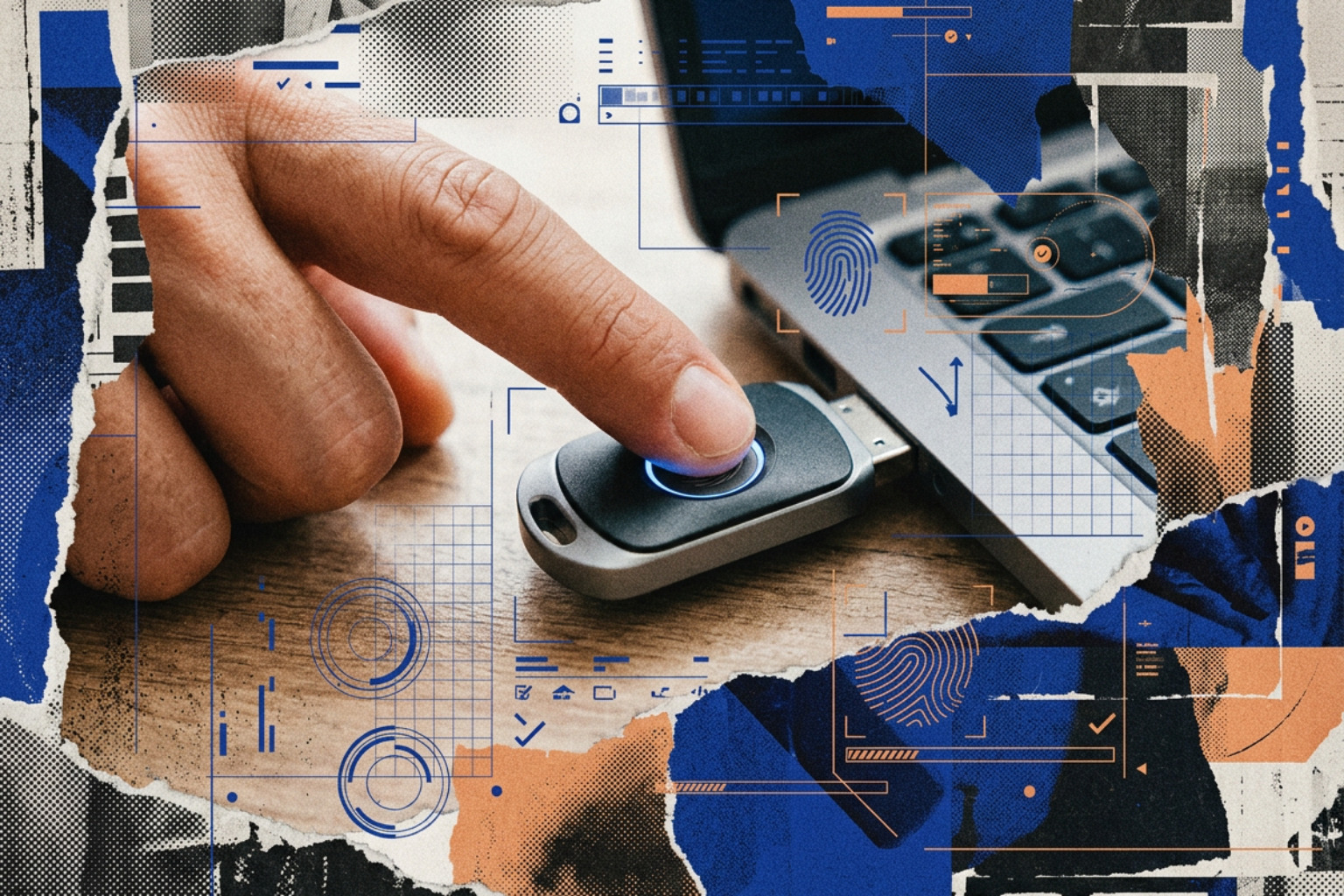
Biometric FIDO2 keys, such as the YubiKey Bio Series or the Token2 PIN+ Bio3, replace the traditional alphanumeric PIN with a fingerprint swipe. This offers a massive boost to user experience, reducing authentication times to under a second.
- On-Device Storage: Biometric templates are encrypted and stored exclusively within the secure element of the physical key. They are never transmitted over the network, stored on the host computer, or backed up to cloud servers.
- No External Camera Dependence: Unlike software face-recognition systems, biometric keys do not rely on host-device infrared cameras or operating system APIs, making them fully self-contained.
- PIN Fallback: FIDO2 standards mandate that if a biometric read fails multiple times (typically three consecutive failed attempts), the device falls back to requiring the user-configured PIN to prevent lockout.
While highly convenient, biometrics introduce physical attack vectors. A sophisticated adversary with physical possession of the key could potentially lift a latent print to bypass the biometric check, though this is a highly targeted threat vector. For a broader look at how biometrics fit into modern enterprise IAM, see our guide on the Best Authentication Methods Of 2026 MFA Biometrics Passkeys More.
Deployment and Disaster Recovery: Managing FIDO2 Keys at Scale
The largest hurdle to passwordless maturity is not technical implementation; it is user lifecycle management. When deploying hardware keys, organizations must plan for the inevitable: users will lose, damage, or forget their keys.
To prevent help desk bottlenecks and business disruption, enterprises should adopt the following best practices:
- Mandate a Primary and Backup Key: During onboarding, issue each employee two keys. Ensure both are registered to the user's primary accounts (such as email, identity provider, and password manager). The primary key stays on their person, while the backup is stored securely at home.
- Utilize Temporary Bypass Codes: IdPs like Entra ID allow administrators to generate Temporary Access Passes (TAP)—time-limited, single-use codes that allow an employee to log in and register a replacement key without bypassing MFA policies entirely.
- Implement Lifecycle Management: For large-scale rollouts, manual procurement is unsustainable. Subscription programs like YubiEnterprise allow organizations to automate key distribution, shipping replacements directly to remote workers' homes and streamlining inventory management.
Implementing these guardrails ensures that moving beyond passwords does not result in an avalanche of lockout support tickets. For a strategic overview of how to position passwordless technologies in your wider security stack, see our guide on Beyond Passwords The Benefits Of Multifactor Authentication In A Modern Security Landscape and our detailed breakdown of Passwordless Authentication Benefits For Businesses.
Frequently Asked Questions about FIDO2 Security Keys
What happens if I lose my primary FIDO2 security key?
If you lose your primary key, you will be locked out of your accounts unless you have registered a backup authenticator or have access to offline recovery codes. In an enterprise environment, you must contact your IT help desk to obtain a Temporary Access Pass (TAP) to log in and register a new key. Always delete the lost key's registration from your account settings as soon as possible to prevent unauthorized access.
Can FIDO2 keys be used with mobile devices?
Yes. Modern FIDO2 keys are highly compatible with iOS and Android devices. For contactless authentication, you can tap an NFC-enabled key against the back of your smartphone. Alternatively, USB-C keys can be plugged directly into modern iPads, iPhones, and Android devices to complete the cryptographic handshake.
Why are hardware keys superior to authenticator apps?
Hardware keys are immune to phishing, push bombing (MFA fatigue), and AiTM proxy attacks. Authenticator apps can still be bypassed if a user is tricked into typing a TOTP code into a fake website, or if they accidentally approve a malicious push notification. Because hardware keys cryptographically verify the website's domain origin directly on the physical device, they cannot be tricked by fake login pages.
Conclusion
Achieving a true Zero Trust architecture requires eliminating phishable credentials from your authentication workflows. While there is no single "best" device in a FIDO2 security key comparison, the right choice depends on your compliance requirements, budget constraints, and the legacy protocols you must support.
For standard enterprise rollouts, budget-friendly keys like the Yubico Security Key C NFC or Token2 T2F2 provide exceptional phishing resistance at a manageable cost. For power users and regulated environments, the YubiKey 5 Series remains the gold standard for protocol versatility. Meanwhile, solutions like EveryKey demonstrate that passwordless security can coexist with hands-free proximity-based convenience.
To map out your organization's transition to a passwordless, highly secure environment, explore our Complete Guide to Identity and Access Management.