Stop Using 'Password123' with the Best Free Android Password Manager

The Password Problem Every Android User Needs to Solve in 2026
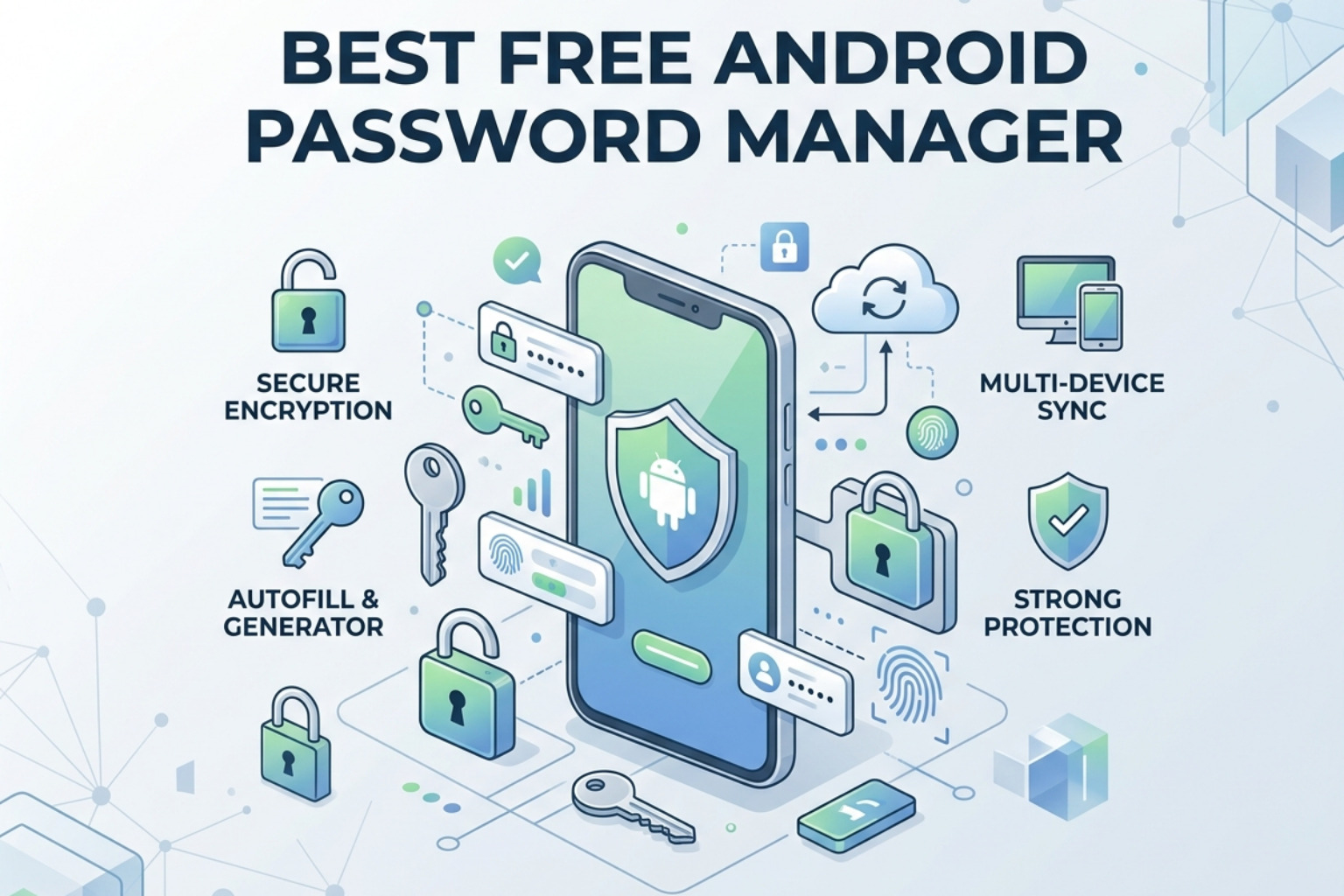
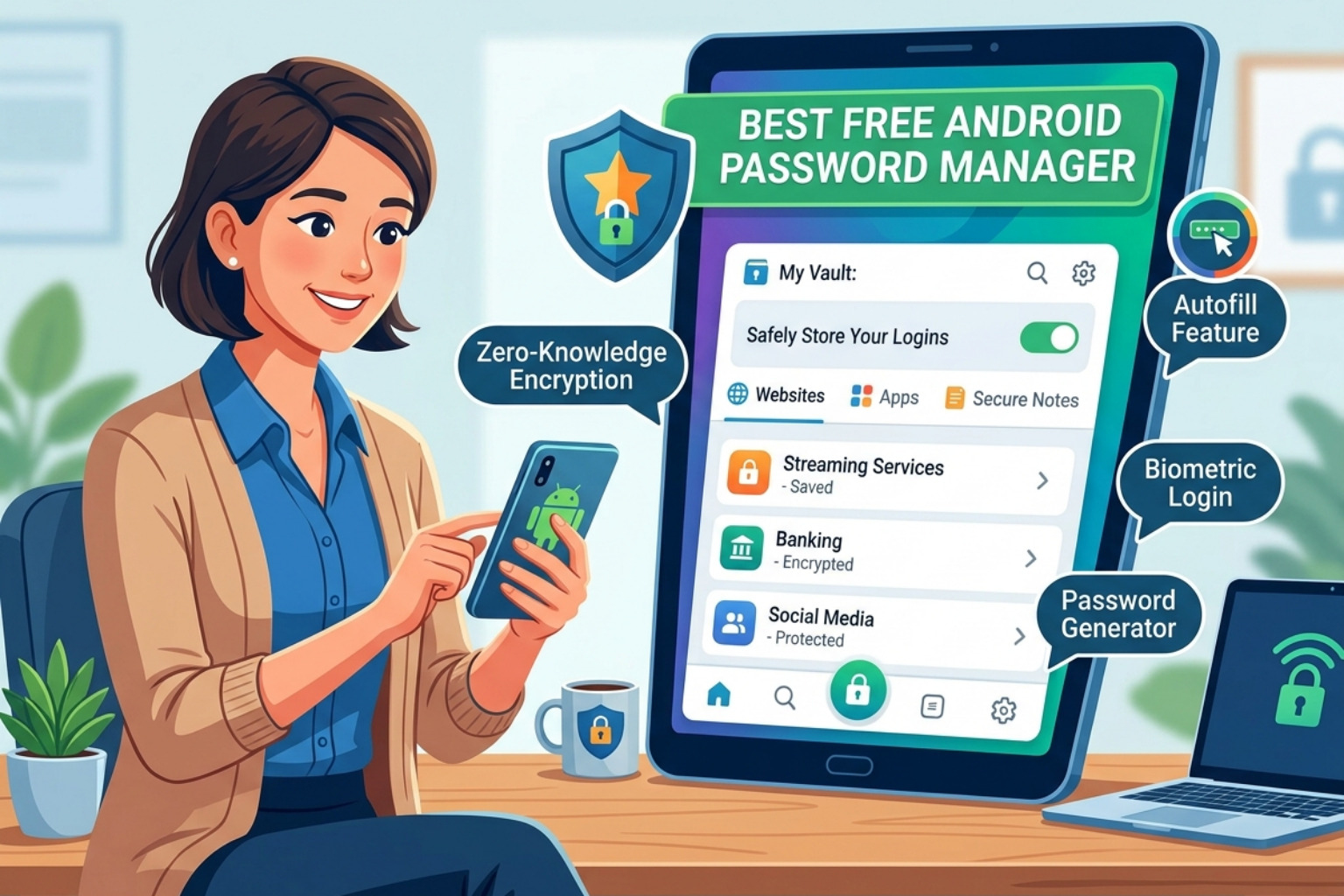
Finding the best free android password manager comes down to a few non-negotiable criteria: zero-knowledge encryption, cross-device sync, and a free tier that doesn't cripple functionality.
Quick answer — top free Android password managers ranked:
| Rank | App | Free Tier Highlights | Key Limitation |
|---|---|---|---|
| 1 | Bitwarden | Unlimited passwords, unlimited devices, open-source, FIDO2 | TOTP requires premium |
| 2 | Proton Pass | Unlimited passwords, unlimited devices, email aliases, metadata encryption | 2 vaults on free tier |
| 3 | NordPass | XChaCha20 encryption, clean UI | Single device on free |
| 4 | RoboForm | Strong form-filling, free TOTP | Limited multi-device sync |
| 5 | KeePassDX | Fully local, no cloud dependency, Argon2 | Manual sync required |
Here's the problem most Android users are ignoring.
The average person manages around 170 passwords. Yet more than two-thirds of people reuse the same credentials across multiple accounts. On Android alone — a platform used by over 40% of Americans — that means hundreds of millions of devices are one credential-stuffing attack away from a serious breach.
NIST SP 800-63B is clear: password reuse is one of the highest-risk behaviors in digital identity management. A free, well-architected password manager directly addresses this.
The good news: you don't need to spend a dollar to fix it.
The options below range from cloud-synced managers with enterprise-grade encryption to fully air-gapped local vaults — each suited to a different threat model and technical comfort level.
Evaluating the Best Free Android Password Manager for Enterprise-Grade Security
When IT professionals evaluate a password manager, the "free" price tag is secondary to the security architecture. In 2026, the industry standard has shifted toward Argon2id as the preferred key derivation function (KDF) over the aging PBKDF2 SHA-256, though many legacy tools still rely on the latter.
A high-quality best free android password manager must utilize a zero-knowledge architecture. This means the service provider never possesses the master password or the decryption keys. Your data is encrypted locally on the Android device before it ever touches a cloud server. This end-to-end encryption (E2EE) ensures that even if the provider suffers a server-side breach, the attackers only obtain useless blobs of ciphertext.
For those managing a mix of personal and professional identities, understanding the nuances of Your Guide To Password Storage Software And Password Managers is essential. Security practitioners look for AES-256 bit encryption, which remains the gold standard for securing data at rest. However, as we will see with NordPass, some modern alternatives are adopting XChaCha20 for its performance benefits on mobile hardware.
Choosing the right tool requires balancing usability with the strict requirements of Top Password Manager Applications Choosing The Right Tools For Secure Access.
Bitwarden: The Best Free Android Password Manager for Multi-Device Sync
Bitwarden remains the undisputed champion for users who need a "free forever" plan that doesn't feel like a trial. While many competitors have restricted their free tiers to a single device type (mobile vs. desktop), Bitwarden continues to offer unlimited passwords on unlimited devices with seamless cross-platform synchronization.
The Bitwarden Password Manager - Apps on Google Play currently maintains a 4.7-star rating with over 5 million downloads. Its open-source nature is its greatest asset for the security community; the codebase is transparent and subject to frequent third-party audits by firms like Cure53.
Key Technical Features:
- Encryption: AES-256 bit end-to-end encryption with PBKDF2 SHA-256 or Argon2id.
- Autofill: Leverages Android’s Autofill Framework and Accessibility Services for older devices.
- Security: Supports FIDO2 WebAuthn and hardware security keys (up to 5 for free users).
- Performance: A 2025-2026 native app rewrite significantly improved the Android experience, addressing previous complaints about UI lag and autofill reliability.
If Bitwarden’s interface feels too utilitarian, there are several Alternatives To Bitwarden A Complete Guide For It Professionals that offer different UX philosophies while maintaining similar security standards.
Proton Pass: Privacy-First Best Free Android Password Manager
Emerging from the scientists at CERN, Proton Pass has quickly become a favorite for those already embedded in the Proton ecosystem (Mail, VPN, Drive). Its standout feature is its Swiss jurisdiction, which provides a legal buffer against intrusive data requests.
Unlike many managers that only encrypt the password field, Proton Pass encrypts all metadata, including URLs and usernames. This prevents a "metadata leak" where an observer could see which services you use, even if they can't see your passwords.
What makes it unique:
- Email Aliasing: Integrated SimpleLogin technology allows free users to create email aliases to hide their primary address, mitigating the impact of third-party data breaches.
- Modern UI: The Proton Pass: Password Manager - Apps on Google Play is widely praised for its intuitive, clean design compared to older managers.
- Vault Limits: The free version allows for unlimited passwords across unlimited devices, though it limits users to two "vaults" for organization.
For users who find NordPass's device restrictions frustrating, Proton Pass is often cited among the best Alternatives To Nordpass Best Password Managers For 2026.
Local-First and Decentralized Alternatives for High-Privacy Environments
For IT security professionals working in high-sensitivity environments, "the cloud" is often a dealbreaker. Local-first password managers allow for technical sovereignty — you own the .kdbx database file and you decide how it is stored and synced. This air-gapped approach eliminates the risk of a centralized service provider breach.
Exploring the Best Open Source Password Managers Of 2026 Free Secure Self Hostable reveals a world where the user is in total control. By using tools like Syncthing or a private Nextcloud instance, you can achieve sync without ever exposing your vault to a third-party vendor's servers. This is often the preferred route for those following an Open Source Pw Mgr A Practical Guide To Open Source Password Managers For It Teams strategy.
KeePassDX and Keepass2Android
The KeePass ecosystem on Android is split between two primary heavyweights. Both are free, open-source, and compatible with the standard .kdbx format used by KeePassXC on desktop.
- KeePassDX: Known for its "Magikeyboard," which allows users to fill credentials in apps that actively block the standard Android Autofill API. It supports Argon2, ChaCha20, and Twofish encryption. The KeePassDX Passkey Vault - Apps on Google Play is a masterclass in local-only security.
- Keepass2Android: Offers a "QuickUnlock" feature that lets you re-access your vault with just a few characters or a fingerprint after the initial full decryption. It handles complex sync methods like SFTP and WebDAV natively. The Keepass2Android Password Safe - Apps on Google Play is a robust choice for users who want granular control over their sync protocol.
Enpass and RoboForm
If you want a middle ground between "fully manual" and "fully cloud," Enpass and RoboForm offer unique value propositions.
Enpass follows a decentralized model. It provides the software, but you provide the storage (Google Drive, OneDrive, Dropbox, or local Wi-Fi sync). The Enpass Password Manager - Apps on Google Play is free for up to 25 items on mobile, making it a niche choice for those with very few critical passwords who demand decentralized storage.
RoboForm is frequently cited as the best free android password manager for form-filling accuracy. While its free tier limits multi-device sync, it includes a built-in TOTP authenticator for free, which is a premium feature in Bitwarden. If you are looking for Alternatives To Roboform Best Password Managers In 2026, you'll find that few match its speed in handling complex web forms.
Security Architecture and Vulnerability Mitigation on Android
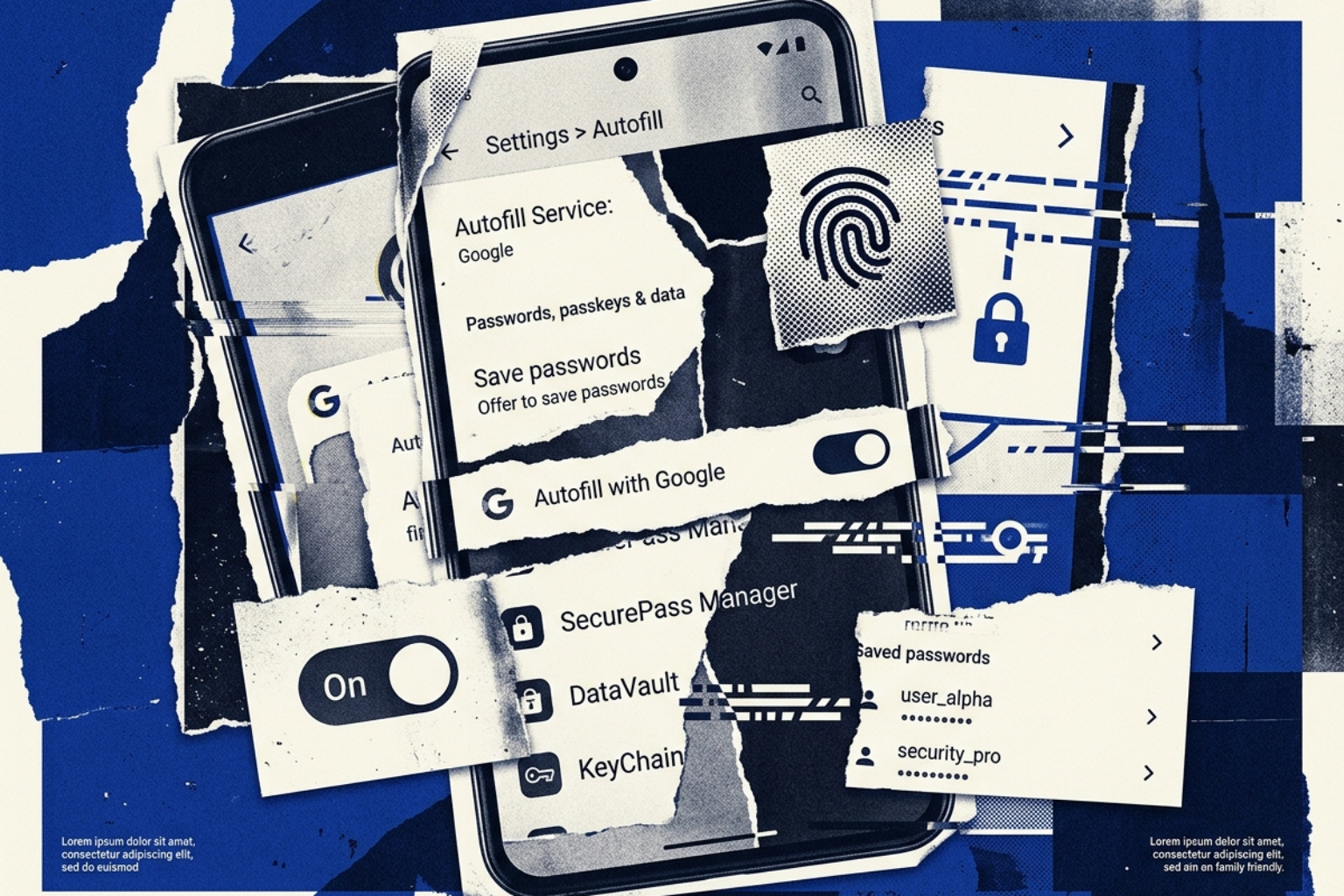
Android's security model for password management has evolved significantly. In the past, managers relied on Accessibility Services to "read" the screen and find login fields — a method that is technically a hack and presents a broader attack surface. Modern Android versions (Oreo and later) use the native Autofill Framework, which is more secure but occasionally fails in certain apps or WebViews.
A significant vulnerability identified by researchers is AutoSpill. This attack exploits how Android handles autofill within WebViews (mini-browsers inside other apps). Researchers at Black Hat Europe demonstrated that credentials could "spill" into the host app if the password manager wasn't properly distinguishing between a native app field and a WebView. Most major providers, including 1Password, Enpass, and Keeper, have since issued patches for this, but it highlights the importance of keeping your best free android password manager updated.
For a deeper dive into these mechanics, refer to What Is A Password Manager A Complete Guide To Password Security In 2026. If you are currently using LastPass, you should be aware of its history with breaches and its current device limitations; many users are seeking Alternatives To Lastpass For Secure Password Management In 2026 due to these concerns.
Passkey Support and Future-Proofing
The industry is moving toward a passwordless future led by the FIDO Alliance. Passkeys use public-key cryptography to replace passwords entirely. Instead of a shared secret (the password) that can be phished, your device creates a unique cryptographic key pair for every site.
Most top-tier managers, including Bitwarden and the LastPass Password Manager - Apps on Google Play, now support passkey storage and synchronization. This allows you to log in to your Android apps using your phone's biometrics (fingerprint or face unlock) without ever typing a character.
Third-Party Audits and Transparency
In the enterprise world, trust is verified, not just given. Security teams prioritize managers that undergo SOC 2 Type II audits and regular penetration testing.
Dashlane recently made headlines by open-sourcing its Android and iOS client code, allowing the community to audit the mobile apps for vulnerabilities. This move toward transparency is becoming a competitive necessity. For IT teams, checking Alternatives To Dashlane The Best Password Managers For It Teams In 2026 often involves comparing these public audit reports and GitHub activity.
Frequently Asked Questions about Android Password Management
What happens if I lose my master password?
Because these tools use zero-knowledge encryption, the provider cannot reset your password. If you lose it, your data is effectively gone.
- The Solution: Most managers provide a "Recovery Code" during setup. Print this and put it in a physical safe.
- Emergency Access: Tools like Bitwarden allow you to designate a trusted contact who can request access to your vault after a predefined waiting period.
Is Google Password Manager sufficient for Android users?
Google Password Manager is convenient and built into the OS, but it has two major flaws:
- Ecosystem Lock-in: It is difficult to use your passwords on a non-Chrome browser or a different OS without friction.
- Feature Set: It lacks advanced features like secure note storage, encrypted file attachments, and granular sharing controls (collections) found in standalone managers. For a dedicated security posture, a standalone manager is always recommended.
Are free password managers safe from data breaches?
Yes, provided they use local encryption. Even if Bitwarden or Proton were hacked tomorrow, your vault is encrypted with a key (your master password) that they never had. The danger is not a server breach; the danger is a weak master password or a lack of Multi-Factor Authentication (MFA). Always enable TOTP or a hardware key on your vault.
Conclusion
Choosing the best free android password manager is the single most effective step you can take to improve your personal and professional security posture. Whether you opt for the open-source flexibility of Bitwarden, the privacy-centric Swiss architecture of Proton Pass, or the local-first sovereignty of KeePassDX, the goal is the same: eliminate password reuse and embrace high-entropy credentials.
At Unlocked, we believe that identity and access management is the cornerstone of modern cybersecurity. For more technical guides on securing your digital life, explore our What Is A Password Manager A Complete Guide To Password Security In 2026.
Stop relying on "Password123" and start using a tool that actually works for you. Your data is only as secure as the weakest link in your authentication chain — don't let that link be your memory.