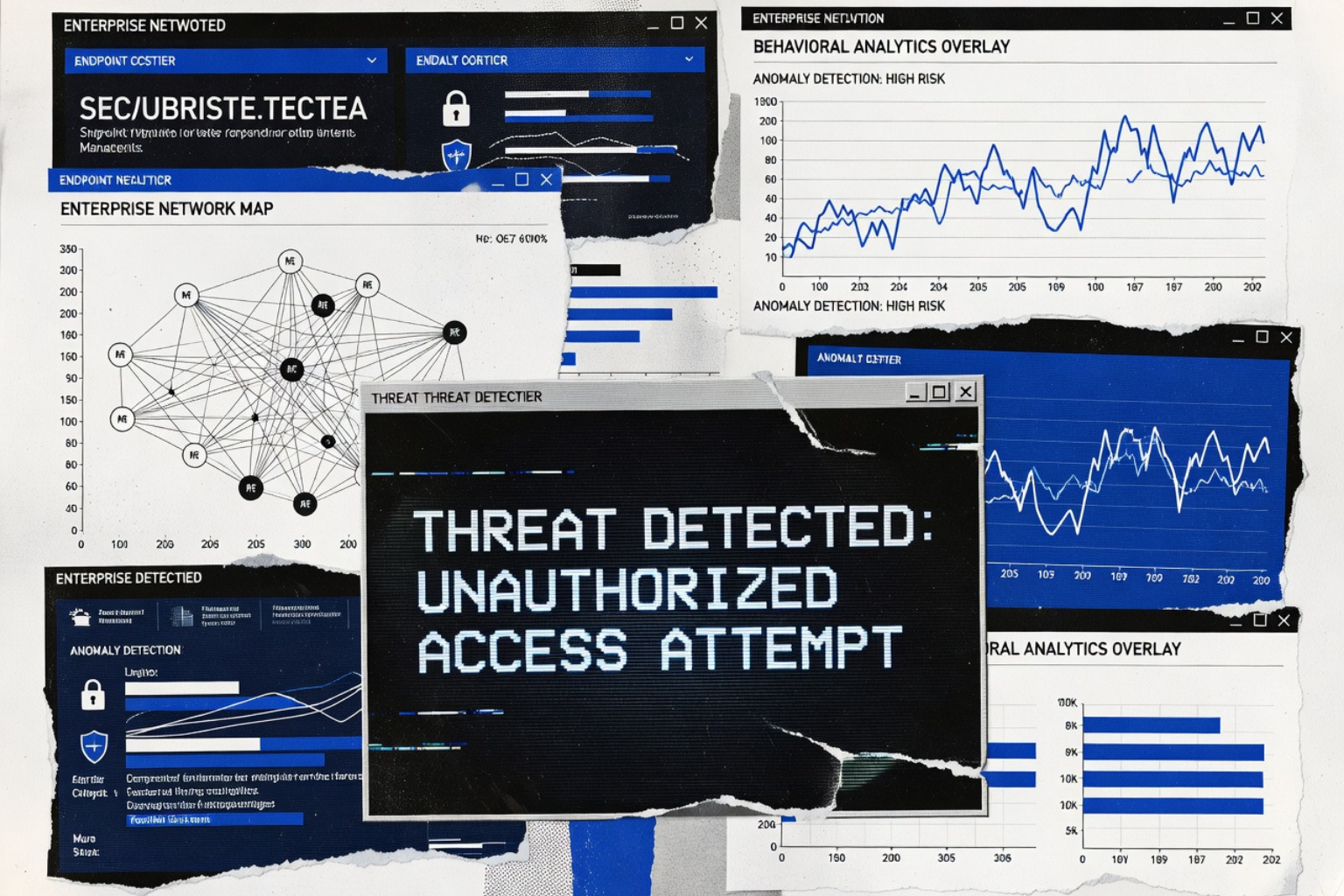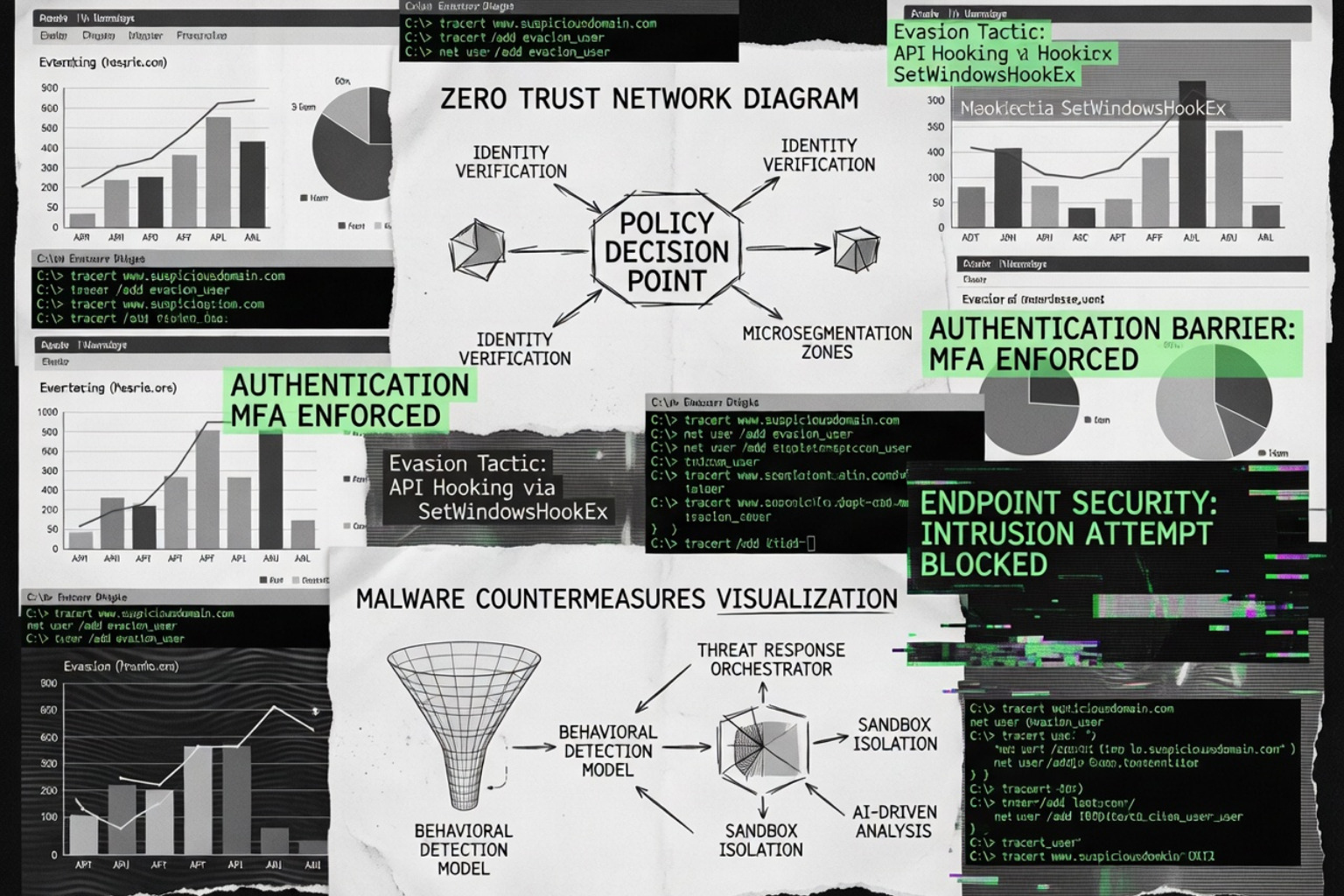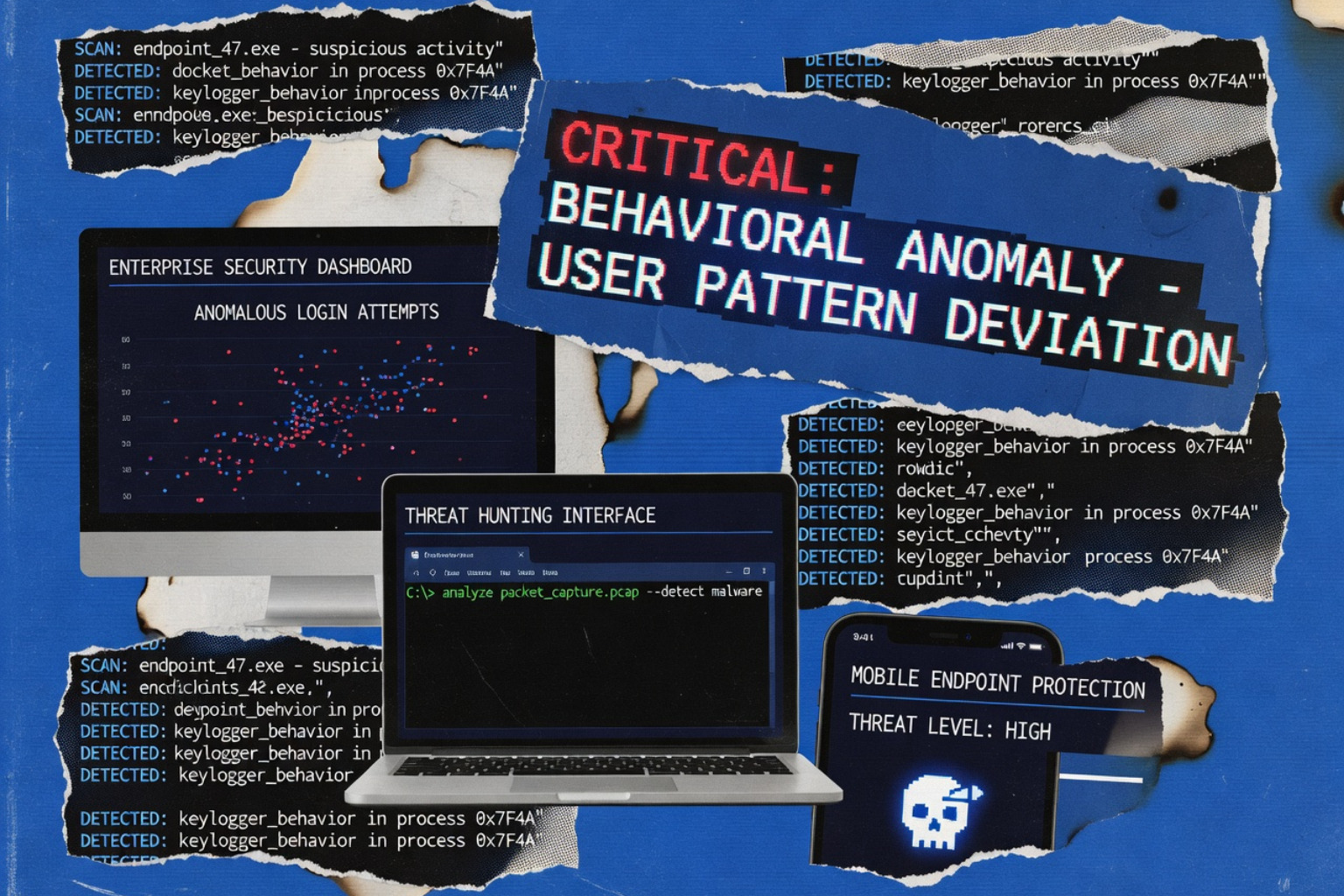
How Behavioral Blocking and Containment Stop Malware Cold
Behavioral blocking monitors program actions instead of matching signatures, catching zero-day exploits and fileless malware that traditional tools miss.

Why Behavioral Blocking Is Now a Core Defense Layer
Malware protection behavioral blocking is a security mechanism that monitors what programs do — not just what they look like — to detect and stop threats in real time, including attacks that have never been seen before.
Here's what it does in plain terms:
- Watches system events — process creation, API calls, registry changes, file writes
- Flags suspicious action sequences — even if the file itself has no known malicious signature
- Takes automated action — blocking execution, terminating processes, or cleaning up artifacts
- Works against zero-days, fileless malware, and Living Off the Land (LOTL) attacks that traditional antivirus misses entirely
Traditional signature-based antivirus works by recognizing known bad files. That model has a hard limit: it cannot stop what it has never seen. In May 2026, that gap is no longer theoretical. Polymorphic threats mutate their code on every infection. Fileless attacks never touch disk. Human-operated ransomware operators actively adapt their techniques mid-campaign.
The threat landscape has moved faster than signature databases can follow.
Behavioral blocking flips the detection model. Instead of asking "is this file known to be bad?", it asks "is this program doing something a legitimate process would never do?" — like a Word document spawning a PowerShell process that reaches out to an external server.
The impact is measurable. According to the Red Report 2026, ransomware encryption rates dropped 38% — a direct result of behavioral detection catching ransomware processes before they complete mass file encryption. In one documented case, Microsoft Defender's behavioral models stopped a credential theft campaign targeting over 100 organizations worldwide by catching process hollowing activity tied to Lokibot malware.
This guide breaks down exactly how behavioral blocking works, how to implement it, and where its limits are.
How Behavioral Blocking Works Under the Hood
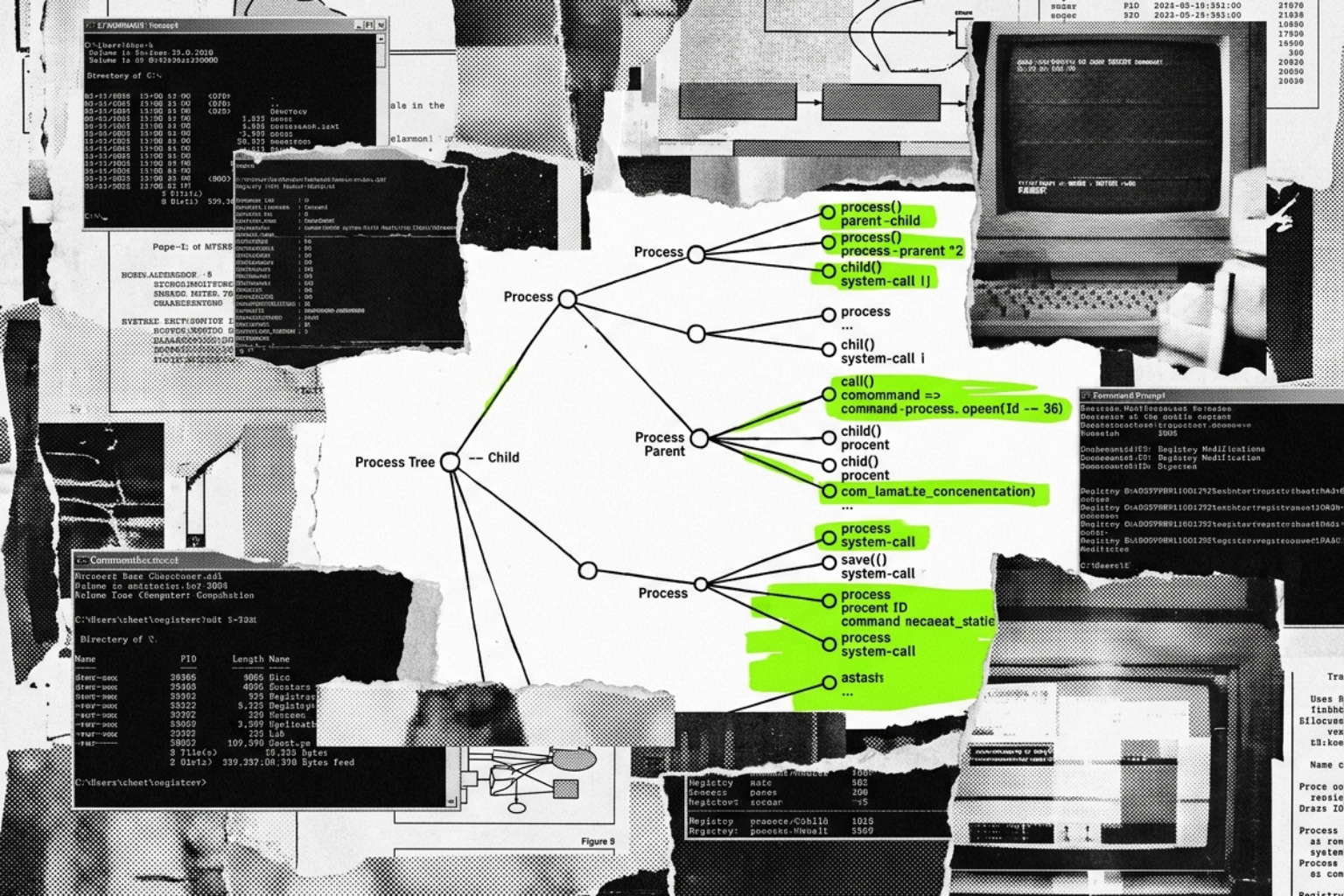
At its core, malware protection behavioral blocking operates on the principle of action-centric security. While traditional scanners look for "identity" (the file's hash or specific code strings), behavior blockers look for "intent" manifested through system events.
When a program executes, the behavioral engine monitors a stream of telemetry including API calls, registry modifications, and network connections. It doesn't look at these events in isolation but rather as a sequence. For example, a process opening a document isn't suspicious. A process opening 500 documents in ten seconds and overwriting them with encrypted data is a high-confidence indicator of ransomware.
| Feature | Signature-Based Detection | Behavioral Blocking |
|---|---|---|
| Detection Method | Matching file hashes/patterns | Analyzing action sequences |
| Primary Strength | Efficiency against known threats | Protection against zero-days |
| Threat Context | Static (file at rest) | Dynamic (process in motion) |
| Evasion Resistance | Low (polymorphism bypasses it) | High (actions cannot be hidden) |
| Decision Maker | Database of "bad" samples | Heuristic scoring and ML models |
Modern solutions like Behavior detection | Malware Protection Plus use heuristic scoring to assign "risk points" to specific actions. Once a process exceeds a certain threshold, the engine triggers a response. This is increasingly powered by cloud-based machine learning, which can correlate telemetry from millions of endpoints to identify new attack patterns in milliseconds.
Integrating Behavioral Blocking with EDR
Behavioral blocking is the "enforcement arm" of Endpoint Detection and Response (EDR). While EDR provides the visibility (telemetry) and the "optics" to see an attack, behavioral blocking provides the containment.
In a modern Complete Guide To Cybersecurity Tools For Modern Organizations, EDR in "block mode" serves as a fail-safe. If a threat bypasses the primary antivirus, the EDR component monitors the post-breach behavior. If it detects a credential dumping attempt from LSASS or a suspicious process hollowing event, it can automatically terminate the process tree and isolate the host. This reduces the "dwell time" of an attacker from days to seconds.
Real-Time Cloud Analysis and Feedback Loops
One of the most powerful aspects of modern behavioral blocking is the feedback loop. When a suspicious artifact is detected on a single endpoint, Client behavioral blocking - Microsoft Defender for Endpoint sends the metadata to a cloud protection service.
Within milliseconds, machine learning models classify the artifact. If it's deemed malicious, a "block" signal is sent back to the client. More importantly, this intelligence is shared across the entire organization (and often the vendor's global install base). This "feedback-loop blocking" ensures that if one computer sees a new threat, every other computer is instantly immunized against it.
Neutralizing Advanced Evasion: Fileless and LOTL Attacks
Modern adversaries have pivoted away from "loud" malware files toward Living Off the Land (LOTL) techniques. These attacks use legitimate, pre-installed administrative tools like PowerShell, WMI (Windows Management Instrumentation), or certutil.exe to carry out malicious tasks. Since the tools themselves are "trusted," signature-based security is blind to them.
Behavioral blocking and containment - Microsoft Defender for Endpoint excels here by monitoring the context of these tools. If powershell.exe is launched with a Base64-encoded command string that attempts to inject code into a system process (process hollowing), the behavioral engine recognizes the sequence as a threat and kills the process, regardless of the tool's legitimacy.
Defeating Polymorphic Malware and Ransomware
Polymorphic malware constantly changes its code to stay ahead of signature databases. However, its behavior—such as reaching out to a Command and Control (C2) server or attempting to disable security services—remains consistent.
By utilizing Anomaly Detection The New Eyes Of Cybersecurity, organizations can spot deviations from "normal" baseline behavior. For ransomware, this includes monitoring for mass file renames or the deletion of Volume Shadow Copies. Many behavioral tools now include "rollback" features, where the system takes a temporary backup of files as soon as suspicious encryption behavior is detected, allowing for a 1-click restoration if the process is confirmed as malicious.
MITRE ATT&CK Mapping and Lineage Tracking
To help security teams understand the "why" behind a block, modern behavioral detections are often mapped directly to the MITRE ATT&CK framework. Instead of a generic "Malware Detected" alert, an admin might see "Behavior:Win32/CredentialDumping.A!ml," indicating an attempt to steal passwords.
Advanced tools like Malware Behavior Blocking | TrendAI™ use lineage tracking to perform Attack Group Remediation (AGR). This doesn't just kill the single malicious process; it tracks the entire family tree of files and scripts involved in the attack, ensuring that the "dropper," the "payload," and the "persistence mechanism" are all cleaned up simultaneously.
Implementing Behavioral Controls in Enterprise Environments
Deploying malware protection behavioral blocking isn't just about "turning it on"; it requires a strategic rollout to avoid disrupting business operations. Most enterprise solutions are managed via centralized consoles like Microsoft Intune or Group Policy.
A standard starting point is the Best Cybersecurity Software Of 2026 Top 12 Tools For Endpoint Network Identity Protection, which emphasizes enabling "Attack Surface Reduction" (ASR) rules. These rules prevent specific high-risk behaviors, such as Office applications creating child processes or scripts launching executable content.
Tuning for False Positive Reduction
The biggest challenge with behavioral monitoring is the potential for false positives. A legitimate custom-built accounting script might look like a "data exfiltration" tool to an over-aggressive behavioral engine.
To manage this, Behavior monitoring in Microsoft Defender Antivirus allows for contextual exclusions. If a specific developer tool is causing high CPU usage or being blocked, admins can use "diagnostic mode" to analyze the process behavior before creating a surgical exclusion. It is critical to use "Troubleshooting Mode" when making these changes to ensure that tamper protection doesn't prevent authorized administrative overrides.
Leveraging Sysmon for Enhanced Behavioral Visibility
For organizations that want deeper visibility without the cost of a full commercial EDR, Microsoft Sysmon (System Monitor) is an invaluable free tool. Sysmon v14 introduced the FileBlockExecutable feature, which can prevent the creation of executable files on disk based on their "MZ" header (the signature of a Windows executable), regardless of the file extension.
Using Sysmon Event ID 25 (Process Tampering) and Event ID 27 (File Blocked), sysadmins can detect advanced evasion techniques like "process herpaderping"—where an attacker modifies a file on disk after it has been loaded into memory to hide its true nature. These insights are essential components of The Ultimate Guide To Cybersecurity Tools For Modern Organizations.
Frequently Asked Questions about Behavioral Blocking
How does behavioral blocking differ from traditional antivirus?
Traditional antivirus is like a "No Fly List" for files; if the file's name or ID is on the list, it's stopped. Behavioral blocking is like "Airport Security"; it doesn't matter who you are or what your ID says—if you try to bring a weapon (malicious action) through the gate, you are stopped. This allows behavioral blocking to catch "zero-day" threats that haven't been added to any list yet.
Can behavioral blocking stop fileless malware?
Yes. Because fileless malware must eventually do something to be effective—like inject code into memory or modify a registry key—behavioral blocking can catch it at the point of execution. By monitoring process trees and API calls, the security software can see the "script-to-injection" chain and break it before the payload executes.
What are the performance impacts of behavioral monitoring?
Because behavioral monitoring happens at the kernel level and involves real-time analysis of every process, it can occasionally cause CPU spikes. However, modern engines use millisecond-latency cloud lookups and highly optimized drivers to minimize impact. Most users will never notice it's running unless a block occurs.
Add Behavioral Blocking to Your Security Stack
As we navigate the complex threat landscape of 2026, relying on static signatures is no longer a viable strategy. Malware protection behavioral blocking provides the dynamic, proactive defense necessary to stop everything from automated ransomware to sophisticated human-operated attacks.
By integrating these controls into a broader Best Cybersecurity Software For 2026 Top Tools For Network Security Endpoint Protection And Ai Power strategy, organizations can move from a reactive posture to one of automated containment. Unlocked continues to provide the technical depth and toolsets needed for security professionals to stay ahead of the curve. Defense-in-depth is no longer just about having many layers; it’s about having layers that are smart enough to recognize a threat by its actions.