
The Ultimate Guide to Cloud IAM Best Practices
Cloud IAM misconfigurations are the #1 cause of cloud breaches. This guide covers the exact controls — Zero Trust, JIT access, phishing-resistant MFA, and policy-as-code — that shut them down.

Why Cloud IAM Best Practices Define Your Entire Security Posture
Cloud IAM best practices are the foundation of every secure cloud deployment — and getting them wrong is the single most common cause of major cloud breaches in 2026.
Here is a quick-reference summary before we dive deep:
The most critical Cloud IAM best practices:
- Enforce least privilege — grant only the permissions actually needed, nothing more
- Replace long-lived credentials with temporary, auto-expiring tokens
- Require phishing-resistant MFA (FIDO2/WebAuthn) for all human accounts, especially admins
- Centralize identity using federation and SSO (SAML 2.0 / OIDC) with a single IdP
- Harden service accounts — treat machine identities with the same rigor as human ones
- Implement Just-in-Time (JIT) access for privileged roles instead of permanent assignment
- Audit continuously using native tools (IAM Access Analyzer, GCP Recommender, Azure Access Reviews)
- Apply guardrails at the org level via SCPs (AWS), Azure Policy, or GCP Organization Policies
The numbers are stark. Gartner has consistently found that over 99% of cloud security failures are the customer's fault — not the provider's. IAM misconfiguration leads that list every year. A single misconfigured S3 bucket once exposed over 8TB of customer data including business meeting recordings. A separate incident left customer names, phone numbers, and vehicle identification numbers publicly accessible for nearly seven years — from October 2016 to May 2023 — before anyone noticed.
The average enterprise manages roughly 17,000 cloud entitlements. Only about 5% are actively used. That gap — between permissions granted and permissions actually needed — is where attackers live. And with a mean time to detect IAM-related breaches sitting around 287 days, most organizations won't know they have a problem until the damage is done.
This guide covers everything a security engineer, IT administrator, or CISO needs to design, implement, and continuously improve IAM across AWS, Azure, and GCP. For a broader grounding in identity fundamentals, see the Identity and Access Management (IAM): The Complete Guide to Security, Access and Credential Management.
Core Principles of Modern Cloud Identity Security
The transition from traditional on-premises data centers to the cloud has rendered the old "castle and moat" network security model obsolete. In the cloud, identity is the new perimeter. If an attacker compromises a set of credentials with broad permissions, the network firewall won't stop them from exfiltrating data or shutting down production workloads.
To combat this, the Essential Guide to Cloud Security Best Practices and Solutions emphasizes a few non-negotiable principles:
- Principle of Least Privilege (PoLP): Granting only the minimum permissions required to perform a specific task for the shortest duration necessary.
- Zero Trust: Operating on the philosophy of "never trust, always verify." Every access request must be authenticated, authorized, and continuously validated.
- Separation of Duties: Ensuring that no single individual has enough power to cause catastrophic damage alone. For example, the person who creates an account should not be the person who defines its security policy.
- Blast Radius Reduction: Designing resource hierarchies and permission boundaries so that a compromise in one project or subscription cannot spread laterally to the rest of the organization.

As outlined in the AWS security best practices in IAM, starting with broad managed policies is acceptable in development, but production requires fine-grained, customer-managed policies based on actual usage.
Phishing-Resistant MFA and Credential Hygiene
In 2026, standard Multi-Factor Authentication (MFA) using SMS or basic push notifications is no longer sufficient for high-value targets. Attackers have mastered SIM swapping and MFA fatigue attacks. Modern Cloud IAM best practices demand phishing-resistant MFA, specifically FIDO2 and WebAuthn standards.
Hardware security keys (like YubiKeys) are the gold standard because they require physical presence and are bound to the specific domain, making them immune to credential harvesting sites. For government-adjacent organizations, following the CNSA Suite 2.0 standards ensures that even quantum-resistant cryptographic algorithms are being considered for future-proofing. For a deeper look at the tools facilitating this, check out Leading IAM Solutions 2025-2026: Identity and Access Platforms Shaping the Future of Enterprise Security.
RBAC vs. ABAC: Choosing the Right Access Model
Choosing between Role-Based Access Control (RBAC) and Attribute-Based Access Control (ABAC) is a common crossroad for security teams.
- RBAC: Permissions are tied to roles (e.g., "Database Administrator"). It is simple to understand and great for broad organizational structures.
- ABAC: Permissions are granted based on attributes of the user, the resource, and the environment (e.g., "Allow access to S3 buckets tagged 'Project-X' if the user is in the 'Engineering' department and connecting from the corporate VPN").
Modern strategies often use a hybrid approach. You might use RBAC for general access and layer on ABAC for high-sensitivity data where context — like location or time of day — is critical. This is often managed through tools like GCP's Access Context Manager or Azure's Conditional Access. Learn more about these strategies in our guide to Identity Access Management Solutions: Best IAM Platforms and Strategies for 2026.
Implementing Cloud IAM Best Practices Across AWS, Azure, and GCP
While the underlying security principles remain the same, each major Cloud Service Provider (CSP) uses different terminology and tools. Navigating this "alphabet soup" is one of the biggest challenges in multi-cloud governance.
Cloud IAM Terminology Comparison
| Feature | AWS | Azure (Entra ID) | GCP |
|---|---|---|---|
| Identity Management | IAM Identity Center | Microsoft Entra ID | Cloud Identity |
| Permission Guardrails | Service Control Policies (SCPs) | Azure Policy | Organization Policies |
| Just-in-Time Access | IAM Identity Center / PIM | Privileged Identity Management | IAM Conditions / JIT Access |
| Auditing Tool | IAM Access Analyzer | Access Reviews | IAM Recommender |
| Machine Identity | IAM Roles | Managed Identities | Service Accounts |
Implementing global guardrails is essential. For instance, you should use AWS SCPs to prevent anyone (including the root user) from deleting CloudTrail logs or disabling MFA. Similarly, GCP Organization Policies can be used to disable the creation of service account keys entirely, forcing teams toward more secure authentication methods. For a comparison of top-tier managers, see The Best Cloud Identity Manager for Enterprises in 2026.
Step-by-Step Cloud IAM Best Practices for Least Privilege
Achieving least privilege isn't a one-time event; it’s a continuous cycle.
- Analyze Current Usage: Use tools like AWS IAM Access Analyzer or GCP IAM Recommender to see which permissions are actually being used.
- Generate Scoped Policies: Many providers now offer "Policy Generation" features. By analyzing CloudTrail or Audit Logs, the platform can suggest a JSON policy that includes only the actions performed in the last 90 days.
- Apply Permission Boundaries: In AWS, use permission boundaries to set the "maximum allowable" permissions a developer can grant to the roles they create. This prevents privilege escalation.
- Review and Refine: Schedule quarterly Azure Access Reviews to ensure that users who have changed departments or left the company no longer have active entitlements.
The Google Cloud Role Recommendations best practices suggest prioritizing service accounts during this cleanup, as default service accounts (like the GCP Editor role) are often over-privileged by default.
Centralizing Identity with Federation and SSO
Maintaining separate user directories for AWS, Azure, GCP, and your SaaS apps is a recipe for disaster. It leads to "identity sprawl," where deprovisioning a terminated employee becomes an impossible game of whack-a-mole.
Centralize your identity using a single Identity Provider (IdP) and federate access via SAML 2.0 or OpenID Connect (OIDC). This allows for Single Sign-On (SSO) and ensures that when a user is disabled in your primary directory (like Entra ID or Okta), their access to all cloud resources is revoked instantly. For more on centralizing these flows, see Identity Manager: Centralizing User Access and Governance in the Enterprise.
Securing Machine Identities and Service Accounts
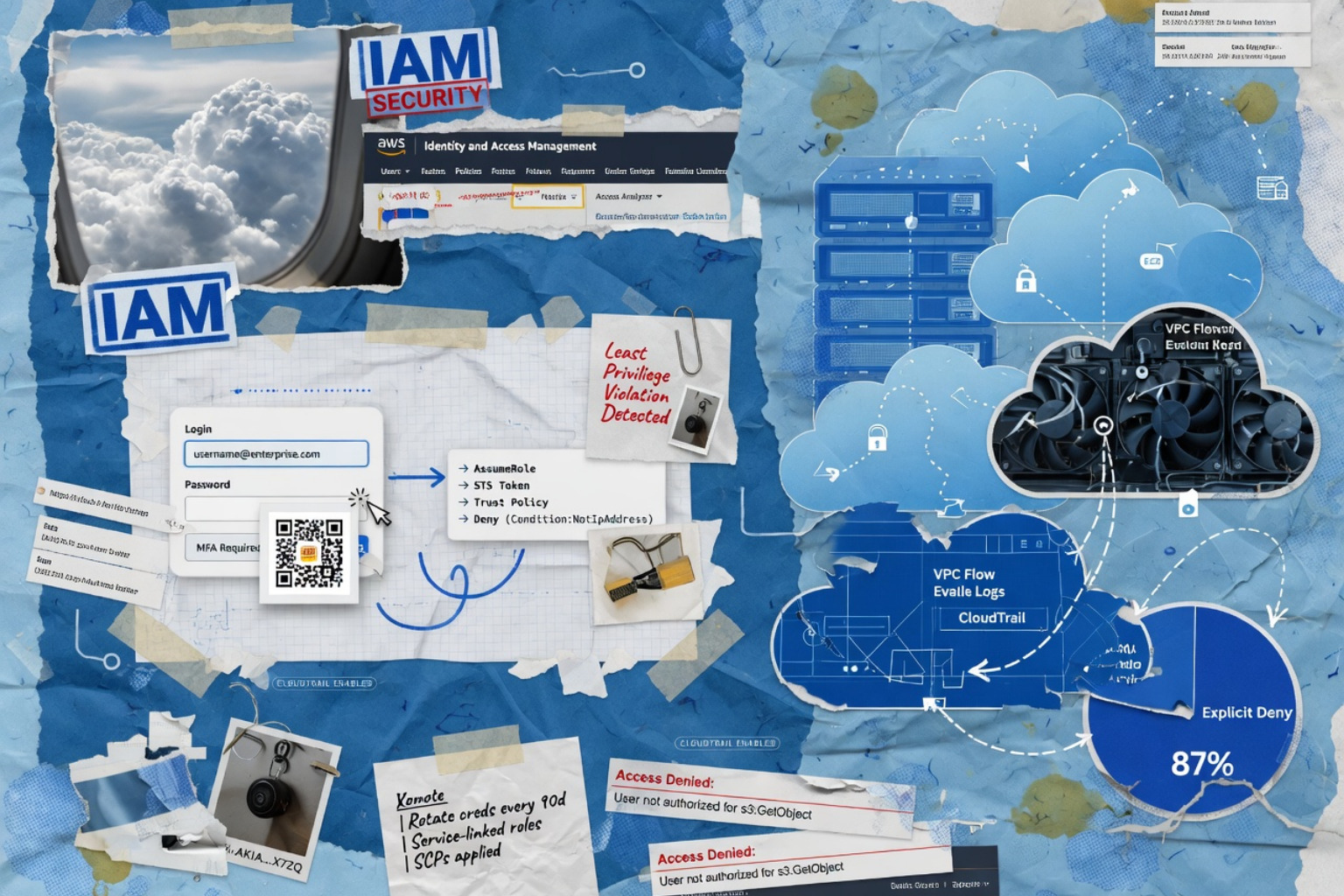
While human identities get all the headlines, machine identities (service accounts, managed identities, and IAM roles for workloads) often outnumber humans 10-to-1. These non-human identities are frequently the "weakest link" because they often lack MFA and use long-lived, hardcoded credentials.
Eliminating Long-Lived Credentials
One of the most effective Cloud IAM best practices is the total elimination of static access keys (the AWS_ACCESS_KEY_ID and AWS_SECRET_ACCESS_KEY variety). These keys are often accidentally committed to GitHub or left in local .aws/credentials files.
Instead, use:
- IAM Roles for EC2/Lambda: Use the Instance Metadata Service to provide temporary, rotating credentials to applications.
- Workload Identity Federation: Allow external workloads (like a GitHub Actions runner) to exchange a short-lived OIDC token for cloud credentials.
- IAM Roles Anywhere: For on-premises servers, use X.509 certificates from your own PKI to request temporary cloud credentials.
As noted in the GCP guide to using IAM securely, you should avoid service account keys whenever possible. If you must use them, automate their rotation every 90 days and store them in a dedicated secret manager. More on this can be found in our guide to Security of SaaS: How to Protect Cloud Applications, Data, and Users at Scale.
Hardening the Instance Metadata Service (IMDS)
Attackers frequently use Server-Side Request Forgery (SSRF) to query the local Instance Metadata Service and steal the temporary credentials assigned to a VM. In AWS, you must enforce IMDSv2, which requires a session-oriented header and prevents the most common SSRF exfiltration techniques. Also, keep the "hop limit" to 1 to prevent credentials from being passed through containers or proxies. This is a vital part of maintaining SOC 2 compliance in cloud environments.
Advanced Governance: JIT Access and Policy-as-Code
Traditional IAM is static: you have a role, and you keep it until someone takes it away. Modern Cloud IAM best practices move toward dynamic, ephemeral access.
Just-in-Time (JIT) Access
Just-in-Time access ensures that users only have elevated privileges when they are actually performing a task. Instead of being a permanent "Owner" of a subscription, a developer requests the role through a portal, provides a ticket number, and receives the permission for a limited window (e.g., 4 hours). Once the timer expires, the permission is automatically revoked. This drastically reduces the attack surface for stolen credentials. For a look at the top tools for 2026, see Best IAM Solutions of 2026.
Automation and AI in Cloud IAM Best Practices
Managing 17,000 entitlements manually is impossible. Modern teams use Policy-as-Code (PaC) and AI-driven anomaly detection to stay ahead.
- Policy-as-Code: Define your IAM policies in Terraform or Pulumi. This allows you to version control permissions, run security scans (like
tfsecorcheckov) before deployment, and ensure consistency across environments. - AI Anomaly Detection: Use tools like AWS GuardDuty or Azure Sentinel to flag when a user account suddenly starts accessing sensitive data at 3 AM from an unusual IP address.
These automated systems are the "heart" of a modern IAM tool strategy.
Continuous Auditing and Compliance Monitoring
Security drift is inevitable. A developer might temporarily grant "Admin" access to troubleshoot a bug and forget to remove it. Continuous auditing tools like Prowler, ScoutSuite, or cloud-native analyzers are essential to catch these slips.
Regularly review:
- Inactive Identities: Delete users or service accounts that haven't logged in for 90 days.
- Over-privileged Roles: Use the "Access Last Used" feature to downscope roles that have unused permissions.
- Root Account Usage: Any use of the root or "break-glass" account should trigger an immediate high-severity alert.
For a complete breakdown of these tools, check out our IAM Tool Guide: Secure Access, User Management, and Compliance Explained.
Frequently Asked Questions about Cloud IAM
What are the most common IAM misconfigurations?
The most frequent errors include leaving S3 buckets or Azure Blobs publicly readable, using long-lived access keys instead of roles, and granting the "Editor" or "Contributor" role to service accounts when "Viewer" or a custom role would suffice.
How does Just-in-Time (JIT) access differ from standard RBAC?
Standard RBAC provides "standing privileges" — permissions that are always active. JIT access provides "eligible privileges" — permissions that are only activated upon request and expire automatically, minimizing the window of risk.
Why is phishing-resistant MFA required for cloud admins in 2026?
Adversaries have industrialized MFA bypass techniques. Phishing-resistant methods like FIDO2 use public-key cryptography to ensure the authentication attempt is cryptographically linked to the legitimate website, preventing attackers from intercepting or replaying codes.
Conclusion
Mastering Cloud IAM best practices is not a project with a finish line; it is an ongoing operational discipline. By moving toward a Zero Trust model, eliminating long-lived credentials, and leveraging automation, organizations can turn identity from their greatest vulnerability into their strongest defense.
Your Immediate Action Plan:
- Enable MFA for every single user today — no exceptions.
- Lock away your root account credentials and set up alerts for their use.
- Run an IAM Access Analyzer or Recommender scan to identify your top 10 most over-privileged identities and downscope them this week.
Stay ahead of the evolving threat landscape by joining our community for advanced security insights at Unlocked.