Locking Down Your Accounts with the Best Third Party Authentication App
Not all authenticator apps are equal. Compare the best third-party authentication apps of 2026, including Ente Auth, Aegis, Microsoft Authenticator, Zoho OneAuth, and EveryKey, on backup security and encryption.

Why Choosing the Best Third Party Authentication App Matters in 2026
The best third party authentication app isn't just a convenience tool — it's a critical control point in your account security architecture.
Here are the top options to know right now:
| App | Best For | Platform | Open Source | E2EE Backup |
|---|---|---|---|---|
| Ente Auth | Privacy-focused, cross-platform | iOS, Android, Mac, Windows, Linux, Web | Yes | Yes |
| Aegis | Android power users | Android only | Yes | Local encrypted |
| Microsoft Authenticator | Enterprise / Microsoft 365 | iOS, Android | No | Cloud (Microsoft) |
| 2FAS | Simplicity + cross-platform | iOS, Android, Browser | Yes | Cloud |
| Zoho OneAuth | Zoho ecosystem users | iOS, Android, Wear OS | No | Encrypted |
| Bitwarden | Password manager + 2FA combo | All platforms | Yes | E2EE |
| EveryKey | Hardware-bound proximity MFA | Hardware key + companion apps | No | N/A - hardware-bound |
| Google Authenticator | Ease of entry | iOS, Android | No | Google Account |
Passwords alone aren't enough. Credential stuffing, phishing, and data breaches have made a second authentication factor non-negotiable — and SMS-based codes are increasingly weak against SIM-swapping attacks. TOTP-based authenticator apps generate time-limited codes locally on your device, without exposing a secret over a cellular network.
But not all authenticator apps are built the same. How your codes are backed up, whether that backup is end-to-end encrypted, how you recover after device loss, and whether the app's codebase can be independently audited — these are the decisions that separate a genuinely hardened setup from one that only looks secure on the surface.
This guide cuts through the noise. We compare the leading standalone authenticators across security architecture, backup models, platform coverage, and real-world incident history — so you can make a decision that fits your threat model, not just your workflow.
Evaluating the Best Third Party Authentication App Landscape in 2026
To understand what makes the best third party authentication app, we have to look under the hood at the cryptographic standards governing multi-factor authentication (MFA).
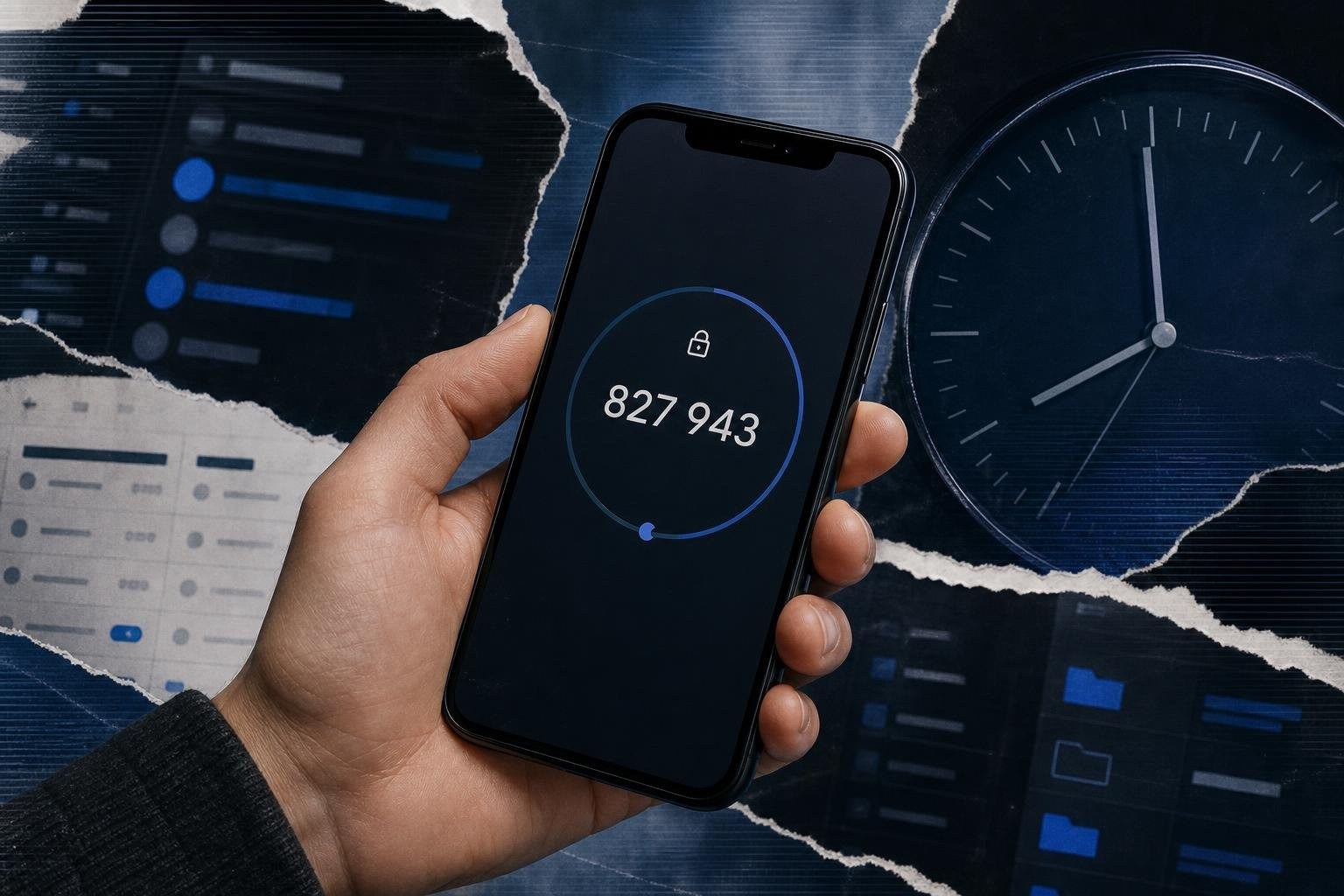
Most modern authenticator apps rely on the Time-Based One-Time Password (TOTP) algorithm, defined in RFC 6238. This standard uses a shared secret key (the "seed" or "token") and the current time to generate a unique, short-lived numeric code—typically six digits long and changing every 30 seconds. Because it is time-bound, an intercepted code is useless to an attacker after its brief validity window expires.
According to the National Institute of Standards and Technology (NIST SP 800-63B), software-based cryptographic co-tokens (like TOTP apps) provide high-assurance authentication that is significantly more resilient than SMS or voice-based MFA. SMS is vulnerable to SIM-swapping, SS7 interception, and phishing. In contrast, a local TOTP generator keeps the secret key isolated on your physical device. To learn more about why this baseline is so crucial, explore our guide on Why Every Online Account Needs a Multi-Factor Authentication App.

When evaluating the market in 2026, security practitioners must choose between two main architectural models: software-based standalone apps and hardware-bound physical authenticators.
| Security Dimension | Standalone Software TOTP Apps | Hardware-Bound Authenticators (e.g., EveryKey, YubiKey) |
|---|---|---|
| Physical Security Boundary | High (isolated within the mobile OS sandbox or secure enclave). | Absolute (the cryptographic material cannot leave the physical device). |
| Phishing Resistance | Moderate (users can still be tricked into typing a TOTP code into a fake site). | High to Absolute (FIDO2/WebAuthn protocols verify the domain cryptographically). |
| User Convenience | High (runs on existing smartphones and syncs across devices). | High (uses physical proximity or a simple tap to unlock). |
| Single Point of Failure | High (if the host OS is compromised or the cloud backup is intercepted). | Low (the hardware key acts as an isolated, uncopiable physical token). |
| Scale and Deployment | Very Easy (app store downloads, self-service enrollment). | Moderate (requires physical provisioning and shipping to users). |
For most organizations and individuals, the convenience of a software-based app makes it the go-to choice. However, the exact app you choose determines how your private keys are stored, backed up, and protected from local or network-based attacks.
Top Standalone Authenticator Apps for Enterprise and Personal Use
Choosing the best third party authentication app requires looking closely at platform compatibility, backup security, and encryption standards. If you lose your phone, are your 2FA keys lost forever, or are they synced to a cloud service? If they are synced, is that cloud backup protected by end-to-end encryption (E2EE), or can the cloud provider read your secrets?
Ente Auth: The Best Third Party Authentication App for Open-Source Transparency
For users who refuse to compromise on privacy, Ente Auth has emerged as a gold standard in 2026. Transitioning many users away from proprietary tools, Ente Auth has earned a stellar reputation, boasting a 4.6 out of 5 rating on Google Play with over 100,000 downloads.
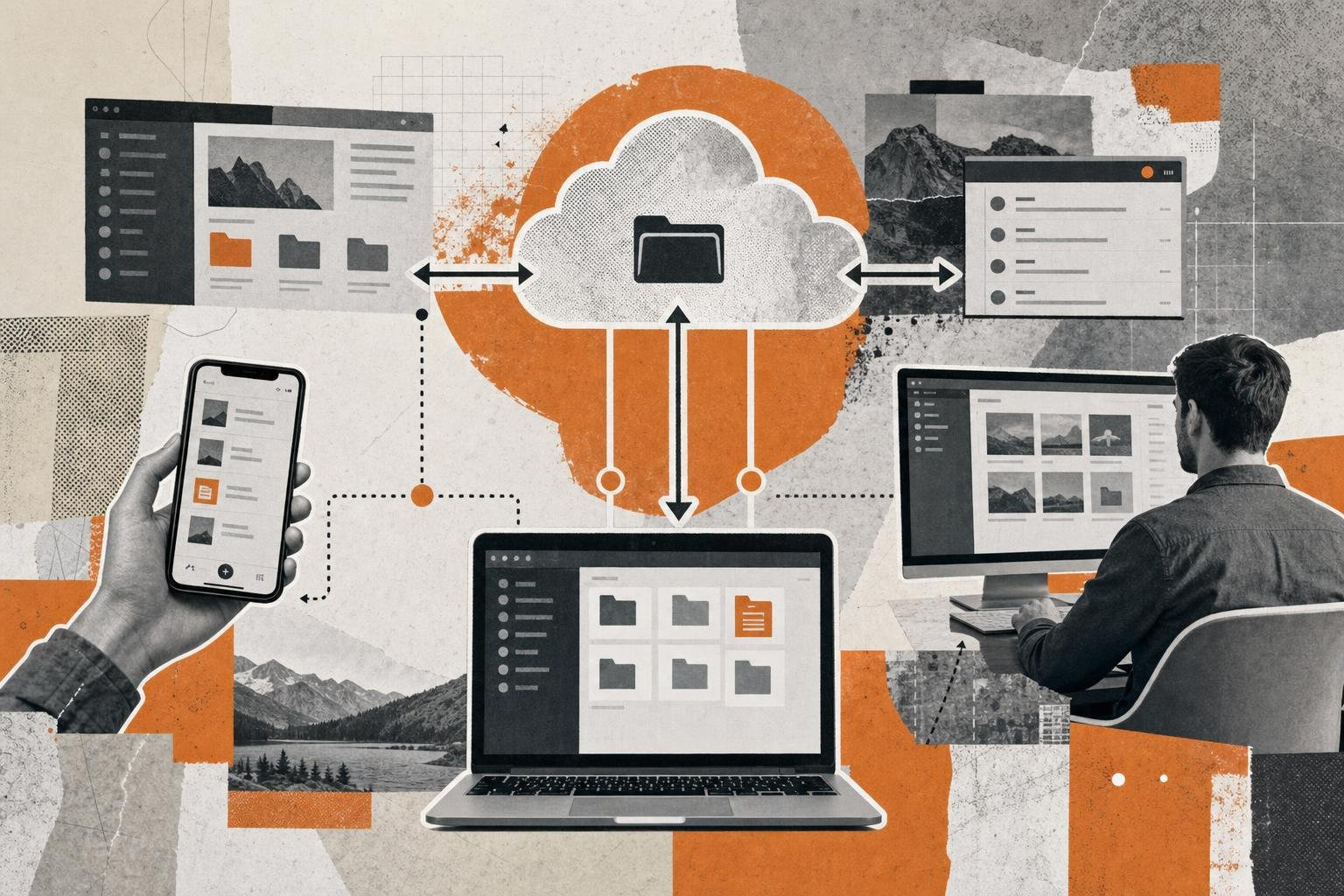
- Platform Support: Exceptional cross-platform availability. Ente Auth works seamlessly across iOS, Android, macOS, Windows, Linux, and Web browsers.
- Backup and Recovery: It features automatic, end-to-end encrypted (E2EE) cloud backups. During setup, Ente Auth generates a physical recovery key. This ensures that even if you lose your phone, you can restore your vaults on any platform without exposing your keys to Ente's servers.
- Usability Features: Supports organization tags, search, and a "next code" preview that shows you the upcoming code before the current one expires—preventing the frustration of typing a code just as it changes.
Ente Auth is entirely open-source, allowing security researchers to verify its cryptographic implementation. If you are migrating away from closed-source ecosystems, Ente Auth is widely considered one of the Best Authy Alternatives for Secure Two-Factor Authentication. You can download it directly via the Ente Auth - 2FA Authenticator - Apps on Google Play.
Aegis Authenticator: The Best Third Party Authentication App for Android Power Users
If you are on Android and prefer to keep your cryptographic material strictly offline, Aegis Authenticator is an unmatched powerhouse. Boasting over 12,000 stars on GitHub, Aegis is a community-driven, highly customizable tool designed for maximum local security.
- Encryption and Storage: Aegis secures its local vault using AES-256-GCM encryption. It supports biometric unlock (fingerprint or face) backed by the Android Keystore system.
- Backup Model: Aegis does not force a proprietary cloud sync. Instead, it allows users to set up automated, encrypted backups to any local directory, SD card, or self-hosted cloud storage (like Nextcloud or Proton Drive).
- Import and Export: Aegis is incredibly flexible, allowing users to import existing tokens from 12 different authenticators, including Google Authenticator and Microsoft Authenticator.
For Android users looking to move away from Big Tech ecosystems, Aegis is a premier choice. Learn how it stacks up against other mainstream tools in our guide on Alternatives to Google Authenticator for Multi-Factor Authentication in 2026. Developers looking to build secure client-side authentication may also want to explore open-source libraries like beemdevelopment/Aegis for inspiration on secure local vault design.
Microsoft Authenticator: Enterprise-Grade Scale and Passwordless Push
With over 100 million downloads and 2.66 million reviews on Google Play, Microsoft Authenticator is the undisputed heavy hitter for corporate environments. It is built to handle the complex compliance and identity demands of enterprise IT.
- The Power of Push: Rather than requiring users to manually copy a 6-digit TOTP code, Microsoft Authenticator uses passwordless push notifications. When a login is initiated, the app prompts the user to select a matching number displayed on the login screen, neutralizing automated credential-stuffing attacks.
- Enterprise Integration: Supports certificate-based authentication, single sign-on (SSO), and device registration, helping administrators enforce conditional access policies.
- Backup Model: Backups are tied to a Microsoft account (iCloud for iOS, Microsoft Cloud for Android). However, note that these backups are proprietary and do not easily export to non-Microsoft platforms.
While highly secure, Microsoft Authenticator is heavily integrated into the Azure/Entra ID ecosystem. For organizations evaluated on multi-tenant flexibility, comparing it to Alternatives to Microsoft Authenticator for Secure MFA Solutions in 2026 is a wise step. You can find the official app on the Microsoft Authenticator - Apps on Google Play store.
Zoho OneAuth: Multi-Device Sync and Session Monitoring
For businesses looking for a robust, free-forever alternative with excellent multi-device synchronization, Zoho OneAuth is a compelling choice.
- Multi-Device Sync: OneAuth supports secure synchronization across devices, including Wear OS smartwatches, allowing users to approve logins directly from their wrist.
- Advanced Security Controls: It includes built-in session monitoring, allowing administrators and users to see exactly which devices are active and revoke access instantly if anomalous behavior is detected.
- Backup and Recovery: Backups are encrypted with a user-defined passphrase, ensuring that Zoho cannot access the underlying TOTP secrets. It also includes a "Guest Mode" for those who want to import and export tokens without creating an account.
For teams already using Zoho’s suite, or anyone who wants a clean authenticator with folders, search, device sync, and session visibility, OneAuth is a strong pick. Learn more at the Authenticator App - OneAuth – Apps on Google Play page.
EveryKey: Hardware-Bound Authentication for Physical-Proximity MFA
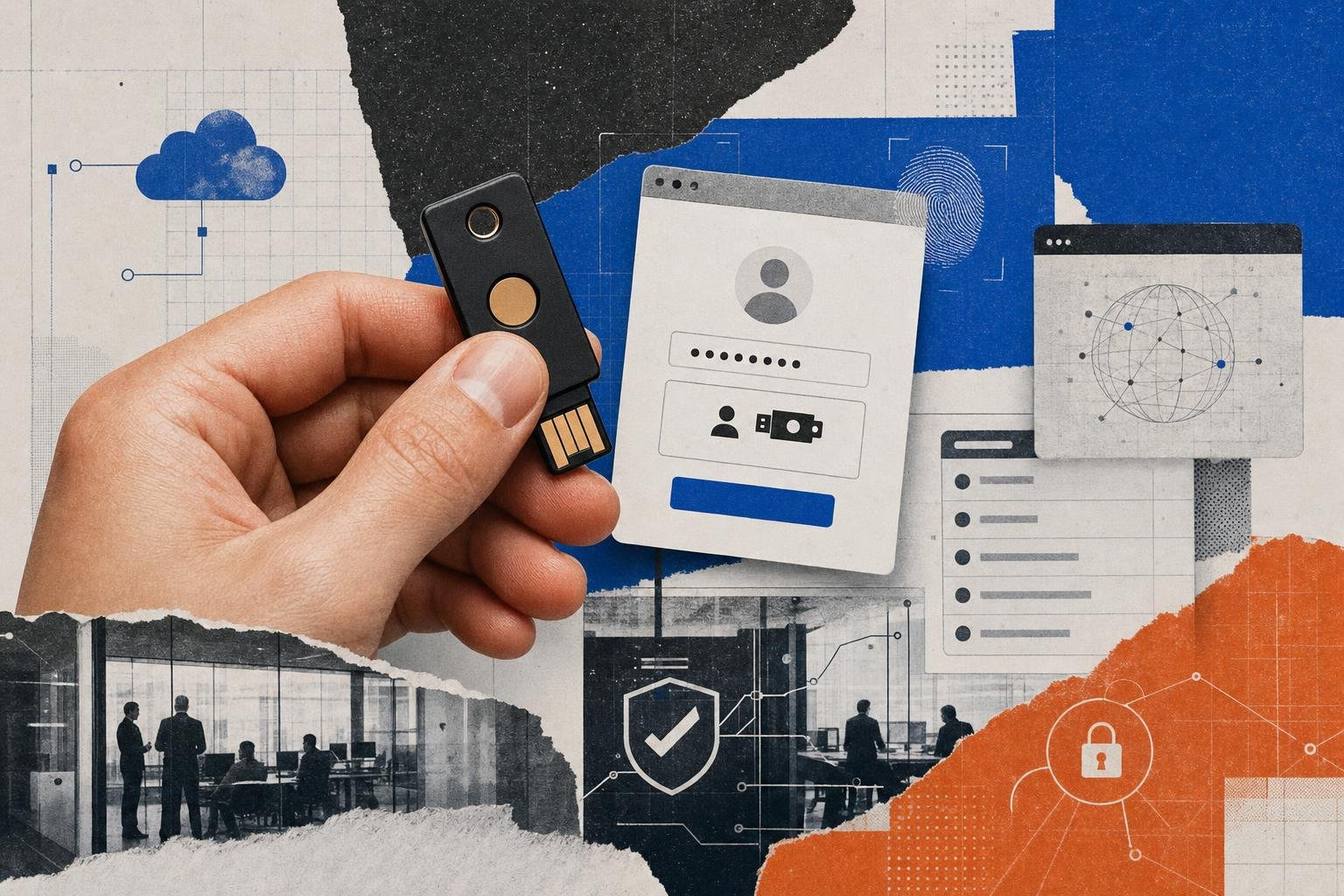
EveryKey is different from a typical third-party authenticator app. Instead of relying only on codes stored on your phone, it uses a physical device to add a hardware-bound layer of protection.
That matters because software-only authenticators can create a shared risk surface: if the same phone is used for email, password storage, browser access, and 2FA codes, a compromise of that device can become a bigger problem.
Best for: users and teams that want authentication tied to physical presence, not just an app on a smartphone.
Key strengths:
- Adds a physical-proximity security layer
- Reduces dependence on software-only MFA
- Helps separate authentication from the device used for primary account access
- Useful for people who want stronger protection than standard TOTP apps alone
Potential trade-off: EveryKey is best understood as a hardware-bound authentication. For the strongest setup, many users may combine hardware-based protection with secure backup MFA methods.
Security Risks, Breaches, and Malvertising Threats
No security tool is completely immune to threats. Over the past few years, the authentication landscape has faced sophisticated attacks targeting both software delivery pipelines and user trust.
One of the most notable historical incidents was the Authy data breach, where threat actors successfully identified millions of user phone numbers. While the cryptographic TOTP seeds themselves were not compromised, the leak of phone numbers exposed users to targeted SIM-swapping and SMS-phishing attacks designed to bypass secondary layers of defense. This event highlighted the danger of authenticators that mandate phone-number-based registration.
Additionally, threat actors have increasingly targeted the delivery mechanisms of these apps. In recent years, sophisticated malvertising campaigns have exploited search engine ad platforms. Attackers buy sponsored search results for keywords like "Google Authenticator download," pointing users to highly convincing, spoofed domains (such as chromeweb-authenticators.com or authentificator-gogle.com).
When users click these ads, they download a signed executable bundled with DeerStealer or other information-stealing malware. This malware immediately harvests browser cookies, stored credentials, and local files, completely bypassing the security that MFA is meant to establish.
To protect yourself from these threats:
- Never click on "Sponsored" search results when downloading security software.
- Verify the developer and domain before downloading (e.g., ensure you are pulling from official app stores or verified GitHub repositories).
- Transition to open-source or hardware-bound solutions that do not require phone number registration, reducing your attack surface against SIM-swapping.
For a deeper dive into defending your identity architecture against these advanced vectors, read our Multi-Factor Authentication: Your Complete Guide to Enhanced Security.
Architectural Decisions: Standalone Apps vs. Hardware-Bound Authentication
For security-conscious organizations and individuals, relying entirely on a mobile app presents a subtle but real vulnerability: the shared attack surface. When your authenticator app runs on the same physical device you use to read email, browse the web, and download files, a compromise of the mobile operating system (via zero-day exploits or spyware) can expose your TOTP seeds.
This is where hardware-bound authentication offers a massive architectural advantage. By moving the cryptographic keys to a dedicated physical device, you establish an absolute security boundary.
EveryKey addresses this vulnerability by offering a hardware-bound security solution that integrates seamlessly into your daily workflow. Rather than forcing you to manually open an app, scan a screen, and type in a changing 6-digit code, EveryKey uses secure, physical-proximity technology to unlock your devices and manage your credentials.
Architectural Trade-offs: Software vs. Physical Proximity
- Cryptographic Isolation: Software apps store keys in the phone's storage, which can be vulnerable to advanced local malware. Hardware devices like EveryKey keep cryptographic operations isolated on dedicated, tamper-resistant hardware.
- The Phishing Factor: If a user is tricked by a highly sophisticated proxy-phishing site, they might still type in a software-generated TOTP code. Physical-proximity and FIDO2-based systems verify the domain cryptographically, refusing to authenticate on spoofed websites.
- Frictionless Workflows: Standalone apps require you to pick up your phone, unlock it, find the app, locate the account, and type the code before it expires. A proximity-based hardware key handles this in the background, locking your screen when you walk away and unlocking it when you return.
If you are designing a zero-trust architecture for a business or simply want to eliminate the single point of failure inherent in software-only setups, combining a trusted local authenticator app with physical hardware is the ultimate play. For more details on choosing the right model, see our guide on The Best Authentication App for Securing Your Online Accounts.
Frequently Asked Questions about Third-Party Authenticators
Can I use a third-party authenticator app offline?
Yes. Because the TOTP standard (RFC 6238) relies strictly on a shared secret key and the current Unix time, your authenticator app does not need an active internet connection or cellular signal to generate codes. As long as your device's internal clock is synchronized, the codes will match the server's expected values perfectly.
How do I securely migrate my 2FA tokens to a new device?
The safest way to migrate is using the local QR export feature built into apps like Aegis or Ente Auth. This generates a temporary, highly encrypted QR code on your old screen that you scan with your new device. Avoid sending unencrypted export files via email or cloud chat, as anyone with access to those files can clone your entire 2FA vault instantly.
What is the risk of storing 2FA codes on the same physical device used for primary access?
If your primary password manager and your 2FA app both live on your smartphone, a thief who steals your unlocked phone (or coerces you into revealing your passcode) gains access to both factors of your identity. To mitigate this "single point of failure" risk, consider separating your factors: use a hardware-bound security key like EveryKey for physical access and system logins, and reserve software apps for lower-risk accounts.
Conclusion
Securing your digital identity in 2026 requires moving beyond simple passwords. Choosing the best third party authentication app depends entirely on your personal threat model and organizational needs.
If you prioritize open-source transparency and cross-platform sync, Ente Auth is an exceptional modern choice. If you are an Android user looking to keep your data strictly local and offline, Aegis remains unmatched. For enterprises deeply integrated into the Microsoft ecosystem, Microsoft Authenticator offers the scale and push-notification simplicity required to protect thousands of endpoints.
However, software is only as secure as the device it runs on. To truly harden your security posture and eliminate the friction of typing 6-digit codes, consider pairing your software setup with a hardware-bound proximity solution like EveryKey.
Explore the complete picture of modern access control by visiting our Best Online Authenticator App of 2026 for Secure Access guide, and take the first step toward a passwordless, highly secure future.