An Essential Guide to Authentication Protocols
From legacy logins to passwordless FIDO2, authentication protocols shape access decisions across your network. This guide breaks down Kerberos, LDAP, OAuth 2.0, SAML, and RADIUS so you can choose the right one.

The Credential Crisis: Why Authentication Protocols Define Your Security Posture
Authentication protocols are the structured rules that govern how a system verifies the identity of a user, device, or application before granting access. Every login, API call, VPN connection, and SSO session runs on one of these protocols under the hood.
Here's a quick orientation before we go deep:
| Protocol | Primary Use | Key Mechanism |
|---|---|---|
| Kerberos | Enterprise Windows networks | Ticket-based mutual auth via KDC |
| LDAP | Directory services / user lookup | Hierarchical directory queries |
| OAuth 2.0 | Delegated API authorization | Access tokens |
| OIDC | Identity layer on top of OAuth | ID tokens + user info endpoint |
| SAML 2.0 | Enterprise SSO | XML assertions between IdP and SP |
| RADIUS | Network access control (VPN, Wi-Fi) | Centralized AAA |
| FIDO2/WebAuthn | Passwordless authentication | Public-key cryptography + device binding |
| CHAP | Point-to-point challenge-response | Hash-based challenge, no plaintext password |
The stakes are not abstract. According to the Verizon Data Breach Investigations Report, 80% of breaches involve stolen or weak credentials. That single statistic reframes the entire conversation — authentication is not a checkbox. It is the primary attack surface.
When Deloitte suffered a breach in 2017 that exposed client email accounts — including those tied to government agencies — the root cause traced back to a compromised admin account with weak authentication controls. In 2020, GitHub and GitLab OAuth tokens were stolen from a git analytics firm, giving attackers access to private source code repositories. That same year, a Windows security update broke Kerberos authentication across enterprise environments, locking users out of domain resources.
These weren't edge cases. They were failures at the protocol layer — or in how protocols were configured and managed.
The goal of this guide is to give security engineers, IT administrators, and security leaders a clear, technically grounded map of the authentication protocol landscape — from legacy challenge-response mechanisms to modern passwordless standards — so you can make better decisions about what you deploy and how you harden it.
What Are Authentication Protocols and Why Do They Matter?
To understand how network transactions are secured, one must first isolate the process of identity verification. An authentication protocol acts as a digital handshake, ensuring that the claimant (the user or device requesting access) is genuinely who they claim to be. Without these standardized rules, systems would have no reliable, cryptographically secure way to negotiate trust over untrusted networks.
In modern IT environments, there is a fundamental distinction between determining who someone is and determining what they are allowed to do.
- Authentication (AuthN): The process of verifying an identity. It answers the question, "Are you who you say you are?"
- Authorization (AuthZ): The process of verifying access rights. It answers the question, "Do you have permission to access this resource?"

While some historical frameworks combined these two functions, modern architectures intentionally separate them to limit attack surfaces. This separation of duties is key to implementing a Zero Trust architecture, where trust is never assumed based on network location. As explored in the Unlocked guide, Modern Authentication Explained: Why Secure Identity Is The Backbone Of Zero Trust, verifying identity at every step is the only way to mitigate lateral movement inside a network.
Classifying Modern Authentication Protocols
Authentication protocols have evolved significantly over the last few decades. They can be broadly categorized into legacy password-based methods and modern token-based/federated frameworks.

Legacy and Password-Based Authentication Protocols
Early network environments relied on direct, password-based validation. The simplest of these was the Password Authentication Protocol: A Foundation for Understanding Modern Authentication, which transmitted credentials in cleartext over the wire. Because PAP offered zero protection against packet sniffing or man-in-the-middle (MITM) attacks, it was quickly superseded by more advanced challenge-response mechanisms.
To understand how security professionals evolved past cleartext vulnerabilities, read Understanding Password Authentication Protocols: From PAP to Modern Security. The primary successor in early network architectures was the Challenge Handshake Authentication Protocol (CHAP). Instead of sending the password directly, CHAP used a three-way handshake where the server sent a random challenge, and the client responded with a one-way hash of that challenge and the shared secret. This prevented simple eavesdropping, though it remained vulnerable to offline dictionary attacks if an adversary captured the handshake.
Modern Federated and Token-Based Authentication Protocols
As organizations migrated to cloud architectures and SaaS applications, traditional boundary-based authentication broke down. Enter federated identity and token-based authentication.
Instead of requiring users to authenticate directly to every individual application they use, federated protocols introduce a trusted intermediary: the Identity Provider (IdP). The IdP authenticates the user once and issues a secure, cryptographically signed token to the Service Provider (SP). This token-exchange mechanism enables Single Sign-On (SSO), drastically improving user experience while centralizing credential management and reducing the risk of credential harvesting.
Deep Dive: Five Essential Identity Protocols
Enterprise security infrastructures rely on a core set of protocols to manage user identities, secure network boundaries, and enable cloud integrations. Let's analyze the technical mechanics, advantages, and limitations of five essential identity protocols.
1. Kerberos: Ticket-Based Mutual Authentication
Designed at MIT, Kerberos is the default authentication protocol for Windows Active Directory domains. It relies entirely on symmetric-key cryptography and a trusted third party known as the Key Distribution Center (KDC).
How It Works
The Kerberos handshake is a three-party model involving the Client, the Server, and the KDC (which houses the Authentication Service and the Ticket Granting Service):
- Authentication Service (AS) Exchange: The client requests a Ticket Granting Ticket (TGT) from the AS. The AS verifies the client's identity by decrypting a timestamp encrypted with the user's password hash. If successful, the AS returns a TGT and a session key, encrypted so only the client and the Ticket Granting Service (TGS) can read them.
- Ticket Granting Service (TGS) Exchange: When the client wants to access a network resource, it presents its TGT and an authenticator to the TGS. The TGS verifies the TGT and issues a service ticket specific to the target resource.
- Client-Server Exchange: The client presents the service ticket directly to the target server. The server decrypts the ticket, verifies the client, and optionally authenticates itself back to the client, completing mutual authentication.
Pros and Cons
- Advantages: High performance (servers don't need to contact the KDC for every request once a ticket is issued); strong mutual authentication prevents server spoofing; built-in replay protection via strict timestamp verification.
- Disadvantages: Single point of failure (if the KDC is offline, authentication halts); strict time synchronization requirements (clocks must be within 5 minutes of each other); vulnerable to specialized attacks like "Kerberoasting" or Golden Ticket attacks if administrative accounts are compromised.
2. LDAP: Directory Services and Centralized Identity
The Lightweight Directory Access Protocol (LDAP) is an open, vendor-neutral industry standard used to query and manage directory information services over an IP network.
How It Works
LDAP organizes user, group, and device data in a hierarchical, logical tree structure. When an application needs to authenticate a user, it performs an LDAP "Bind" operation. The application acts as an LDAP client, passing the user's credentials to the LDAP directory server (such as Active Directory or OpenLDAP). The directory server validates the credentials against its database and returns an authorization status.
Pros and Cons
- Advantages: Highly optimized for read-heavy operations and complex hierarchical queries; centralizes user management across diverse operating systems and legacy applications.
- Disadvantages: By default, LDAP transmits queries and credentials in cleartext over port 389, making it highly vulnerable to packet sniffing. To mitigate this, organizations must enforce LDAPS (LDAP over SSL/TLS) on port 636.
3. OAuth 2.0 and OIDC: Delegated Authorization and Identity
OAuth 2.0 is an authorization framework designed to grant third-party applications limited, delegated access to resources without exposing user credentials. OpenID Connect (OIDC) is an identity layer built directly on top of OAuth 2.0 to introduce user authentication capabilities.
How It Works
Under the hood, OIDC uses JSON Web Tokens (JWTs) to transmit identity information. The standard Authorization Code Flow operates as follows:
- The user attempts to log into an application (the Client).
- The Client redirects the user to the Authorization Server (the IdP).
- The user authenticates with the IdP (e.g., via password, MFA, or biometrics).
- The IdP redirects the user back to the Client with an temporary authorization code.
- The Client sends this code, along with its client secret, to the IdP's token endpoint.
- The IdP validates the code and returns an Access Token (OAuth 2.0) and an ID Token (OIDC).
- The Client uses the Access Token to retrieve authorized resources from the Resource Server.
For mobile and single-page applications where client secrets cannot be securely stored, organizations must implement the OAuth 2.0 PKCE Flow (Proof Key for Code Exchange) to prevent authorization code interception attacks.
Pros and Cons
- Advantages: Highly scalable, lightweight JSON payload format; natively supports mobile and web applications; eliminates the need to share passwords with third parties.
- Disadvantages: Complex to implement securely; tokens are susceptible to theft if not properly stored (as demonstrated in the 2020 Waydev token theft incident where attackers bypassed authentication by stealing active OAuth tokens).
4. SAML 2.0: XML-Based Enterprise Single Sign-On
Security Assertion Markup Language (SAML) 2.0 is an open standard that uses XML documents to securely exchange authentication and authorization data between an Identity Provider (IdP) and a Service Provider (SP).
How It Works
SAML relies on trust relationships established via XML metadata files containing public keys and endpoint URLs. The authentication flow is typically browser-redirect-based:
- A user attempts to access a cloud application (the SP).
- The SP generates a
<samlp:AuthnRequest>XML document and redirects the user’s browser to the IdP. - The user authenticates at the IdP.
- The IdP generates a
<saml2p:Response>containing a cryptographically signed SAML Assertion (stating that the user is authenticated and listing their attributes). - The IdP redirects the browser back to the SP’s Assertion Consumer Service (ACS) endpoint with the assertion.
- The SP verifies the cryptographic signature against the stored IdP certificate and grants access.
For a comprehensive technical breakdown of this protocol, consult the SAML 2.0 Authentication Complete Guide.
Pros and Cons
- Advantages: Standardized enterprise-grade SSO; highly flexible attribute mapping; eliminates direct password exposure to SaaS vendors.
- Disadvantages: XML parsing is computationally heavy and historically prone to vulnerabilities (like XML External Entity attacks); configuration is complex and susceptible to misconfiguration risks.
5. RADIUS: Centralized Network Access Control
Remote Authentication Dial-In User Service (RADIUS) is a networking protocol that provides centralized Authentication, Authorization, and Accounting (AAA) management for users connecting to network services.
How It Works
When a user attempts to connect to an enterprise Wi-Fi network or a VPN, the network access server (NAS) acts as a RADIUS client. The NAS prompts the user for credentials and forwards them to a central RADIUS server in an encrypted Access-Request packet. The RADIUS server validates the credentials against a user database (such as LDAP or Active Directory) and returns an Access-Accept, Access-Reject, or Access-Challenge message.
Pros and Cons
- Advantages: Centralizes network access control across diverse hardware (VPN gateways, switches, wireless access points); provides detailed accounting logs for compliance auditing.
- Disadvantages: The RADIUS protocol itself only encrypts the password field within packets; the rest of the payload (such as usernames and attributes) is transmitted in cleartext. Modern implementations wrap RADIUS traffic inside secure tunnels (like RadSec or EAP-TLS) to ensure transport-level confidentiality.
Emerging Trends: Passwordless, FIDO2, and Cryptographic Standards
As credential-stuffing and phishing attacks grow increasingly sophisticated, the cybersecurity industry is moving away from shared secrets (like passwords and OTPs) toward phishing-resistant, cryptographic authentication.
FIDO2 and WebAuthn: The Shift to Passwordless
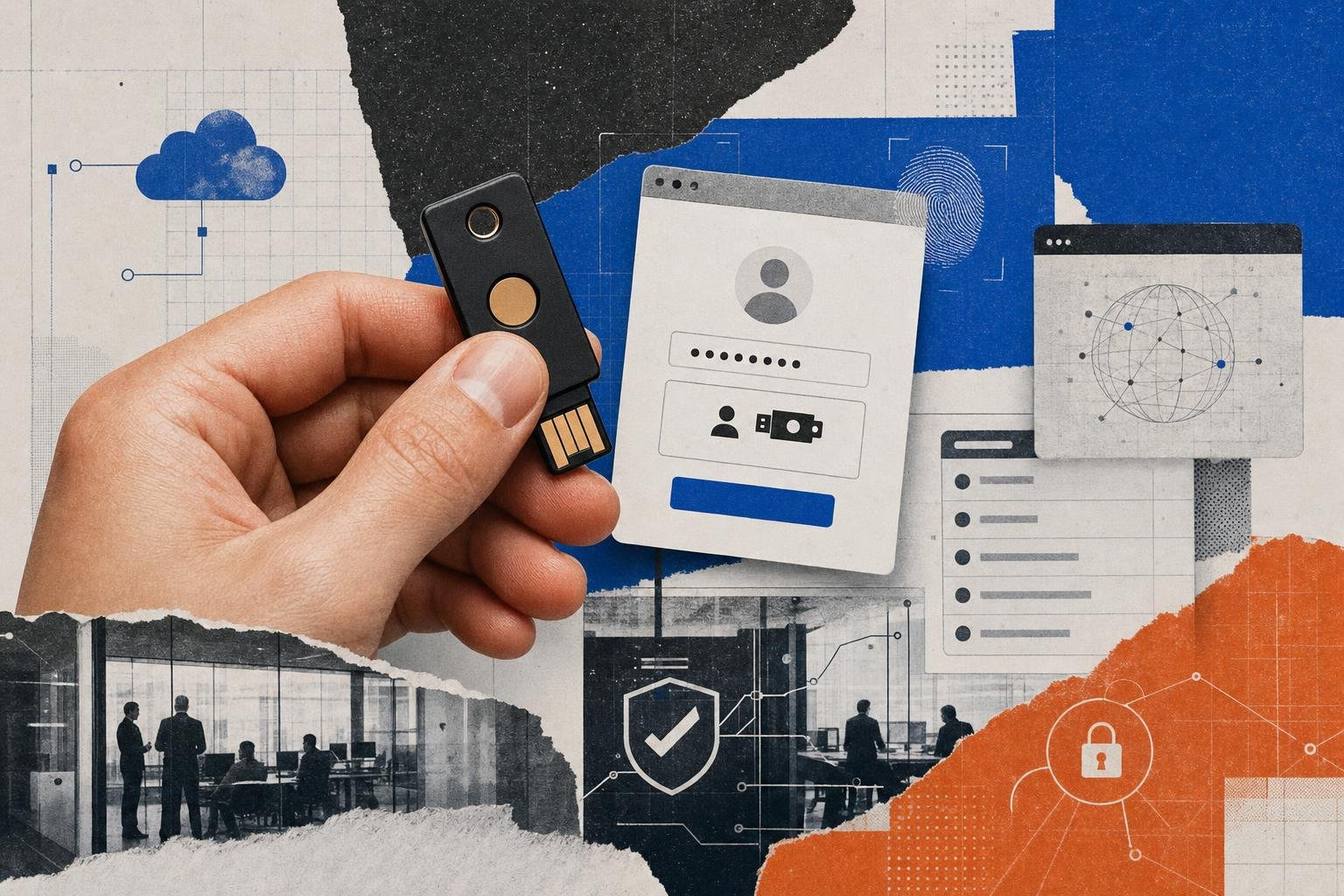
The FIDO (Fast Identity Online) Alliance and the W3C established FIDO2, which includes the Web Authentication (WebAuthn) API and the Client-to-Authenticator Protocol (CTAP). This standard moves authentication entirely to the user's local device, replacing passwords with public-key cryptography.
During registration, a user's device (such as a smartphone, hardware security key, or platform authenticator) generates a unique cryptographic public/private key pair. The public key is sent to the server, while the private key remains securely locked inside the device's hardware-backed secure enclave.
When logging in, the server sends a challenge. The user unlocks their local authenticator (via biometrics or a PIN), and the device signs the challenge using the private key. Because the private key never leaves the physical device, FIDO2/WebAuthn is inherently immune to credential harvesting and credential-based phishing.
Cryptographic and Challenge-Response Alternatives
While FIDO2 represents the gold standard for modern user access, other cryptographic and challenge-response protocols remain foundational to secure communications:
- CHAP: As detailed in the CHAP Protocol guide, this challenge-response model protects point-to-point connections by ensuring passwords are never sent in the clear.
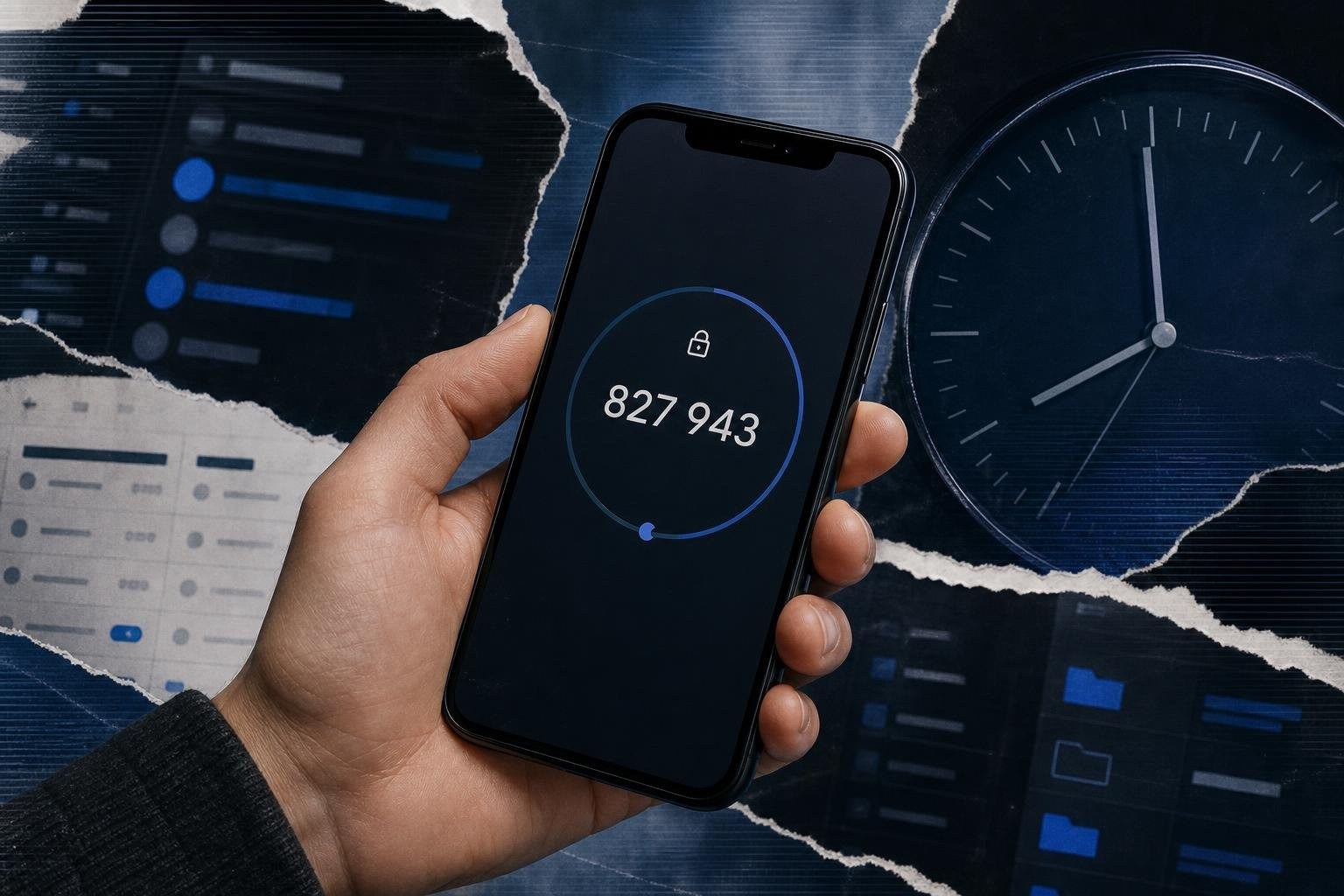
- TOTP: Time-Based One-Time Password algorithms generate temporary, single-use codes every 30 seconds using a shared secret key and the current time. Learn more about its inner workings in the guide on TOTP: A Core Method for Modern Authentication.
- Certificate-Based Authentication (CBA): Relies on Public Key Infrastructure (PKI) and digital certificates to authenticate users or devices directly, bypassing passwords entirely. Discover how this is implemented in enterprise environments in Certificate-Based Authentication Explained.
- Secure Remote Password (SRP): Specified in The Secure Remote Password Protocol (and detailed in RFC 2945 - The SRP Authentication and Key Exchange System), SRP is an asymmetric, zero-knowledge password-proof protocol. It allows a client to prove knowledge of a password to a host without transmitting the password itself or storing plaintext-equivalent data on the server.
- SCRAM: Described in RFC 5802 - Salted Challenge Response Authentication Mechanism (SCRAM), SCRAM provides mutual challenge-response authentication, storing salted, iterated keys on the server to prevent offline brute-force attacks if the database is compromised.
- SSH Authentication: Outlined in RFC 4252 - The Secure Shell (SSH) Authentication Protocol, this protocol defines standard methods (publickey, password, hostbased) to establish secure administrative sessions over untrusted connections.
- SASL: Defined in RFC 4422 - Simple Authentication and Security Layer (SASL), SASL provides an abstraction framework that decouples authentication mechanisms from application protocols, allowing systems to easily swap in stronger security methods.
Email Authentication Protocols: SPF, DKIM, and DMARC
While user authentication protocols secure access to systems, email authentication protocols protect the organization's domain identity from spoofing, phishing, and business email compromise (BEC). These protocols work together as an integrated framework.
- Sender Policy Framework (SPF): A DNS TXT record that lists all authorized IP addresses and servers permitted to send email on behalf of a domain. Receiving mail servers check this record to verify if an incoming email originated from an authorized source.
- DomainKeys Identified Mail (DKIM): Adds a cryptographic signature to the header of outgoing emails. The sender's server signs the email with a private key, and the receiving server validates the signature using the sender's public key published in their DNS records. This ensures the email was not altered in transit.
- Domain-based Message Authentication, Reporting, and Conformance (DMARC): Tie SPF and DKIM together. Published as a DNS TXT record, DMARC instructs receiving mail servers on how to handle emails that fail SPF or DKIM checks. Organizations can set a policy of
none(monitor),quarantine(send to spam), orreject(block delivery entirely), while receiving XML reports detailing all mail sent on behalf of their domain.
How to Choose and Implement the Right Protocol
Selecting the correct authentication protocol requires balancing your existing infrastructure, user experience goals, and security requirements.
| Protocol | Best For | Security Level | Implementation Complexity |
|---|---|---|---|
| Kerberos | On-premise Active Directory environments, internal Windows resources | High | High |
| SAML 2.0 | Enterprise SaaS integrations, legacy web-based SSO | High | High |
| OAuth 2.0 / OIDC | Modern APIs, mobile apps, single-page web applications | High | Medium |
| RADIUS | VPN connections, corporate network switches, WPA-Enterprise Wi-Fi | Medium-High | High |
| FIDO2/WebAuthn | Phishing-resistant passwordless logins, high-security portals | Maximum | Medium-High |
Decision Framework for IT and Security Leaders
- Identify the Asset Type: If you are securing network hardware, deploy RADIUS. If you are integrating cloud-based SaaS apps, use SAML 2.0 or OIDC. If you are building custom mobile or web APIs, design with OAuth 2.0/OIDC.
- Assess Phishing Risk: If your organization is a high-value target for social engineering, prioritize FIDO2/WebAuthn passkeys to eliminate credential harvesting.
- Evaluate Legacy Constraints: If you must support legacy applications that cannot parse modern tokens, use secure directory queries via LDAPS, or implement a hybrid identity model to bridge the gap.
For a deeper dive into selecting and deploying these cryptographic controls, read Understanding Cryptographic Authentication Methods and Best Practices.
Frequently Asked Questions about Identity Verification
What is the difference between authentication and authorization?
Authentication verifies who you are (identity verification), typically using credentials, biometrics, or cryptographic keys. Authorization determines what you can do (access rights), typically handled via roles, scopes, or access control lists (ACLs). For example, OIDC handles authentication, while OAuth 2.0 handles authorization.
Why is NTLM considered insecure compared to Kerberos?
NTLM (NT LAN Manager) relies on a challenge-response mechanism that is highly vulnerable to relay attacks and pass-the-hash attacks, and it lacks mutual authentication. Kerberos uses a ticket-based system with a trusted KDC, enforces mutual authentication, and uses stronger cryptography, making it significantly more secure.
How does multi-factor authentication (MFA) integrate with these protocols?
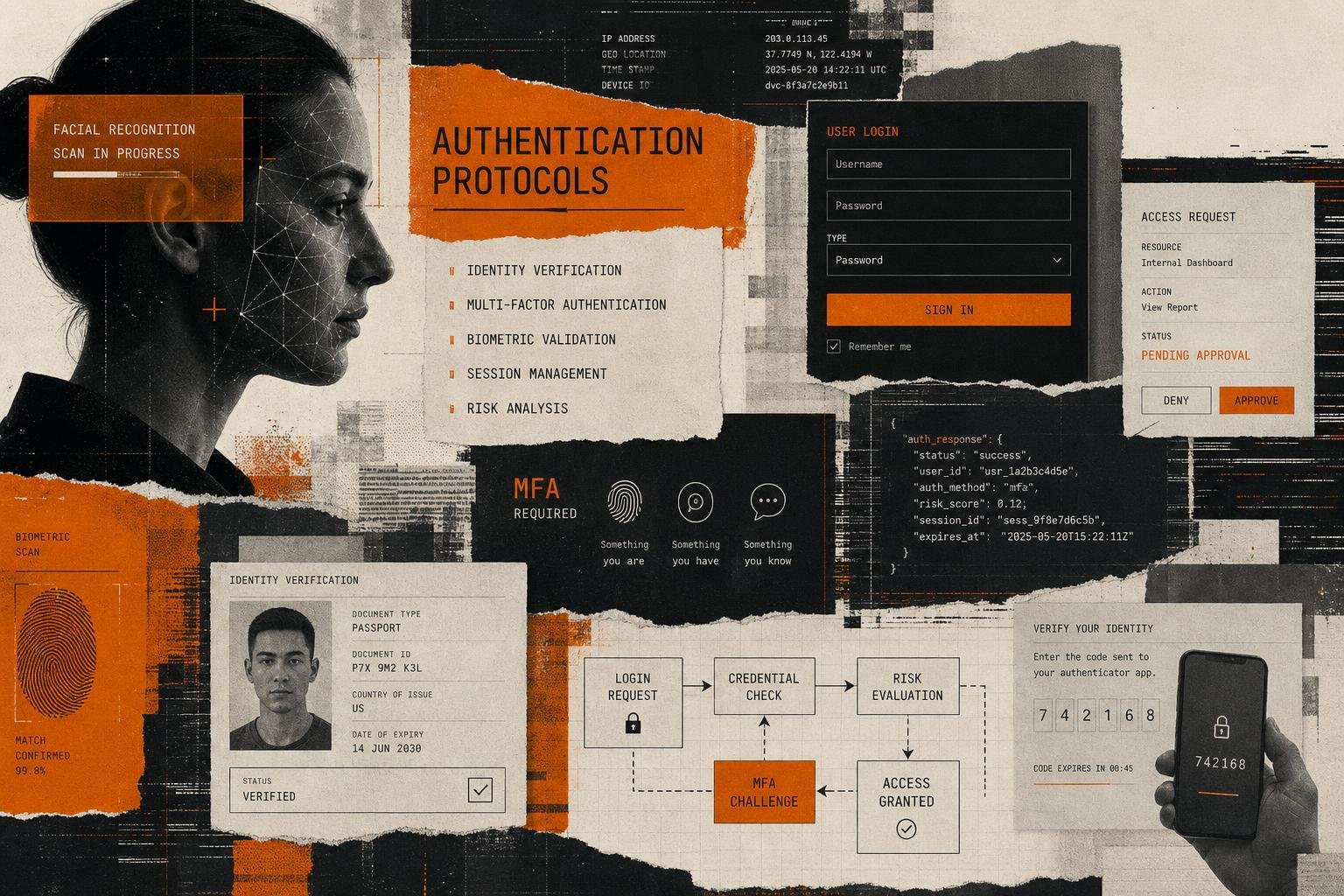
Modern protocols like OIDC and SAML delegate MFA to the Identity Provider (IdP). When a user attempts to log in, the IdP handles both the primary authentication (password) and the secondary factor (such as TOTP, SMS, or a FIDO2 passkey) before issuing a signed token to the requesting application.
Conclusion
Securing your identity infrastructure requires a deep understanding of the underlying protocols that govern trust. From legacy challenge-response frameworks to modern, phishing-resistant passwordless standards, your choice of protocol directly dictates your resilience against modern threat vectors.
For security practitioners seeking to harden their enterprise boundaries, staying informed is the first step. Explore the Essential Guide to Auth Protocols, Types, and Security Best Practices on Unlocked to continue designing, implementing, and maintaining robust identity architectures.