What Is a Password Manager? A Complete Guide to Password Security in 2026
Password managers explained — how they work, key features, master passwords, browser extensions, and why they're essential for digital security in 2026.


As cyber threats, data breaches, and credential stuffing attacks continue to rise, understanding password managers is more important than ever. A password manager is software that helps users create strong passwords, store them in a digital vault protected by a single master password, and retrieve them as needed when logging into accounts. This guide explains what password managers are, how they work, their key features, and why they are essential for anyone looking to improve their digital security in 2026. Whether you’re a beginner or an experienced user, this guide is designed for anyone looking to improve their digital security by understanding the role and benefits of password managers.
Most people now manage dozens of online accounts across multiple devices, making it nearly impossible to remember strong, unique passwords without help. Managing different passwords for all your account passwords is challenging, and reusing passwords increases the risk of multiple accounts being compromised if one is breached.
What Is a Password Manager

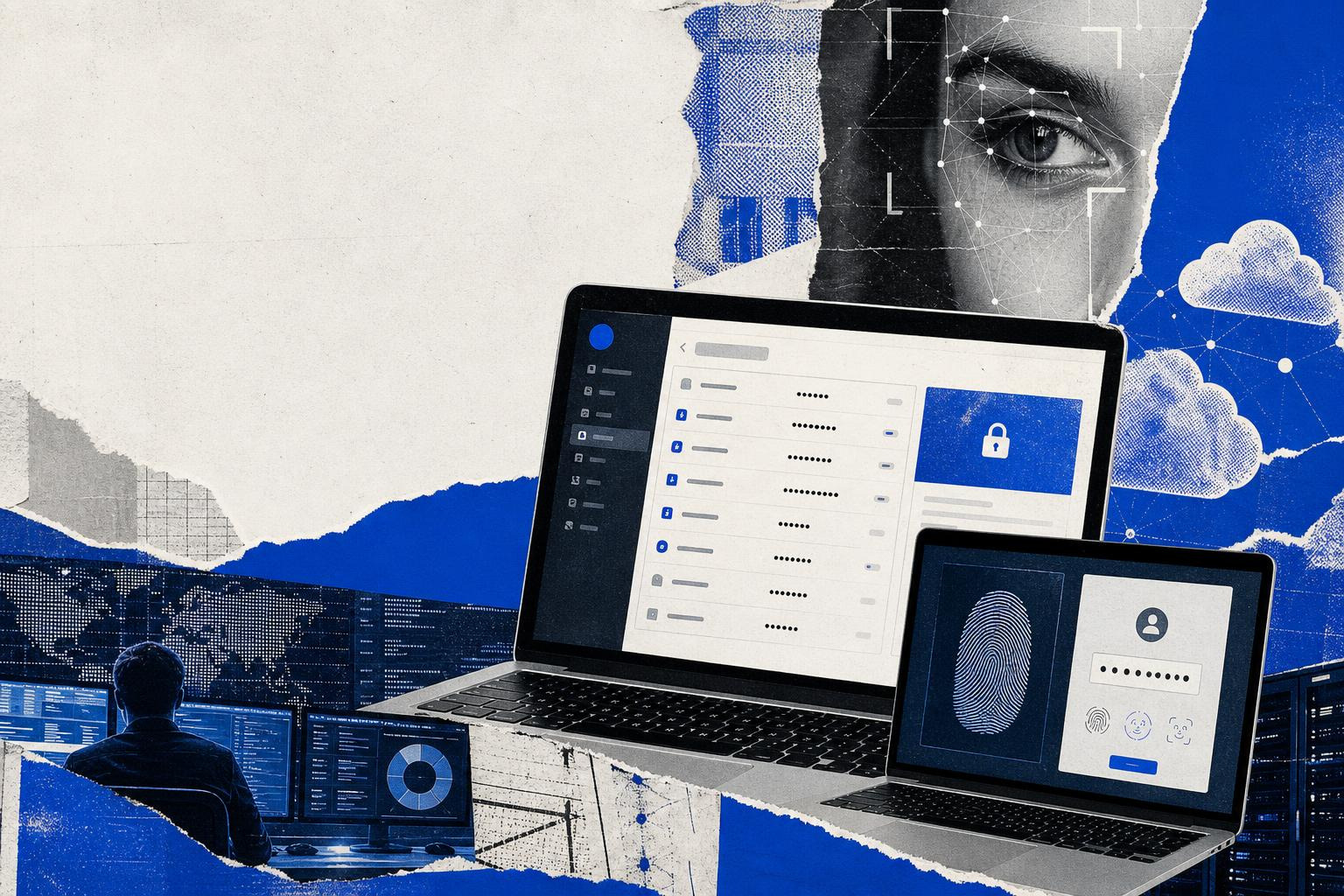
A password manager is software that helps users create strong passwords, store them in a digital vault protected by a single master password, and retrieve them as needed when logging into accounts. The master password is the only password you need to remember, as it unlocks your password vault, which securely stores all your other passwords. This relationship between the master password and the password vault is fundamental: the master password acts as the key to access your encrypted vault, ensuring that your credentials remain protected from unauthorized access.
Password managers use encryption to protect the encrypted database where all the passwords are stored, along with other sensitive information, helping users stay secure online.
Password Manager
A password manager centralizes login credentials for all your online accounts. Managing passwords is simplified, especially with cloud-based password managers that sync your credentials in real time across multiple devices and operating systems.
Key Features
- Auto-fill for login credentials on websites and apps
- Real-time syncing across devices and operating systems
- Alerts for phishing sites by not auto-filling credentials on suspicious websites
Master Password
The master password is the key to your password vault.
Once you have created your master password, it encrypts the contents of your vault, and this password must be strong and memorable. Using a strong master password is crucial for the security of a password manager.
Many password managers offer biometric access, such as fingerprint or face ID, allowing secure access without repeatedly typing the master password.
Password Management
Effective password management is no longer optional.
Using unique passwords for different accounts is essential to prevent a single breach from compromising multiple accounts. Password reuse remains one of the most common causes of security issues.
A password manager can help you identify weak or reused passwords and suggest updates to improve your security. Using a password manager allows users to have unique passwords for each service without needing to remember them all. It also enables users to securely store, manage, and generate all their passwords in one place, providing enhanced security and convenience by centralizing access.
A good password manager should keep track of any changes made to usernames and passwords within the vault and offer to update the stored information for that website or app.
Cloud Based Password Managers
Cloud based password managers store encrypted credentials online for easy access.
Cloud-based password managers store your encrypted passwords on the service provider's network, allowing access from any device with an internet connection. Cloud-based password managers are generally considered safe and secure for storing passwords.
Many password managers use AES-256 encryption to scramble your passwords, even before they leave your computer or device to go to their servers. Most password managers employ a zero-knowledge architecture, meaning the service provider cannot access user data.
Browser Extension
A browser extension allows password managers to integrate directly with web browsers.
Most password managers use auto-fill to automatically fill in your login credentials on websites and apps when you visit the relevant pages. Password managers can save time by auto-filling credentials and personal information for online transactions.
Browser extensions also help prevent phishing by refusing to fill password fields on malicious websites.
Password Manager Helps
A password manager helps users maintain strong security habits.
Key Benefits
- Generates new secure random passwords for new accounts
- Auto-generates highly secure passwords
- Simplifies the process of managing numerous, complex passwords
- Remembers all your passwords for you
Different Password Managers
There are many different password managers available today.
Key Features
- Subscription options for families, allowing secure sharing of passwords among loved ones
- Secure password sharing without exposing the actual password
- Remembers personal information, such as name, address, and credit card details, and autofills these where appropriate on web forms
All Your Passwords
A password manager securely stores all your passwords in one place.
Storing Sensitive Information
Password managers store passwords, login information, Wi-Fi passwords, and other sensitive information. They can also securely store and share your Wi-Fi password with guests using encrypted sharing features, making it convenient and safe to provide access while maintaining control. Password managers can store not just passwords, but also personal information like credit card details and addresses, which can be auto-filled during transactions.
Document Storage
Most password managers will allow you to store documents, medical records, and photos in an encrypted vault that only you can unlock.
Best Password Managers
The best password managers combine security, usability, and advanced features.
Key Features
- Seamless syncing across all devices, operating systems, and web browsers
- Support for passkeys, a passwordless authentication method
- Advanced security features and user-friendly interfaces
Based Password Managers
Different based password managers serve different needs.
Some password managers are cloud based, while others are locally installed password managers designed for offline use. Robust security measures, such as encryption and zero-knowledge architecture, are essential for protecting user data in both cloud-based and locally installed password managers. Password managers can be vulnerable to hacking, but their encryption makes it difficult for attackers to access user data.
When using a locally installed password manager, it is important to control physical access to the device where passwords are stored to prevent unauthorized access.
Using a password manager helps protect against identity theft by ensuring unique passwords are used for different accounts.
Dark Web Monitoring
Dark web monitoring is a common advanced feature.
Key Features
- Scans for compromised passwords and alerts you if your information is found
- Security alerts allow users to take proactive steps to protect critical accounts
Multiple Devices
Modern users rely on multiple devices.
Key Features
- Syncs passwords across different devices, making it easier to log on wherever you are
- Supports desktop computers, mobile phones, tablets, and web browsers
- Saves time by auto-filling credentials and personal information across all devices
Factor Authentication
Factor authentication adds protection beyond passwords.
Key Features
- Multi-factor authentication (MFA) adds an extra layer of security to password managers
- Many password managers allow you to enable multi-factor authentication (MFA) for added security
- Two factor authentication helps prevent attackers from gaining access even if the master password is compromised
How Password Managers Work
Password managers are essential tools for simplifying password management and keeping your online accounts secure. When using a password manager, you only need to remember one strong master password, which unlocks your encrypted password vault containing all your saved passwords. This vault stores your login credentials for all your online accounts in an encrypted form, ensuring that your sensitive data remains protected even if your device is lost or stolen.
Autofill and Capture
- Automatically captures and saves your usernames and passwords as you log in to websites and apps
- Autofill function instantly fills in your login credentials when you visit a site, saving you time and reducing the risk of entering passwords on phishing sites
- Eliminates the need to memorize or write down complex passwords
Password Generation
- Offers automatic password generation, creating strong, random passwords for each of your accounts
- Prevents password reuse, a common cause of data breaches
- Generates unique passwords for every account, protecting you from hackers who might gain access to your other sensitive information if one account is compromised
Cloud Access
- Allows you to access your password vault from any device — desktop computer, laptop, tablet, or mobile phone
- Stores passwords in an encrypted form on secure servers, so you can manage your passwords and login information wherever you are
- Keeps all your passwords up to date and available across multiple devices and operating systems
Key Features
- Dark web monitoring scans for your login credentials on the dark web and sends security alerts if your information is found in a data breach
- Secure password sharing lets you safely share access to accounts with trusted contacts without revealing the actual password
- Multi-factor authentication (MFA) and two-factor authentication add another layer of protection, requiring a second form of verification — such as a code sent to your mobile phone — before granting access to your password vault
When setting up a password manager, it’s important to create a master password that is both strong and memorable. This single password is the key to all your passwords, so it should be complex, using a mix of letters, numbers, and symbols. Most password managers use strong encryption, such as AES-256, to protect your password database, ensuring that your confidential information stays safe.
By using a password manager, you can easily generate, store, and manage all your passwords, reducing the risk of weak passwords and security issues. With features like automatic password generation, secure password sharing, dark web monitoring, and support for multiple devices, password managers work to keep your online accounts and sensitive data secure — making them a critical part of staying secure online in 2026.
New Password
Creating a new password is where password managers shine.
Password managers typically ask you if you’d like to use an auto-generated password whenever you create a new account with a website or application. Password managers can auto-generate highly secure passwords for you.
Using a password manager allows users to have strong, unique passwords without memorization.
As organizations move toward passwordless access, tools like Everykey complement password managers by reducing reliance on passwords altogether through proximity-based and device-based authentication.
Another approach to streamlined authentication is single sign-on (SSO), which allows users to access multiple applications with just one password. SSO improves security and convenience by reducing the number of credentials users need to remember, while also minimizing administrative overhead for organizations. This method is often integrated with password managers to provide both secure storage and simplified access across platforms.
Frequently Asked Questions
Are password managers safe?
Yes. Password managers use strong encryption and zero-knowledge architectures to protect stored information.
What happens if a password manager is breached?
Even in a breach, encrypted vaults remain protected, and attackers cannot access passwords without the master password.
Do I still need a password manager if I use MFA?
Yes. Password managers help create and store unique passwords, while MFA adds an extra layer of security.
Can password managers protect against phishing?
Yes. Password managers can alert you to phishing sites by refusing to auto-fill credentials on suspicious websites.
Are password managers still relevant with passwordless authentication?
Yes. Password managers remain useful for legacy systems, account recovery, and storing sensitive information even as passwordless adoption grows.