Best Password Manager Apps of 2026
1Password, Bitwarden, Dashlane, NordPass and more — compare the best password manager apps for individuals and teams in 2026.


Background: What Are Password Managers and Why Do They Matter?
Password manager applications are essential tools for anyone navigating the digital world. They create strong, unique passwords for every account and store them securely, reducing the risk of password reuse and weak security. By using a password manager, you eliminate the need to remember multiple complex passwords, simplifying your digital life while enhancing protection for sensitive accounts.
These applications are important for digital security because they:
- Protect sensitive data with strong encryption, preventing unauthorized access.
- Help users identify and update weak or reused passwords.
- Offer features like multi-factor authentication and cross-device syncing for added security and convenience.
With increasing online threats and the need for strong password practices, password managers are now a core part of both personal and organizational cybersecurity strategies.
Introduction
This guide is for anyone looking to improve their online security by using a password manager application. Whether you are an individual managing personal accounts or an organization seeking secure password management for your team, this article will help you understand and choose the best password manager application for your needs.
With people managing dozens of online accounts across multiple devices, remembering strong and unique passwords is no longer realistic without help. Managing multiple accounts increases the risk of password reuse and weak security, making password manager applications more important than ever.
Introduction to Password Managers
Password managers are software applications designed to securely store and manage your login credentials, including passwords, usernames, and other sensitive information. By using a password manager, you can keep all your complex passwords organized in a single, encrypted password vault.
Key Terms:
- Master password: The single password you use to unlock your password manager and access all stored credentials.
- Encryption: Password managers typically use strong encryption methods, such as AES 256, to protect stored data from unauthorized access.
- Cross-platform compatibility: Many password managers offer cross-platform compatibility, allowing access on various devices and browsers.
This means you only need to remember one master password to access all your online accounts, making it easier to maintain strong, unique passwords for every site you use. With a password manager, the hassle of remembering multiple complex passwords is eliminated, providing a convenient and secure way to manage your digital life.
Password Manager Applications
Password manager applications are dedicated tools designed to create, store, and manage login credentials. These tools securely store passwords and other sensitive data, such as credit card information and secure notes, in an encrypted vault.
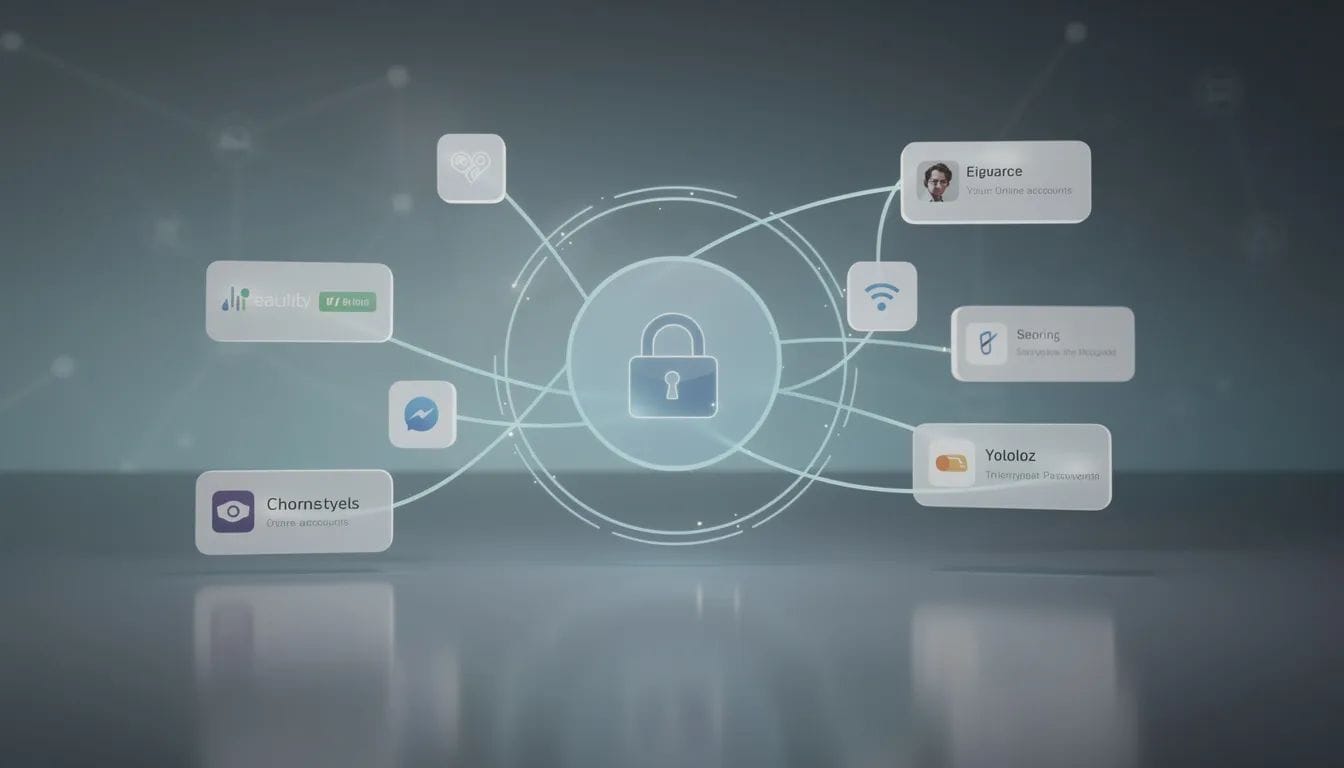
Key Features that most password managers offer:
- Strong encryption to protect stored data
- Password generation for creating strong, unique passwords
- Secure storage for sensitive information
- Multi-factor authentication for added security
- Password health monitoring to identify weak or reused passwords
Cross-Platform Compatibility
Look for a password manager that offers cross-platform compatibility to ensure it works on all your devices.
Many password managers provide:
- Browser extensions for seamless autofill in web browsers
- Desktop apps for managing credentials in desktop environments
- Mobile apps for secure access on the go
Import/Export Capabilities
It is also important to ensure that the password manager allows for easy import and export of passwords from other services or browsers. This feature simplifies the transition from other password management tools and helps maintain continuity.
A secure password manager will offer advanced security features, regular security audits, and strong privacy protections. Third-party password managers often provide more robust protection and additional features compared to built-in browser tools.
Next, we'll explore the differences between free and paid password manager options.
Free Password Managers
Free password managers provide a starting point for secure password management. Most password managers offer a free tier, but these often come with limitations compared to paid versions.
Common limitations of free password managers:
- Limited number of passwords that can be stored
- Access on only one device at a time
- Fewer advanced features (e.g., password sharing, encrypted file storage, emergency access)
- No dark web monitoring or detailed vault health reports
Some paid password managers offer a 30-day free trial, allowing users to test premium features before committing. Free password managers can still provide strong encryption and basic password management features, helping users familiarize themselves with password management tools before upgrading to premium plans.
Now, let's look at how password managers help monitor for data breaches and protect your credentials.
Dark Web Monitoring
Dark web monitoring helps users identify exposed credentials. Many password managers include this feature to alert users if their credentials are found in data breaches.
Key benefits:
- Alerts users to potential vulnerabilities and compromised credentials
- Enables quick updates to compromised passwords
- Enhances security awareness and control over accounts
Data breach monitoring and data breach scanners are often included in premium plans, providing an extra layer of protection for your online accounts.
Next, we’ll compare the top password manager applications to help you choose the best one for your needs.
Best Password Manager
Choosing the best password manager depends on security, usability, and trust.
When evaluating options, consider:
- Security features (end-to-end encryption, two-factor authentication)
- User experience (interface, customer support)
- Track record (history of security breaches)
- Cross-platform support
- Unique features (e.g., dark web monitoring, VPN, open-source code)
Comparison Table: Top Password Manager Applications
Password Manager | Key Features | Free Plan | Notable Strengths |
|---|---|---|---|
NordPass | End-to-end encryption, cross-platform, password health reports, dark web monitoring | Yes | Recommended as best overall by multiple sources; no data breaches |
1Password | User-friendly interface, Travel Mode, strong security, cross-device sync | No (trial only) | Praised for usability and security features |
Bitwarden | Open-source, strong encryption, annual audits, password generator, cross-device sync | Yes | Generous free tier; unlimited storage and sync; never breached |
RoboForm | Secure sharing, password generator, cross-platform | Yes | Forever-free plan; unlimited storage on one device; never breached |
Keeper | Advanced security, customization, family/business plans, dark web monitoring | Yes (limited) | Suitable for families/businesses; free plan stores 10 passwords |
Dashlane | Dark web monitoring, built-in VPN, password health, autofill | Yes | Comprehensive features; built-in VPN |
Proton Pass | Privacy-first, Proton ecosystem integration, unlimited logins, device sync | Yes | Free version includes unlimited logins and device sync; privacy focus |
Summary of Key Differences:
- NordPass, Bitwarden, and RoboForm have never experienced a data breach, enhancing user trust.
- Bitwarden and Proton Pass offer generous free plans with unlimited storage and device sync.
- Keeper’s free plan is limited to 10 passwords.
- Dashlane stands out for its built-in VPN and dark web monitoring.
- 1Password is known for its user-friendly interface and unique Travel Mode feature.
- EveryKey prioritizes passwordless access, in addition to password management.
When evaluating the top password managers, experts consider factors like security protocols, usability, pricing, and unique features to help users find the most trusted solutions for their needs.
Next, we’ll examine the best free password manager options and what to expect from their free plans.
Best Free Password
The best free password tools balance access and limitations. Some free password managers, like Bitwarden, offer unlimited password storage across multiple devices. RoboForm’s free plan allows unlimited password storage but limits access to one device at a time.
Popular free password manager options:
- Bitwarden: Unlimited storage and device sync
- RoboForm: Unlimited storage, one device
- Proton Pass: Unlimited logins and device sync for a single user
- Keeper: Free plan limited to 10 passwords
Other password management apps, like Password Safe iOS, offer robust security and features for Apple device users.
Next, let’s look at what features are typically included in the free version of password managers.
Free Version
A free version often focuses on essentials.
Free password managers typically do not include advanced features like:
- Detailed vault health reports
- Data breach scanning
- Password sharing
- Encrypted file storage
- Emergency access
- Priority customer support
Despite these limitations, free password managers can still provide strong encryption and basic password management features.
Now, let’s explore which free password manager might be the best fit for your needs.
Best Free Password Manager
The best free password manager depends on how you plan to use it. Bitwarden offers a generous free tier for password storage and syncing across devices. RoboForm is highlighted as a reliable password manager with a forever-free plan that allows unlimited password storage on a single device.
Benefits of free password managers:
- Build healthy password habits before committing to a paid plan
- Test core features and usability
- Evaluate secure password sharing (often a premium feature)
Next, we’ll discuss what to expect from a free plan and when it might be time to upgrade.
Free Plan
A free plan is often a preview of premium features.
Most free plans restrict advanced tools such as:
- Password health reports
- Dark web scanning
- Encrypted file storage
- Secure file storage for important documents
Many users start with a free plan and upgrade once they manage multiple devices or sensitive accounts. Consider the availability of a free trial or money-back guarantee to test the password manager before committing to a subscription.
Now, let’s look at emergency access and sharing features for families and teams.
Emergency Access
Emergency access ensures continuity. This feature allows users to designate a trusted contact to access their accounts in case of incapacitation or death.
Benefits:
- Peace of mind for families and teams
- Secure account sharing without sacrificing control
- Commonly included in premium password managers
Next, we’ll review secure sharing options for password managers.
Sharing
Password managers also offer secure sharing features, making it easy to share login credentials with family members, colleagues, or team members while maintaining full control over your sensitive information.
Secure sharing options include:
- Password sharing with specific users
- Emergency access for trusted contacts
- Permission controls for shared accounts
Many password managers include advanced features like dark web monitoring, data breach scanning, and two-factor authentication to further protect your shared information.
When selecting the best password manager for your needs, consider factors such as security features, ease of use, and the ability to securely share login credentials. Look for a password manager that offers robust options for secure sharing, emergency access, and dark web monitoring.
Next, we’ll compare Google Password Manager with third-party options.
Google Password Manager
Google Password Manager is built into the Google ecosystem. It offers basic password storage and autofill for Chrome and Android users.
Key points:
- Convenient for Chrome and Android users
- Lacks advanced features found in third-party password managers
- No dark web monitoring or encrypted file storage
Third-party password managers provide enhanced security, cross-platform compatibility, and additional features such as dark web monitoring, setting them apart from built-in browser tools.
Now, let’s summarize the best free options and what to look for in a password manager.
Best Free
The best free option depends on your priorities. Some users prioritize unlimited storage, while others prioritize multi-device access or privacy.
Essential features to look for:
- Strong encryption
- Password generator
- Basic autofill
- User-friendly interface
The password generator feature is especially important, as it helps users create strong, unique passwords to enhance online security. Most password manager applications include a password generator feature to ensure users can easily generate secure, randomized passwords for all their accounts.
Next, we’ll discuss how password managers contribute to overall digital security.
Digital Security
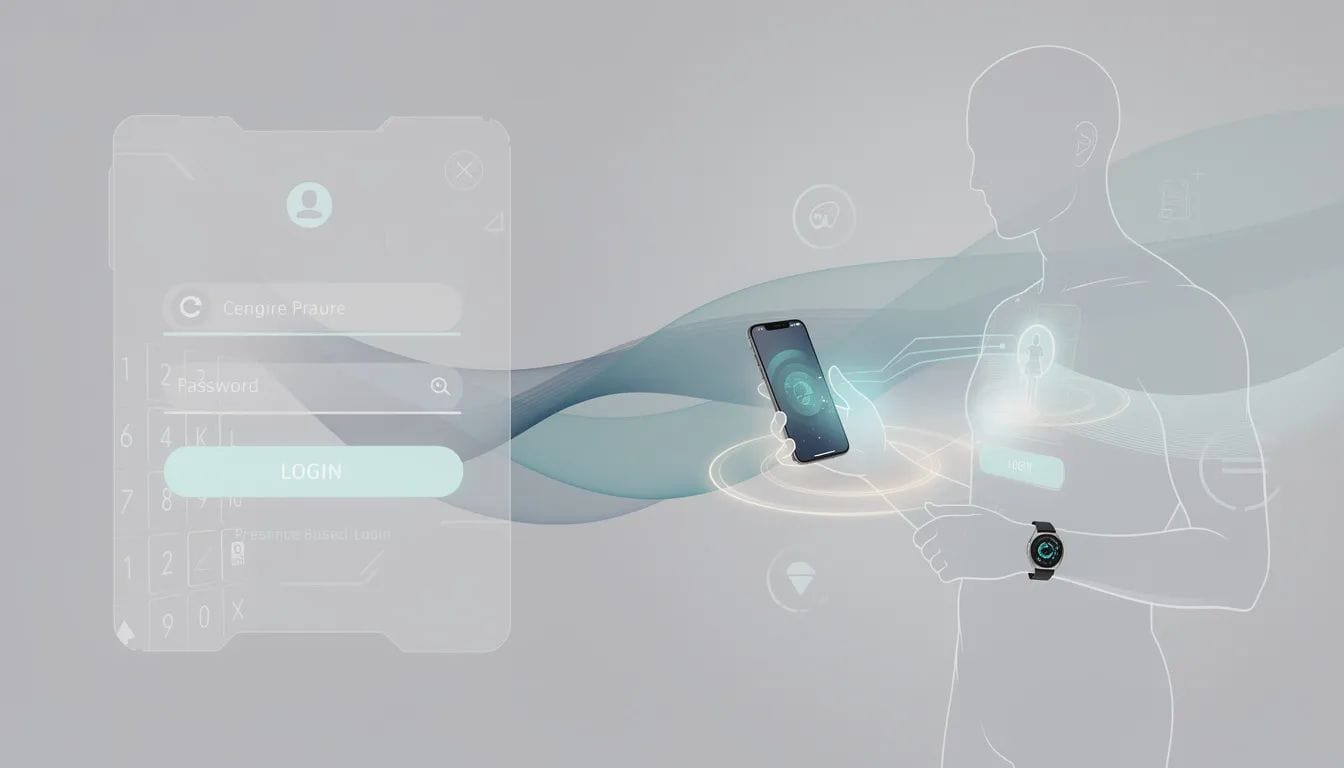
Digital security improves with better access habits. Password managers protect sensitive data with strong encryption, preventing unauthorized access. They also help users identify and update weak passwords, improving overall password hygiene.
Encryption
Password managers use strong encryption methods, such as AES 256, to secure your data and prevent unauthorized access.
Password Hygiene
Password hygiene features help users identify weak, reused, or compromised passwords and suggest updates. Many password managers also offer encrypted storage for sensitive documents and secure notes for private information.
Multi-Factor Authentication
Most password manager applications support multi-factor authentication (MFA) to further enhance account security.
Using a password manager is recommended by security experts to maintain the security of online accounts. As organizations move toward passwordless access, tools like EveryKey complement password managers by reducing how often people need to rely on passwords at all. By confirming identity through presence and trusted devices, access becomes simpler and more natural without adding friction.
Frequently Asked Questions
Are password manager applications safe?
Yes. Password managers typically use strong encryption and offer multi-factor authentication to protect stored data. For optimal safety, it is recommended to choose a secure password manager that employs robust security protocols.
Do free password managers provide enough protection?
They provide basic protection, but often lack advanced features such as dark web monitoring and secure sharing. Free password manager applications may also not include features like encrypted storage for sensitive documents.
What makes a password manager reliable?
Strong encryption, a good security track record, cross-platform support, and a clear privacy model. It's also a good idea to compare these aspects with other password managers before making a choice.
Should I use a dedicated password manager instead of a browser tool?
Dedicated password managers usually offer stronger features, broader device support, and better visibility into password health. In contrast, web browser-based password tools may lack advanced features and security.
Do password managers prevent phishing attacks?
Password manager applications can help users avoid phishing attacks by verifying domain names before autofilling passwords. Additionally, they generate random passwords, making it harder for attackers to compromise accounts.