Best Passwordless Authentication Methods of 2026
We compared passkeys, FIDO2 security keys, biometrics, magic links, and push-based MFA for going passwordless in 2026. See which method fits your security needs — with setup guides for each.

Passwordless authentication is a means to verify a user's identity without using a password. Instead, it uses more secure alternatives like possession factors, biometrics, or one-time passwords. This article is designed for IT professionals, security leaders, and general users seeking to understand the landscape of passwordless authenticators, their benefits, and practical implementation methods. We provide an overview of passwordless authenticators, discuss their benefits, and outline practical implementation methods. Passwordless authentication matters because it plays a critical role in reducing data breaches and improving user experience by eliminating the vulnerabilities associated with traditional passwords.
As phishing attacks, credential stuffing, and password reuse continue to drive data breaches, organizations are moving beyond password-based authentication toward more secure and user-friendly alternatives. By 2026, passwordless authentication is mainstream because it is more secure than passwords and reduces password fatigue. Passwordless authentication is designed to replace passwords entirely, offering a more secure and user-friendly alternative for authentication.
Introduction to Passwordless Authentication
Passwordless authentication is a means to verify a user's identity without using a password. Instead, it uses more secure alternatives like possession factors, biometrics, or one-time passwords. Instead of asking users to remember and enter complex passwords, passwordless authentication leverages more secure alternatives such as possession factors — like one-time passwords or registered smartphones — and biometrics, including fingerprint and facial recognition. This method is designed to provide a more secure and seamless sign-in experience, making it much harder for attackers to compromise accounts through phishing attacks or stolen credentials.
By enabling passwordless authentication, organizations can significantly reduce the risk of data breaches, while users benefit from a faster, more convenient way to verify their identity and access their accounts securely.
Passwordless Authenticator
A passwordless authenticator is any tool or device that enables passwordless authentication using stronger authentication factors. Passwordless authenticators utilize biometrics, hardware tokens, and cryptographic keys. These play a crucial role in modern access management by streamlining and securing user access to systems and data.
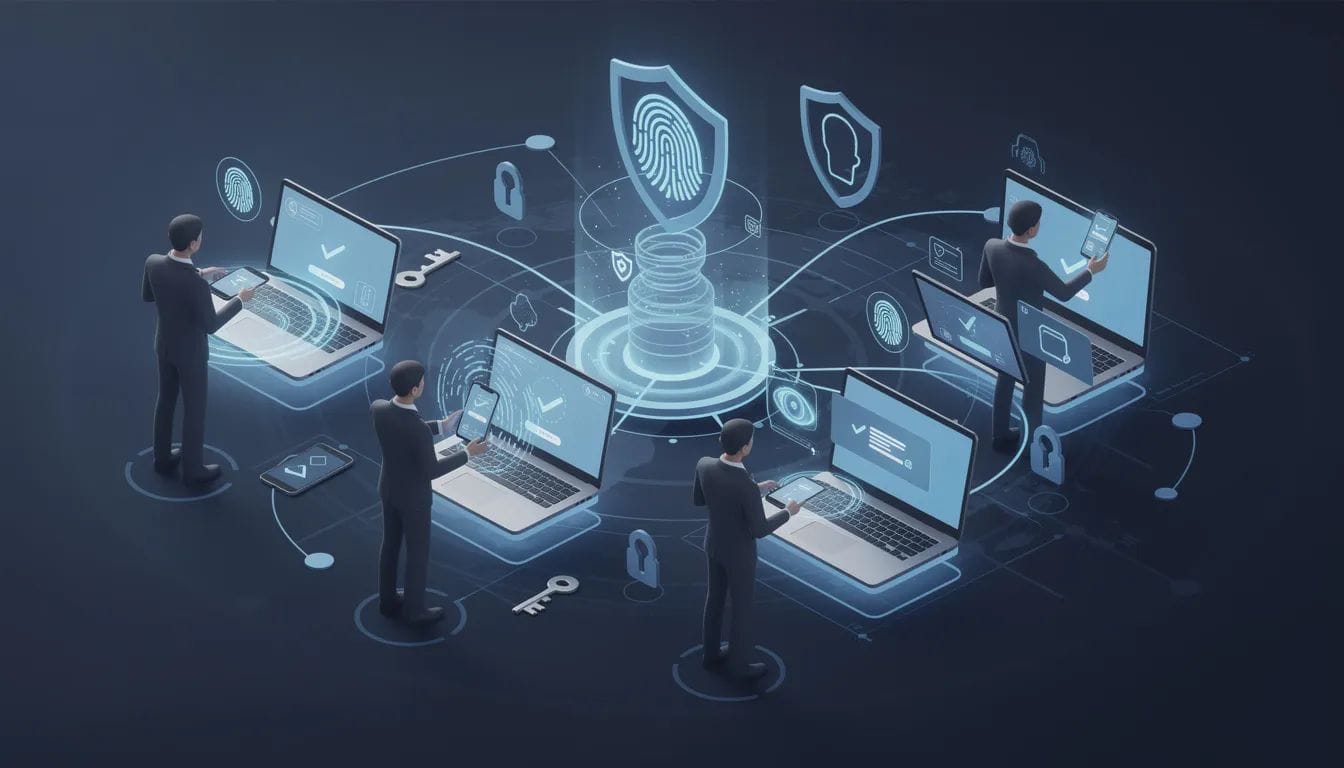
Passwordless authentication uses more secure alternatives like possession factors, biometrics, or one-time passwords. Passwordless techniques are inherently safer than passwords because they are harder to crack and less prone to common cyberattacks.
Passwordless systems reduce the risk of data breaches because they do not rely on shared secrets. This directly addresses common security failures caused by password reuse and stolen credentials.
Benefits of Passwordless Authentication
Security Benefits
- Eliminates the need for users to remember and manage passwords, reducing the risk of password reuse and associated vulnerabilities.
- Prevents data breaches caused by weak or stolen passwords, as authentication relies on stronger, more secure factors.
- Helps prevent phishing attacks and credential theft by removing shared secrets from the authentication process.
User Experience Benefits
- Streamlines the login process, making it easier and faster to access accounts without the hassle of forgotten passwords or frequent resets.
- Provides a seamless and convenient sign-in experience for users.
Organizational Benefits
- Reduces password-related support requests, lowering IT support costs and administrative overhead.
- Strengthens overall security posture, making passwordless authentication a win-win for both security and user experience.
Microsoft Authenticator App
The Microsoft Authenticator app is one of the most widely used passwordless authenticators in enterprise environments.
The Microsoft Authenticator app can be used to sign in to any Microsoft Entra account without using a password. Users can register for passwordless phone sign-in directly within the Authenticator app without the need to first register Authenticator with their account.
To use passwordless phone sign-in with Authenticator, users must meet certain prerequisites, including enabling Microsoft Entra multifactor authentication (MFA). Once passwordless authentication is enabled, users will authenticate their login using number matching and biometrics associated with their mobile device.
Fewer password resets result in lower IT support costs and reduce administrative overhead.
Authentication Methods
Modern authentication methods extend well beyond passwords. Common types of passwordless authentication include:
- Biometrics: Fingerprint scanning, facial recognition, and voice recognition. Methods like facial recognition are up to 75% faster than traditional password entry.
- Hardware tokens: Physical devices such as security keys that generate or store cryptographic credentials.
- One-time passcodes: Temporary codes sent to or generated by a trusted device.
Using alternative sign-in methods like biometrics is more secure than traditional passwords which can be stolen or guessed.
Implement Passwordless Authentication
To implement passwordless authentication, organizations must rethink identity and access workflows.
Enabling Passwordless Access
Passwordless authentication is more secure than password-based authentication because it reduces reliance on vulnerable passwords. Passwordless authentication helps protect against human-error data breaches.
Credential Setup
Users can enable passwordless authentication by going to their Microsoft account dashboard and selecting the option to turn on passwordless account access. During the setup process, users will be guided to create secure credentials, such as passkeys or cryptographic key pairs, to complete the configuration.
Policy Management
Microsoft Entra ID allows Authentication Policy Administrators to choose which authentication methods can be used to sign in. Implementing passwordless authentication can reduce maintenance costs for businesses, especially by eliminating password resets.
Biometric Authentication
Biometric authentication is one of the most user-friendly passwordless approaches.
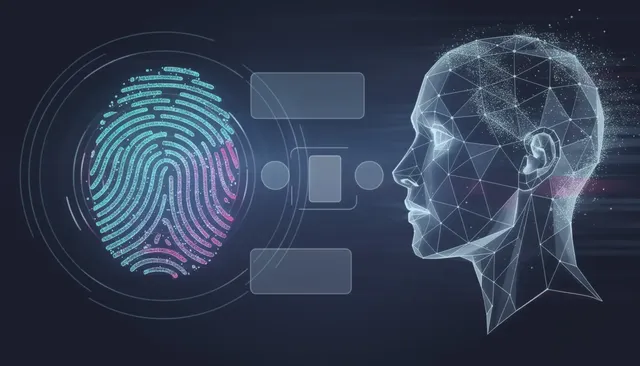
Biometric authentication methods include fingerprint, facial recognition, and voice recognition. These methods are used to verify and secure the user's identity during the authentication process. Using biometrics strengthens secure sign ins while improving user experience.
Many companies are investing in biometrics and adaptive authentication as part of their passwordless strategy. Biometric-based authentication also reduces the likelihood of credential theft and phishing attacks.
Authenticator App
An authenticator app enables secure passwordless login using a mobile device. Some passwordless authentication solutions also offer a browser extension, allowing users to securely authenticate and manage logins directly from their web browser.
Passwordless authentication reduces reliance on vulnerable passwords and resists phishing attacks. Passwordless authentication reduces the risk of phishing attacks.
Authenticator apps leverage possession factors and biometrics tied to the user’s device, ensuring that only authorized users can authenticate.
Hardware Security Keys
Hardware security keys offer the highest level of passwordless protection.
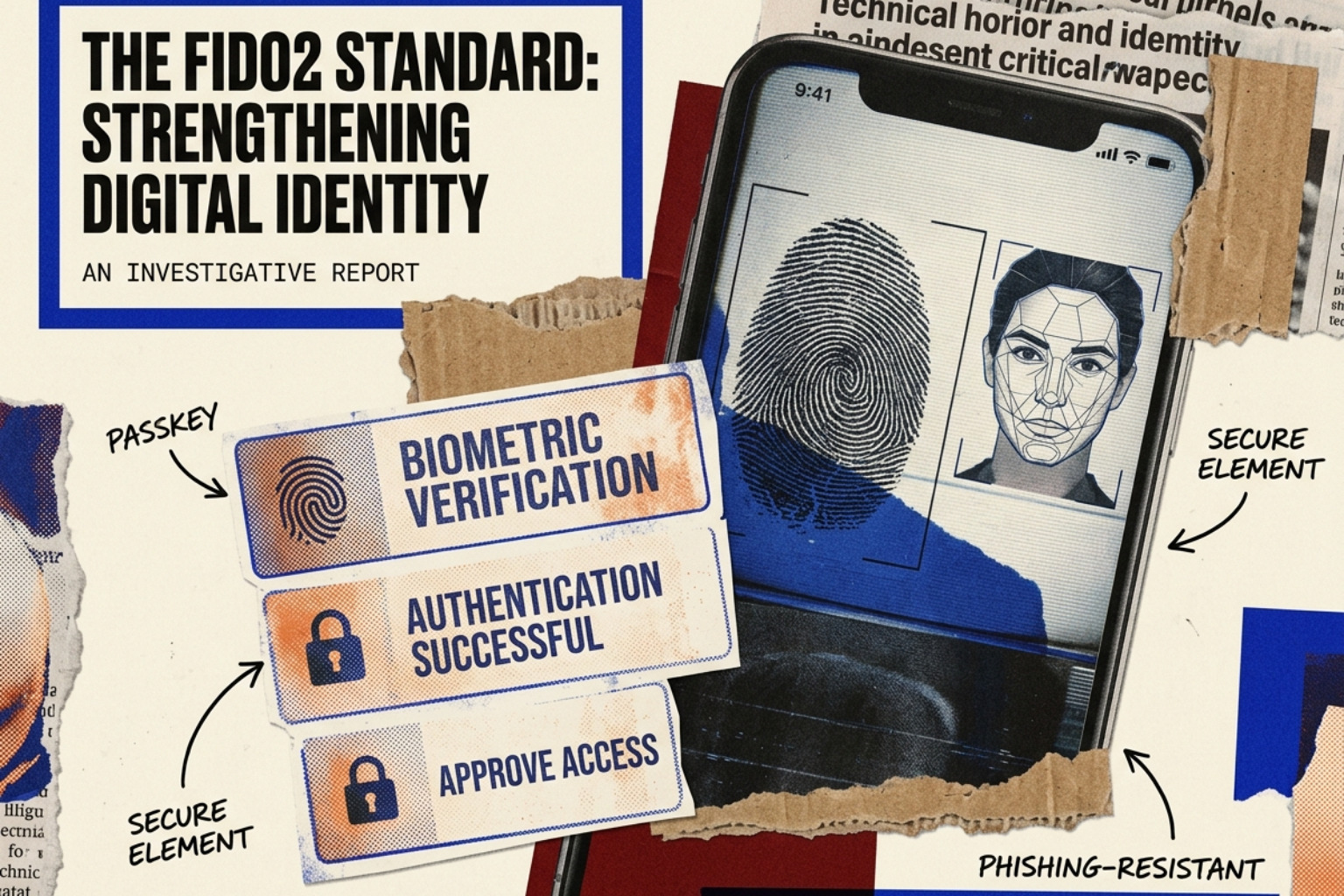
FIDO2-certified hardware keys can be used for passwordless authentication. Modern standards like FIDO2 use cryptographic key pairs tied to specific devices, making them phishing-resistant.
Physical security keys store cryptographic credentials securely and require physical presence, preventing remote credential abuse.
How Does Passwordless Authentication Work?
Key Generation
When setting up a passwordless account, a unique cryptographic key pair is generated.
Key Storage
In passwordless authentication, the private key is securely stored locally on the user's device. Public-key cryptography is used in passwordless systems to verify identity without sending a secret over the network.
Authentication Flow
The public key is registered with the service, while the private key never leaves the device, preventing interception.
Microsoft Authenticator
Microsoft Authenticator integrates seamlessly with Microsoft Entra ID and cloud applications.
Passwordless authentication is technically safer than multifactor authentication (MFA) because it does not involve a password at all. Passwordless authentication is more secure than traditional password-based authentication.
Once enabled, users complete the sign in process using number matching, push notification approval, and biometric verification on their phone. Passwordless authentication with Microsoft Authenticator is typically configured on one device per user, ensuring secure and streamlined sign-ins.
Authentication Work
The authentication work behind passwordless systems relies on cryptography and device trust.
Passwordless authentication work replaces shared secrets with cryptographic key pairs and trusted authentication requests. Passwordless solutions provide a more secure and convenient sign-in method compared to passwords.
Passkeys are a newer standard allowing for the syncing of cryptographic credentials across devices, further improving usability.
Monitoring user logs allows organizations to detect unusual login patterns and respond to potential security threats more effectively in passwordless authentication systems.
Account Recovery
Account recovery in passwordless systems focuses on secure identity verification.
Account recovery may involve secondary devices, backup authentication methods, or administrator verification rather than password resets. Passwordless authentication reduces the need for frequent account recovery because it eliminates forgotten passwords.
Going Passwordless
Going passwordless is now a strategic priority.

The future of authentication is expected to be passwordless due to the increasing number of cyberattacks and the inconvenience of passwords. Many businesses have passwordless technology on their roadmap.
By 2026, passwordless authentication is mainstream because it is more secure than passwords and reduces password fatigue.
This is where proximity-based authentication platforms like Everykey quietly complement passwordless strategies by enabling seamless, device-based authentication without relying on passwords or repeated user prompts.
FIDO Alliance
The FIDO Alliance plays a central role in passwordless standards.
Modern standards like FIDO2 use cryptographic key pairs tied to specific devices, making them phishing-resistant. FIDO-based authentication removes passwords entirely from the authentication process.
Passwordless authentication can be achieved using biometrics, one-time passwords, or registered devices.
Magic Links
Magic links are another passwordless option.
Magic links allow users to log in by clicking a time-limited link sent to a trusted channel. While convenient, they are often used alongside stronger passwordless methods such as biometrics or security keys for higher-risk environments.
Best Practices for Passwordless Authentication
To successfully implement passwordless authentication, organizations should follow several best practices. Start by selecting a trusted authentication method, such as the Microsoft Authenticator app, which supports a variety of authentication factors including biometrics and hardware security keys. Ensure the authentication process is intuitive and user-friendly, allowing users to easily enroll their devices and authenticate without technical barriers.
It’s also essential to establish a secure and reliable account recovery process, so users can regain access if they lose their device or forget their credentials. Regularly review and update authentication policies to keep pace with evolving security threats and industry standards. By following these best practices, organizations can maximize the security and convenience of their passwordless authentication strategy.
Future of Passwordless Authentication
The future of passwordless authentication is bright, with rapid advancements in authentication methods and growing adoption across industries. As users increasingly demand secure and convenient access, organizations are turning to innovative solutions like behavioral biometrics and artificial intelligence-powered authentication to further enhance security.
The FIDO Alliance continues to drive the development of open standards, making it easier for organizations to implement secure, interoperable passwordless authentication solutions. The widespread use of mobile devices and cloud services is also accelerating the shift to passwordless authentication, enabling users to access their accounts and sensitive data securely from anywhere. As these trends continue, passwordless authentication will become the standard for secure access and identity verification.
Conclusion
In summary, passwordless authentication is transforming the way organizations approach user authentication and security. By enabling passwordless authentication with solutions like the Microsoft Authenticator app, biometric authentication, and other authentication methods, organizations can reduce the risk of data breaches, simplify the login process, and strengthen their overall security.
As technology evolves, the adoption of passwordless authentication will only increase, bringing even more advanced and user-friendly authentication methods to the forefront. Now is the time for organizations to embrace passwordless authentication as a core part of their security strategy, ensuring secure, convenient, and reliable access for all users while protecting sensitive data from modern threats.
Frequently Asked Questions
What is a passwordless authenticator?
Passwordless authentication verifies user identity without relying on traditional passwords.
Why are organizations adopting passwordless authentication?
Passwordless methods reduce phishing risk and credential theft while improving usability.
Is passwordless authentication more secure than passwords?
Yes. Passwordless authentication is more secure than traditional password-based authentication because it removes shared secrets that can be stolen or reused.
Does Microsoft Authenticator support passwordless sign-in?
Yes. The Microsoft Authenticator app can be used to sign in to Microsoft Entra accounts without using a password.
Are hardware security keys required?
Not always, but FIDO2-certified hardware keys provide the highest level of phishing-resistant security.
Is passwordless authentication widely adopted?
Yes. By 2026, passwordless authentication is mainstream because it is more secure than passwords and improves user experience.
Does Windows Credential Manager support passwordless authentication?
Some Windows features and services still rely on Credential Manager, which may require passwords for certain operations, even as passwordless authentication becomes more common.
Is SMS OTP still used with passwordless authentication?
SMS OTP can be used as a secondary authentication factor in adaptive authentication systems, especially when additional verification is needed during suspicious login attempts.
What happens if a user attempts to sign in multiple times with passwordless authentication?
If a user attempts to sign in multiple times, they may encounter:
- Pending verifications
- Errors, depending on the authentication system's configuration and security policies.