Best Alternatives to Microsoft Authenticator for Secure MFA Solutions in 2026
Duo, Authy, YubiKey and more — the best alternatives to Microsoft Authenticator for secure multi-factor authentication in 2026.

Introduction to Multifactor Authentication
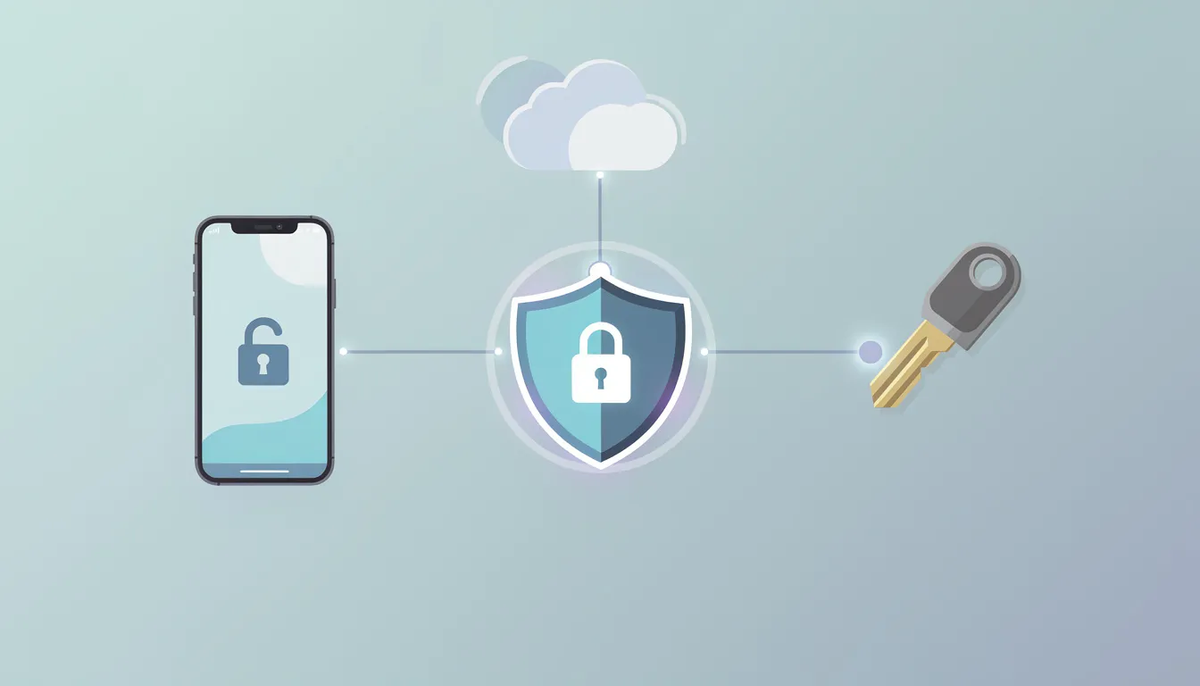
Multifactor authentication (MFA) represents a formidable security fortress that demands users present two or more independent credentials before unlocking access to systems, applications, or networks, creating an impenetrable barrier that transcends the vulnerable simplicity of traditional username-and-password combinations. This authoritative approach dramatically elevates protection standards, ensuring that unauthorized intruders face seemingly insurmountable obstacles when attempting to compromise digital sanctuaries. Powerful authentication methods include deploying sophisticated authenticator applications — such as the robust Microsoft Authenticator or the reliable Google Authenticator — which generate dynamic one-time passcodes (OTP) that refresh every 30 seconds like digital sentinels standing guard.

When accessing protected services, users experience this seamless yet secure process: entering their password followed by providing the ever-changing verification code generated by their chosen authenticator guardian. Through implementing this multi-layered defense system, individuals and organizations forge an uncompromising shield around sensitive data, dramatically reducing unauthorized access risks even when passwords fall victim to theft or exposure. MFA now stands as the gold standard for digital protection, earning widespread support across major platforms including Microsoft and Google, ensuring integrity and security in our interconnected digital landscape.
Overview: Why Evaluate Alternatives to Microsoft Authenticator?
This article is designed for IT teams, security-conscious users, and organizations seeking robust, flexible, and future-proof multi-factor authentication (MFA) solutions. As digital threats evolve and organizations diversify their technology stacks, evaluating alternatives to Microsoft Authenticator becomes crucial for several reasons: ensuring broader compatibility across platforms, accessing advanced backup and recovery options, and leveraging innovative features that may not be available in Microsoft’s ecosystem. By reviewing and comparing the top alternatives to Microsoft Authenticator, this guide empowers you to select the best fit for your security needs and operational requirements.
There are many competitors to Microsoft Authenticator, each offering unique features and approaches to authentication. In this article, we will review and compare these alternatives to Microsoft Authenticator and their features to help you find the best fit for your needs, with a focus on cross-platform support.
This guide reviews alternatives to Microsoft Authenticator, including authenticator apps, hardware security keys, and modern MFA platforms that support passwords, passkeys, OTP, and device-based verification.
With this foundational understanding of MFA, let’s explore the landscape of alternatives to Microsoft Authenticator and what sets them apart.
Alternatives to Microsoft Authenticator
Alternatives to Microsoft Authenticator fall into three broad categories: traditional authenticator apps, hardware security keys, and multi-factor authentication platforms that combine multiple verification methods. These apps allow users to switch between different authentication methods and set a default method for their logins, making it easier to customize security preferences.
Most alternatives mentioned support standard TOTP (time-based, 6-digit code). All listed apps support storing multiple 2FA tokens for various services. They streamline logins by enabling users to generate and manage multiple tokens for various services, enhancing both convenience and security.
Below are the main alternatives to Microsoft Authenticator, each with unique strengths and features:
Google Authenticator
Google Authenticator is a software-based authenticator made by Google that uses 2-Step Verification to add an extra layer of security to accounts. It is available for both Android devices and smartphones, making it accessible for a wide range of users. All authenticator apps generate time-based, one-time passcodes (TOTP or OTP) that refresh every 30 seconds.
Google Authenticator allows for cloud backups to prevent losing access to accounts, providing additional peace of mind for users who rely on their smartphone for authentication.
Google Authenticator can export all tokens created in it as a single QR code for easy transfer to a new device. Most authenticator apps do not require an internet connection to function after the initial setup.
Authy
Authy supports multi-device synchronization, allowing use on phones, tablets, and desktops, with secure cloud backups. Twilio Authy offers comprehensive cross-platform support and syncs tokens across all devices. Authy provides end-to-end encrypted cloud backups secured by a private user password.
EveryKey
EveryKey is a modern authentication platform that moves beyond traditional one-time passcodes by enabling proximity-based, passwordless access across devices and applications. Instead of requiring users to manually enter rotating codes, EveryKey verifies identity through secure device presence, reducing login friction while strengthening security posture.
Aegis
Aegis Authenticator is an open-source app specifically for Android that allows importing and exporting tokens and features local encryption. Aegis Authenticator allows for manual code entry and encrypted local vault storage.
Bitwarden
Bitwarden Authenticator can be used standalone or integrated within the Bitwarden password manager. Bitwarden integrates 2FA code generation with password management, providing an all-in-one solution.
Hardware Security Keys
For those seeking hardware-based authentication, some security keys connect to computers via a USB port and often resemble a flash drive, providing an additional layer of physical security.
With these alternatives in mind, let’s take a closer look at Microsoft Authenticator itself and how it compares.
Microsoft Authenticator
The Microsoft Authenticator app supports time-based one-time passcodes, push notifications, and cloud backup tied to a Microsoft account. The app's interface is clean and intuitive, making it easy for users to navigate, add accounts, and access authentication codes quickly across different platforms. Users can create new authentication entries by scanning a QR code or entering a secret key, streamlining the setup process for additional accounts. The Microsoft Authenticator app can function offline by generating one-time passcodes based on a shared secret key and the current time. Microsoft Authenticator encrypts stored tokens to protect sensitive data, and some authenticator apps allow for encrypted backups of account information in case the user loses their phone. Microsoft Authenticator can hide codes on the screen and store tokens in the cloud.
Limitations often cited include dependency on a Microsoft account for backups and limited flexibility outside Microsoft-centric environments.
Now that we’ve reviewed Microsoft Authenticator, let’s examine Google Authenticator in more detail.
Google Authenticator
Google Authenticator is a software-based authenticator made by Google that uses 2-Step Verification to add an extra layer of security to accounts. It is available for both Android devices and smartphones, making it accessible for a wide range of users. All authenticator apps generate time-based, one-time passcodes (TOTP or OTP) that refresh every 30 seconds.
Google Authenticator allows for cloud backups to prevent losing access to accounts, providing additional peace of mind for users who rely on their smartphone for authentication.
Google Authenticator can export all tokens created in it as a single QR code for easy transfer to a new device. Most authenticator apps do not require an internet connection to function after the initial setup.
With a clear understanding of Google Authenticator, let’s explore the broader landscape of authenticator apps and their role in MFA.
Authenticator App Landscape
Authenticator apps are a multi-factor authentication (MFA) method for encrypting online login credentials. Authenticator apps authenticate users by generating time-based one-time passcodes (OTPs) that are valid for a short period, enhancing security by requiring both a password and a passcode from the app.
All authenticator apps generate time-based, one-time passcodes (TOTP or OTP) that refresh every 30 seconds.
These apps verify user identity without relying on text messages, which are considered less secure due to vulnerabilities in SMS messaging. Using SMS codes for MFA is less secure than using authenticator apps because SMS-based codes can be intercepted or compromised, making them a weaker authentication method compared to app-generated OTPs.
Many authenticator apps can block screenshots to protect sensitive information.
The safety of authenticator apps depends on the developers’ underlying principles and protocols.
With this understanding of how authenticator apps work, let's explore the different models of multi-factor authentication available.
Multi-Factor Authentication Models
Multi-factor authentication (MFA) enhances account security by requiring something you know (like a password) and something you have (like a hardware key or a code). Some platforms support biometric authentication methods such as fingerprint recognition, providing an additional passwordless sign-in option. One-time passcodes (OTP) can be generated by hardware keys and are used for secure authentication. A phone can also be used as a backup method for receiving verification codes via text message or phone call.
Some platforms expand beyond OTP by combining passwords, passkeys, device trust, and contextual signals. Completing the setup of a security key involves registering it with your account and verifying its functionality to ensure your account is fully secured.
With these models in mind, let’s look at the top alternatives to Microsoft Authenticator.
Microsoft Authenticator Alternatives
Top alternatives to Microsoft Authenticator for two-factor authentication include:
- Google Authenticator
- EveryKey
- Authy
- Aegis
- Bitwarden
All listed apps support storing multiple 2FA tokens for various services. Many alternatives also support Linux and Windows operating systems, providing broader compatibility across devices.
2FAS allows local backups without requiring a cloud account, making it excellent for privacy-conscious users.
For those seeking hardware-based authentication, some security keys connect to computers via a USB port and often resemble a flash drive, providing an additional layer of physical security.
With the main alternatives outlined, let’s see how password managers can further enhance your MFA strategy.
Password Manager Integration
Bitwarden Authenticator can be used standalone or integrated within the Bitwarden password manager. Bitwarden integrates 2FA code generation with password management, providing an all-in-one solution.
Some password managers extend beyond OTP by supporting passwordless authentication and passkeys.
In this category, EveryKey is often evaluated as an MFA alternative rather than a standalone authenticator app. EveryKey supports passwords, passkeys, one-time passcodes, and proximity as a two factor method. This allows organizations to combine traditional authentication factors with device presence, reducing reliance on manual code entry while maintaining compatibility with existing MFA requirements.
With password manager integration covered, let’s examine hardware security key options.
Security Key Options
For maximum security, consider hardware keys like YubiKey as a physical alternative to app-based authenticators. A hardware security key, also known as a FIDO2 key, is a physical device that plugs into a computer's USB port for authentication, similar in appearance to a flash drive.
On many sign-in interfaces, users can follow a link to choose alternative authentication options, such as connecting with a security key instead of a mobile app.
Hardware keys offer strong phishing resistance but may introduce deployment and recovery considerations for some users.
With hardware security keys explained, let’s review the best authenticator apps and their standout features.
Best Authenticator Apps
Best authenticator apps typically offer the following features:
- Offline code generation
- Secure backups
- Screenshot protection
- Multi-account management
Offline Code Generation
Most alternatives mentioned support standard TOTP (time-based, 6-digit code), allowing for secure, offline code generation.
Secure Backups
Many apps provide encrypted cloud or local backups to ensure you don’t lose access to your accounts.
Screenshot Protection
Some authenticator apps can block screenshots to protect sensitive information.
Multi-Account Management
All listed apps support storing multiple 2FA tokens for various services, making it easy to manage security for multiple accounts.
Open-Source Options
Open-source options like Aegis or 2FAS offer high transparency in terms of security. Ente Auth is an open-source alternative specializing in end-to-end encrypted backups across multiple platforms.
iOS-Specific Options
OTP Auth is a feature-rich authenticator for iOS that supports iCloud sync and allows users to export tokens. Step Two is designed specifically for the Apple ecosystem, syncing via iCloud across Apple devices.
With the best apps and features outlined, let’s look at enterprise-focused solutions like Duo Security.
Duo Security
Duo Security is a user-centric zero-trust security platform that protects access to sensitive data for all users, devices, and applications. Duo Mobile is popular in enterprise environments, offering push notifications for quick authentication. Push Notifications in Duo Mobile provide one-tap approval for authentication.
Cisco Duo (Duo Mobile) supports push-based approvals for authentication and is often used alongside identity providers.
With enterprise solutions in mind, let’s explore the future of MFA with proximity and context-aware methods.
Proximity and Context-Aware MFA
In 2026, application authentication is shifting from static secrets to device-bound and context-aware methods. Platforms that support proximity use the presence of a trusted device as a possession factor.
EveryKey fits into this model by allowing proximity to function as a second factor alongside passwords, passkeys, or OTP. This approach supports gradual transitions toward passwordless authentication without breaking compatibility with existing login flows.
With context-aware MFA explained, let’s move on to the practical steps for implementing multi-factor authentication.
Implementing Multi-Factor Authentication
How to Set Up Multi-Factor Authentication
Establishing multi-factor authentication unfolds as an elegant dance between cutting-edge security and intuitive design — a transformative process that weaves an impenetrable digital fortress around your most precious online territories. Picture this journey beginning with the careful selection of a trusted digital sentinel: perhaps Microsoft Authenticator or Google Authenticator, downloaded like a master key onto the palm-sized command center that is your mobile device. The installation breathes life into a sophisticated guardian that awaits connection to your digital realm — your Microsoft account becomes the stage where this technological ballet performs. Through the mesmerizing ritual of scanning a QR code — those intricate black-and-white squares that hold secrets like ancient hieroglyphs — or by entering a cryptic sequence of characters during your account's security configuration, the authenticator app forms an unbreakable bond with your digital identity.
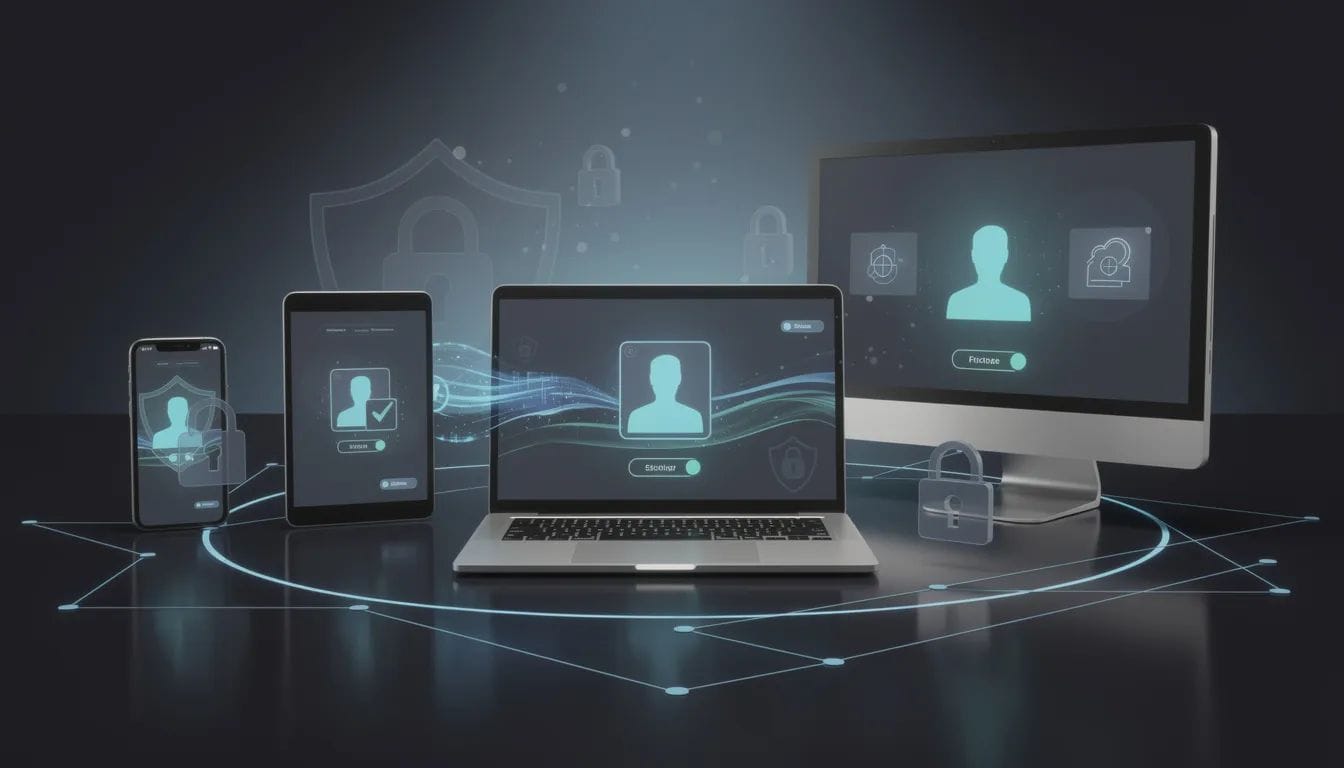
Once this powerful alliance awakens, each login transforms into a two-part symphony: your familiar password serves as the opening movement, followed by the harmonious input of a time-sensitive numerical sequence that your mobile guardian generates with clockwork precision. This choreographed security protocol ensures that even if malicious forces compromise your password, they remain powerless without access to that second, ever-changing digital key that resides safely in your pocket. For those seeking to craft a truly personalized security masterpiece, the platform reveals additional layers of protection — security keys that feel substantial in your hand, or biometric authentication that recognizes the unique patterns of your very being — each method offering its own blend of convenience and fortress-like protection, creating a bespoke shield perfectly tailored to safeguard every corner of your digital universe.
With the setup process explained, let’s see how authenticator apps specifically protect Microsoft accounts.
Authenticator Apps for Microsoft Accounts
In the ever-evolving landscape of digital security, authenticator apps stand as remarkable guardians, offering users a sophisticated yet accessible pathway to fortress-like protection for Microsoft accounts and countless online services. Microsoft Authenticator — a masterfully crafted application available across both Android and iOS ecosystems — delivers an extraordinary arsenal of security features that blend cutting-edge technology with intuitive design, including revolutionary passwordless sign-in capabilities, lightning-fast push notifications for seamless approvals, and comprehensive user management that effortlessly orchestrates multiple accounts with precision and grace. The app's interface represents a triumph of thoughtful engineering, designed with meticulous attention to user experience, enabling individuals to generate verification codes and navigate their security landscape with remarkable efficiency and confidence. Google Authenticator emerges as another formidable champion in this digital realm, supporting diverse account ecosystems while providing elegant OTP generation and sophisticated QR code scanning technology that transforms complex setup processes into moments of swift, almost magical simplicity. Both Microsoft Authenticator and Google Authenticator function as digital sentinels, requiring users to present a unique, time-sensitive code alongside their traditional password — a brilliant two-factor symphony that dramatically diminishes the specter of unauthorized intrusion and elevates account security to extraordinary heights. By embracing these remarkable authenticator technologies, users embark on a journey toward enhanced digital protection, safeguarding their most sensitive information across the vast, interconnected world of online platforms with unwavering integrity and peace of mind.
With Microsoft account protection covered, let’s conclude with key takeaways for choosing the right MFA solution.
Conclusion
As the vast, ever-shifting terrain of digital security unfolds before us, selecting the ideal multi-factor authentication solution has become a journey of critical importance, one that demands both wisdom and wonder. While Microsoft Authenticator stands as a trusted companion in this digital wilderness, a rich tapestry of alternatives — from the reliable pathways of authenticator apps like Google Authenticator to the fortress-like strength of advanced hardware security keys, and the innovative landscapes of proximity-based platforms — beckons to organizations and individuals seeking to craft their own unique security expedition. Through the implementation of MFA, digital explorers can forge protective barriers around their online territories, safeguard precious data treasures, and navigate confidently ahead of the ever-evolving cyber predators that lurk in the shadows of our connected world. The careful evaluation of the finest authenticator apps and methods for your particular digital odyssey ensures not merely robust protection, but a seamless, almost magical user experience that keeps your digital identity secure as we venture into 2026 and the uncharted territories beyond.
FAQ
Is Microsoft Authenticator the best option for MFA?
Microsoft Authenticator is effective, but alternatives may offer:
- Better backups
- Broader platform support
- Additional authentication factors
Do authenticator apps work without internet access?
Most authenticator apps do not require an internet connection to function after the initial setup.
Are hardware security keys better than authenticator apps?
- Hardware keys provide stronger phishing resistance
- Authenticator apps offer flexibility and easier recovery
Can MFA include more than OTP codes?
- Modern MFA platforms may support passwords, passkeys, OTP, hardware keys, and proximity-based verification.
Is proximity-based MFA secure?
When implemented correctly, proximity acts as a possession factor and can reduce phishing risk while improving usability.