Alternatives to Google Authenticator for Multi-Factor Authentication in 2026
Aegis, Ente Auth, Microsoft Authenticator, Authy & 4 more Google Authenticator alternatives tested. TOTP support, backup options, cross-platform sync & security compared for 2026.
Authenticator apps remain one of the most widely adopted methods for multi-factor authentication, especially for cloud services, enterprise applications, and consumer platforms. While Google Authenticator is often the default choice, many organizations and IT professionals evaluate alternatives due to backup limitations, privacy concerns, device recovery challenges, and support for broader authentication methods.
This article examines alternatives to Google Authenticator, including authenticator apps, password managers with built-in MFA, physical security keys, and modern authentication platforms.
Alternatives to Google Authenticator
Alternatives to Google Authenticator generally fall into three categories: mobile authenticator apps, hardware security keys, and broader MFA platforms that combine multiple authentication methods. Many platforms now support other methods such as SMS, biometrics, and push notifications to provide flexible authentication options. All authenticator apps generate time-based, one-time passcodes (TOTP or OTP) that refresh every 30 seconds.
Authenticator apps are a multi-factor authentication (MFA) method for encrypting online login credentials. Using authenticator apps combined with two-factor authentication (2FA) prevents almost all account takeovers, even if username and password details are compromised.
The use of authenticator apps has become essential for establishing robust two-factor authentication in business systems and applications.
Google Authenticator
The Google Authenticator app generates six digit code values based on a shared secret key. Most authenticator apps do not require an internet connection to function after the initial setup, and Google Authenticator follows this model.
Google Authenticator does not provide built-in encrypted backups by default, which can create recovery challenges when switching devices. Google Authenticator may collect excessive data from users, such as contacts and photos, which raises privacy concerns for some organizations.
Authenticator Apps
Authenticator apps are free, easy to use, and widely available, making them a practical choice for enhancing online security. As a free option for two-factor authentication, they are accessible to both individuals and organizations. Authenticator apps do not have access to your accounts after the initial code transfer; they only generate codes.
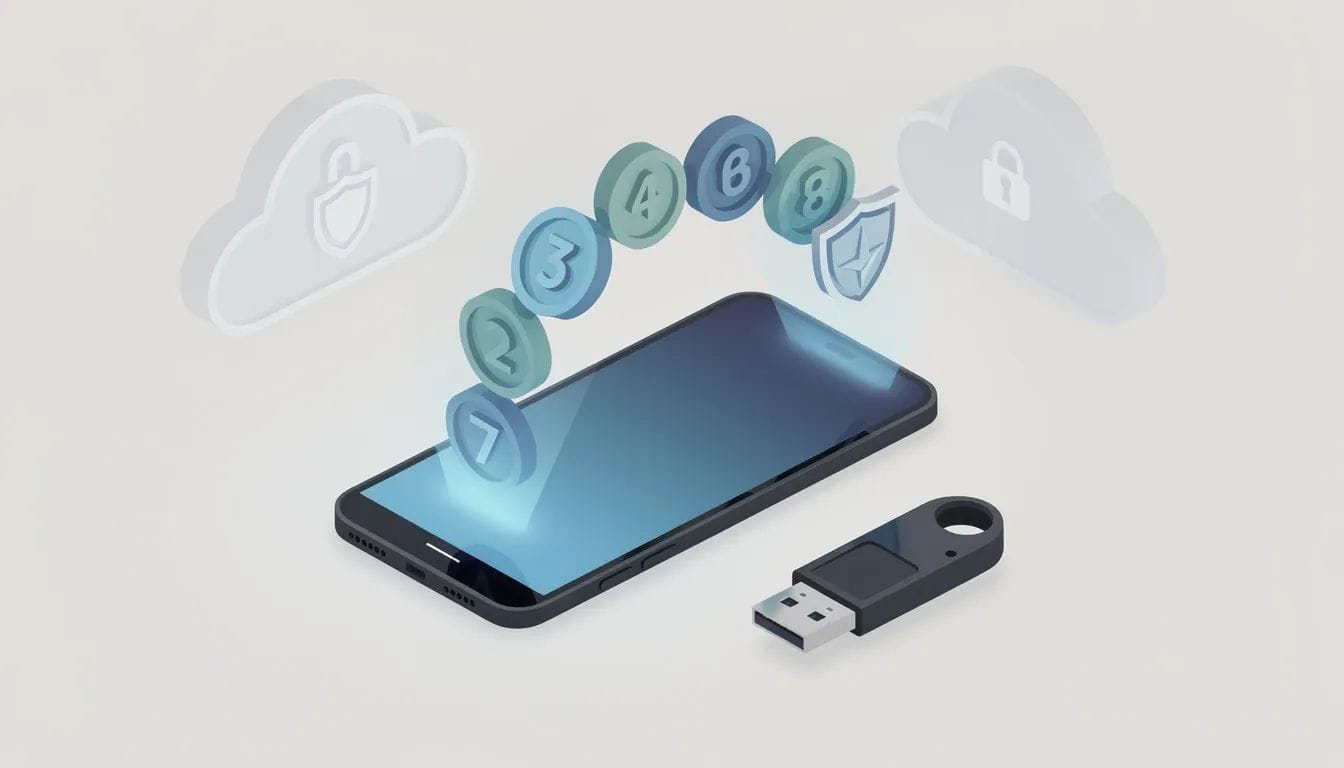
Most authenticator apps do not use codes sent by SMS during setup to authenticate users or devices. Enabling 2FA adds an additional layer of security to accounts, making it harder for hackers to gain access even if they have the password.
Authenticator apps generate time-based, one-time passcodes (TOTP) that refresh every 30 seconds, and many support multiple platforms and online services. Authenticator apps also offer a more affordable and user-friendly option for enterprises deploying 2FA on a large scale.
Google Authenticator Alternatives
When evaluating Google Authenticator alternatives, IT teams often consider encrypted backups, multi-device support, biometric security, and cross platform availability. Key features such as shared access, permissions, activity logs, and the ability to sync authentication data across devices are also important when assessing authenticator apps.
Some authenticator apps allow users to manage multiple devices for two-factor authentication. The ability to sync authentication data across devices is a key feature for seamless access and backup. Many authenticator apps offer features that allow users to view and edit their devices at any time.
Authentication Method Considerations
The authentication method selected should align with access policies, device diversity, and risk tolerance. Malware on a smartphone could potentially intercept authentication codes produced by an authenticator app, which is why layered approaches are often recommended. Users may also consider other software solutions, such as browser extensions or third-party security tools, to further enhance their online security.
Using a dedicated hardware key for MFA is considered more secure than using authenticator apps due to its single-purpose design.
Microsoft Accounts and Microsoft Authenticator
Microsoft Authenticator is commonly used for Microsoft accounts and enterprise environments. Microsoft Authenticator can be set up to require biometric logins to access your codes, including Face ID and fingerprint lock for enhanced login protection.
Like Google Authenticator, it supports offline OTP generation and can store tokens in the cloud, offering easier device recovery.
Google Account Protection
Authenticator apps remain a primary method for protecting Google accounts, social media accounts, and online services. Most authenticator apps do not require an internet connection to function after the initial setup, making them reliable even in restricted environments.
Backup codes are still recommended as a recovery option when using any authenticator app.
Factor Authentication Beyond OTP
Factor authentication has expanded beyond OTP codes. Modern MFA solutions increasingly support various authentication methods, including biometrics, push notifications, passkeys, and physical keys. Some platforms also support SMS codes as an alternative authentication method, though they may have security vulnerabilities compared to app-based solutions.
In this category, EveryKey is sometimes evaluated alongside authenticator apps. EveryKey supports passwords, passkeys, one-time passwords, and proximity as a factor authentication method. Proximity allows a trusted mobile device to act as a possession factor, complementing OTP or passkeys without requiring repeated code entry.
This model is often considered by organizations seeking to reduce reliance on manual token codes while maintaining compatibility with existing MFA systems.
Aegis Authenticator
Aegis Authenticator is an Android-only app focused on privacy and customizable options. It supports encrypted local storage and manual token entry. Aegis Authenticator is an open-source solution often selected by privacy-conscious users.
Alternatives to Google for MFA
Several open-source and commercial tools exist beyond Google’s ecosystem. Password managers are another category of alternatives to Google Authenticator, providing secure storage and management of 2FA codes. 2FAS is an open-source authenticator created by a group focused on internet safety and is widely recommended for ease of use.
Below is a comparison of popular alternatives to Google Authenticator for MFA:
Authenticator App | Platform(s) | Key Features |
|---|---|---|
Aegis Authenticator | Android | Open-source, encrypted local storage, manual token entry, privacy-focused |
2FAS | Android, iOS | Open-source, user-friendly, secure backups |
Bitwarden | Cross-platform | Password manager with built-in 2FA support (premium), secure storage |
EveryKey | Cross-platform | Proximity-based passwordless authentication, multi-factor authentication, password manager, & seamless device unlocking |
1Password | Cross-platform | Password manager, seamless cross-platform 2FA code syncing |
FreeOTP | Android, iOS | Open-source, customizable, lightweight |
Sentinel Authenticator | Android, iOS | Military-grade zero-knowledge encryption, organizational tools |
Authy | Android, iOS, Desktop | Encrypted cloud backups, multi-device support, phone number verification |
Duo Mobile | Android, iOS | Clean interface, secure encrypted backup, push notifications |
Cisco Duo | Cross-platform | Enterprise MFA, device trust, access policies, push-based approvals |
Rublon MFA | Cross-platform | Advanced access control, customizable policies, TOTP and biometric authentication |
Yubico Authenticator | Cross-platform | Stores codes on YubiKey hardware, high security, phishing resistance |
Duo Mobile
Duo Mobile is recommended for its clean interface and secure, encrypted backup system. Duo Mobile is often deployed in enterprise environments and supports push notifications for faster authentication.
Cisco Duo
Cisco Duo provides a broader MFA solution with device trust, access policies, and push-based approvals, and is part of Cisco's broader suite of information technology solutions supporting enterprise IT infrastructure. Cisco Duo is commonly used where centralized policy enforcement and user groups are required.
Rublon MFA provides a comprehensive solution with advanced access control and customizable access policies, and supports multiple authentication methods, including TOTP codes and biometric authentication.
Hardware Security Keys
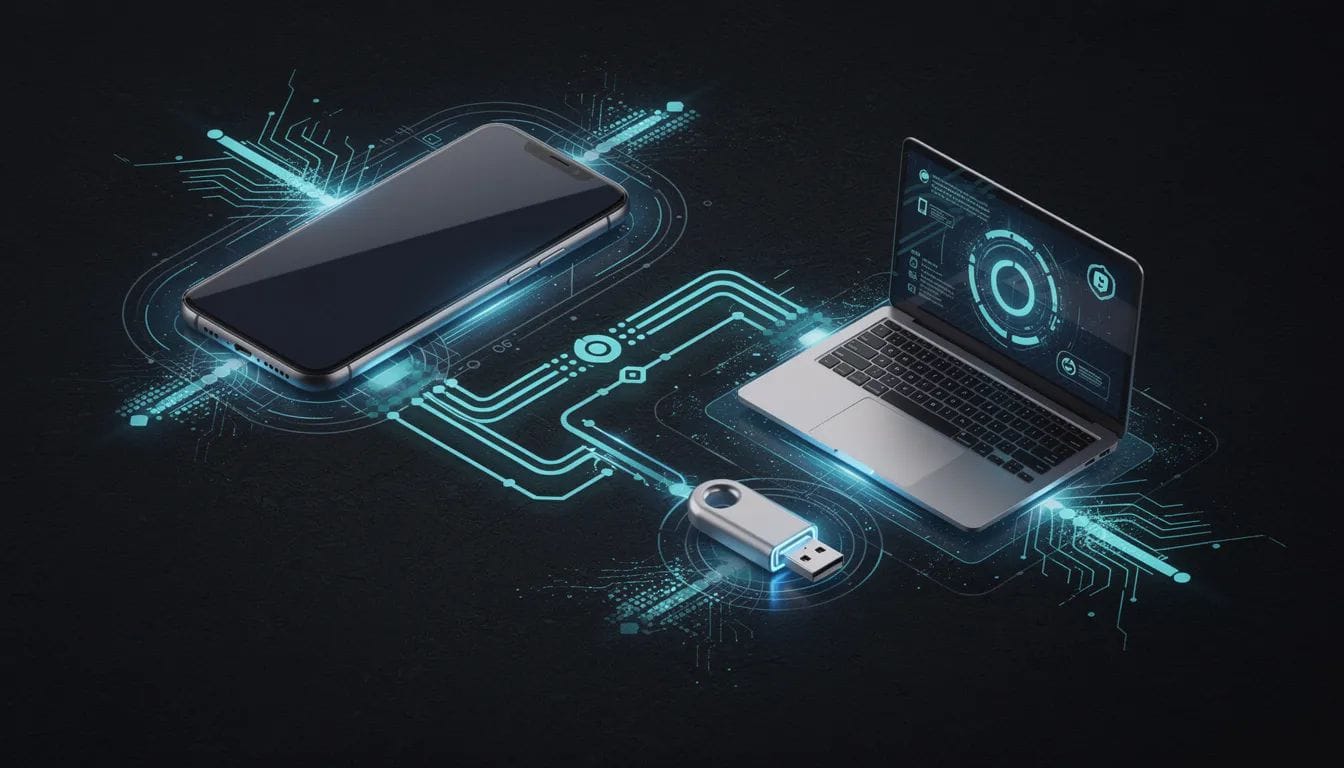
Physical security keys like the Yubico Security Key require a physical tap or insertion for authentication, making them immune to phishing and malware. Yubico Authenticator offers a high level of security by storing codes on a physical YubiKey device.
Hardware security keys are often used alongside authenticator apps or as a replacement for them in high-risk environments.
Privacy and Recovery Considerations
When choosing an authenticator app, consider whether it saves encrypted backups of your account information in case you lose your phone. Authy allows users to back up all 2FA tokens and restore them in the event that they lose their primary devices. When adding a new device, Authy requires phone number verification to enhance security and prevent unauthorized access.
The safety of authenticator apps depends on the developers’ underlying principles and protocols rather than individual software implementations.
Setting Up a New Authenticator
Choosing an Authenticator App
Embarking on the journey to fortify your digital realm through authenticator apps unveils a remarkably elegant process that can transform the very landscape of your online security. Begin this exploration by discovering your ideal digital guardian — whether the trusted Google Authenticator, the versatile Microsoft Authenticator, the innovative EveryKey Authenticator, the intuitive Duo Mobile, or the robust Aegis Authenticator — waiting in the vast digital marketplaces of Google Play Store or Apple App Store. These remarkable security sentinels are crafted to traverse multiple devices and platforms with grace, offering a flexible and powerful solution that adapts to your digital lifestyle.
Installing and Setting Up
Once your chosen guardian settles into your mobile device, you'll witness the fascinating ritual of account bonding through the scanning of a mysterious QR code or the careful entry of a secret key — unique digital fingerprints provided by the online services you seek to protect. This QR code or secret key serves as the mystical foundation for generating time-based one-time passwords, those ever-changing TOTP codes that refresh every thirty seconds like clockwork. These dynamic codes become your personal keys to the digital kingdom, required each time you venture into your online territories, weaving an additional protective layer beyond the traditional password barrier.
Backing Up Your Codes
The preservation of your secret key or QR code emerges as a critical cornerstone of digital wisdom. Should your mobile device vanish into the unknown, possessing a secure backup of this precious information ensures your ability to resurrect your authenticator app and reclaim access to your digital domains without tribulation. Advanced authenticator apps, such as the sophisticated Aegis Authenticator, offer remarkable features including encrypted backups and seamless support across multiple devices, transforming potential recovery challenges into effortless restoration experiences.
Advanced Features and Innovations
Contemporary authenticator applications showcase extraordinary innovations designed to elevate both security fortification and user experience to new heights. The pioneering Microsoft Authenticator and Duo Mobile embrace push notification technology, enabling authentication through a single, satisfying tap rather than the manual entry of codes. Many of these digital marvels also incorporate biometric security wonders — fingerprint recognition and facial identification technologies that provide an additional protective shield for your most sensitive information.
Using Physical Security Keys
For those seeking the ultimate frontier of protection, physical security keys such as the renowned Yubico Security Key present a formidable alternative to traditional authenticator applications. The setup process for these tangible guardians involves the careful registration of your physical key with online accounts and ensuring your devices embrace this advanced technology. These remarkable security keys stand impervious to phishing expeditions and malware invasions, making them ideal sentinels for safeguarding your most precious digital territories.
Best Practices for Ongoing Security
The quest to select the perfect authenticator app invites careful consideration of essential factors: compatibility with your technological ecosystem, robust support across multiple platforms, and the presence of advanced security features that match your needs. While Google Authenticator maintains its position as a popular choice among digital explorers, compelling alternatives — including Authy, EveryKey, Aegis Authenticator, and Duo Mobile — may offer superior support for encrypted backups, multi-device harmony, and enhanced security capabilities that better serve your unique digital journey.
Through following these thoughtful steps and embracing these proven best practices, you can successfully establish a new authenticator app or security key to shield your online presence from digital threats. The regular review and updating of your authentication methods ensures you maintain the pinnacle of security excellence as new challenges and technological marvels continue to emerge across our ever-evolving digital landscape.
FAQ
Are alternatives to Google Authenticator more secure?
Security depends on implementation, backup handling, and device protection. Many alternatives offer stronger recovery options or hardware-based protection.
Do authenticator apps work offline?
Most authenticator apps do not require an internet connection to function after the initial setup.
Are hardware security keys better than authenticator apps?
Physical security keys provide stronger phishing resistance, but authenticator apps offer easier deployment and lower cost.
Can MFA go beyond OTP codes?
Yes. Modern MFA platforms may support passkeys, biometrics, hardware keys, and proximity-based verification.
Is proximity-based MFA secure?
When implemented correctly, proximity functions as a possession factor and can reduce phishing risk while improving usability.
Can a popular password manager be used as an alternative to Google Authenticator?
Yes. 1Password, a popular password manager, supports two-factor authentication and provides seamless cross-platform syncing of 2FA codes, making it a convenient and secure alternative to Google Authenticator.